1
3 Evaluation
3.2 Prepare evaluation
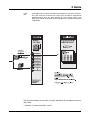
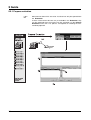
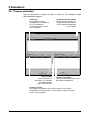
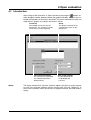
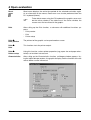
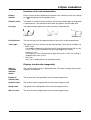
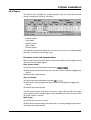
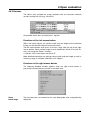
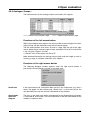
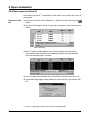
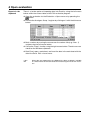
After the Evaluation ➔ Prepare function is called up, the dialogue window
described below appears.
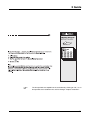
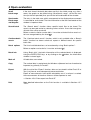
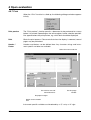
Instrument
All available instrument
configurations are displayed
here. A configuration
is selected using the mouse
or the keyboard.
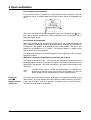
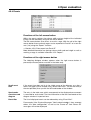
Select periods
with the aid of these
two buttons, time periods
are copied between
archive and evaluation
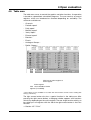
Supplementary description
with the aid of this button, the
“Supplementary description”
of the selected configuration
can be edited
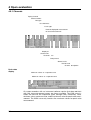
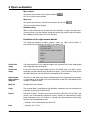
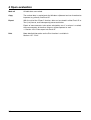
Periods in evaluation
all time periods indicated here can
be graphically displayed
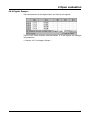
Periods in archive
all available time periods (measurement data) of an instrument
configuration are indicated here. A time period is selected using the
mouse or the keyboard.
18