1
4 Open evaluation
Export via the
clipboard
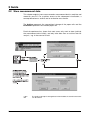
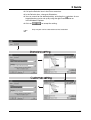
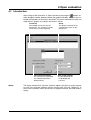
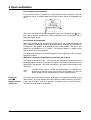
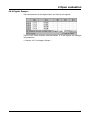
There is a further option of importing data into Excel by using the left mouse
button within the various tables of the PCA evaluation program.
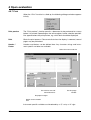
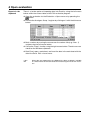
h Open the evaluation via the Evaluation ➔ Open menu or by operating the
button.
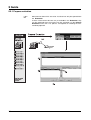
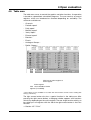
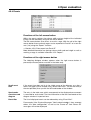
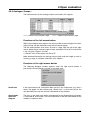
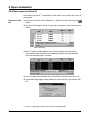
h Activate the Analogue: Group 1 register by clicking on it with the left mouse
button.
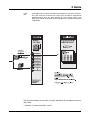
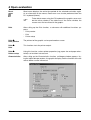
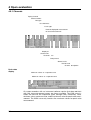
h Mark a column by moving the mouse over the column title (e.g. Chan. 1)
and pressing the left mouse button.
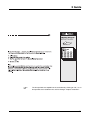
h Call up the “Copy” function using the right mouse button. The data are now
stored on the Windows clipboard.
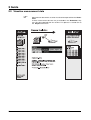
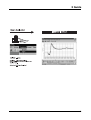
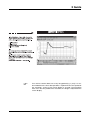
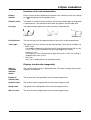
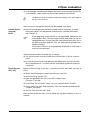
h Start Excel, open a worksheet, and insert the data in the worksheet with the
aid of the Excel Edit ➔ Insert menu.
H
46
When data are exported via the clipboard, the data are directly available
in number format and need not be converted using the Excel Text Assistant.