1
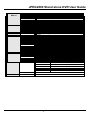
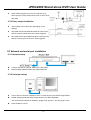
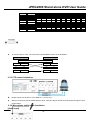
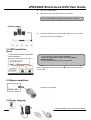
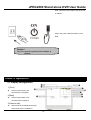
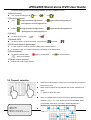
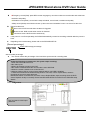
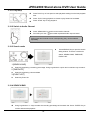
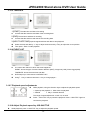
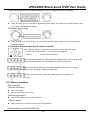
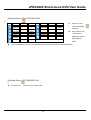
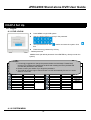
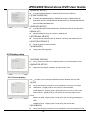
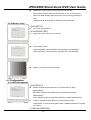
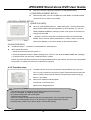
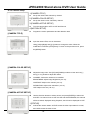
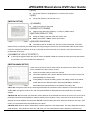
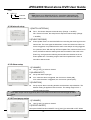
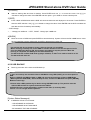
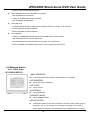
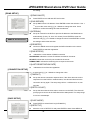
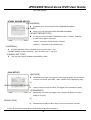
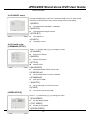
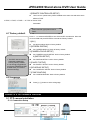
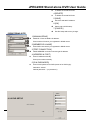
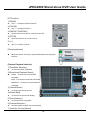
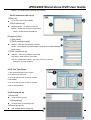
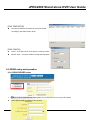
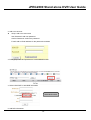
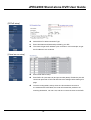
JPEG2000 Stand alone DVR User Guide Set the speed of ZOOM IN/OUT. 4.[FOCUS SPEED] Set the speed of FOCUS NEAR/FAR. 4-6-4 SPOT monitor setup 1.[interval time of sequence display] To set up the interval time of sequence display in full mode 2.[alarm pop up] To set up whether to output to spot monitor when alarm is triggered. 3.[motion pop up] To set up whether to output to spot monitor when motion is triggered. 4.[pop up time] To set up how long the pop-up lasts. 4-6-5 Audio setup 1.[Channel] To show the audio in channel. 2.[Record] To set record on/ off in the designated channel. 3.[Play] To set audio on / off while playback in the designated channel. Note: the DVR will not play or record AUDIO under the following conditions: The recording resolution is configured to QUAD mode in [RECORD CONFIGURATION]. The MUTIPLEX mode is configurd to TRIPLEX in [RECORD CONFIGURATION]. The playack is in rewind or fastforward. The DVR plays AUDIO only when the playback is forward and at 1X speed. The DVR does not transmit AUDIO to the client, no matter you are connecting to the DVR viia the client software or via IE. 4-6-6 Audio volume setup 1.[INPUT VOLUME] Adjust VOLUME of Recorded AUDIO 2.[ LIVE VOLUME1~4] Adjust VOLUME of LIVE per channel. 3.[ PLAY VOLUME1~4] Adjust VOLUME of PLAY per channel. 4-6-7 Remote controller setup - 42 -