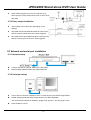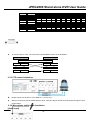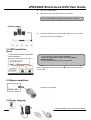
1
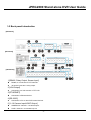
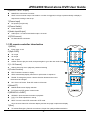
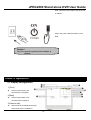
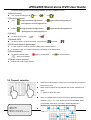
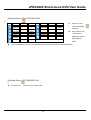
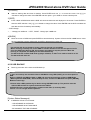
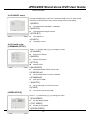
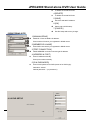
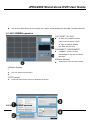
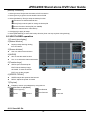
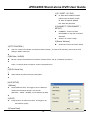
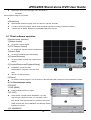
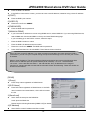
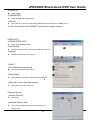
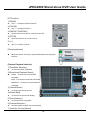
JPEG2000 Stand alone DVR User Guide CHAP.1 Appearance 1-1 Front panel introduction 1.[CD-RW] Built-in CD-RW for CD back-up. 2.[USB Port] DEVICE:Connect PC for firmware upgrade. HOST: Connect USB memory stick for backup. 3.[IR Receiver & LED Lamps] IR Remote Controller Receiver. DVR Status LED: RUN- Flashes when play picture by picture through J. Shuttle. ACTIVE- On when the J. Shuttle is ready to use. REC- On while recording and flashes at stand-by mode, such as no motion triggered at the motion record mode PLAY- On while playback. FULL- On when HDD storage is full. NET- On when the DVR is connected remotely. 4.[1~16 Channel Button] witch full screen among channels, 1 for Channel 1, 2 for Channel 2, and so on. 5.[MODE] Switch among full and split screen displays. 6.[K.LOCK] Lock the buttons on front panel. 7.[MENU] Enter the menu and set up. 8.[Directions & ENTER] Directions- Navigate the menu. -5-