1
LIP-8012E & LIP-8024E Gigabit Phone
2.1.3
User Guide
ICM SMS (iPECS-LIK)
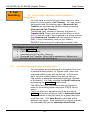
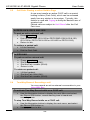
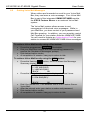
The user can send SMS messages to other stations and
retrieve received SMS messages.
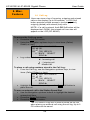
To retrieve a SMS message:
•
•
•
•
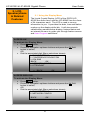
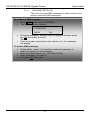
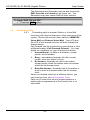
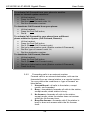
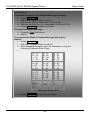
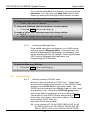
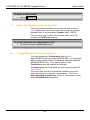
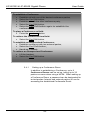
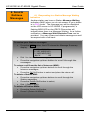
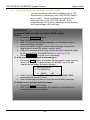
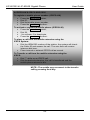
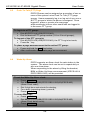
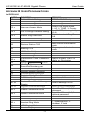
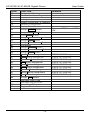
Press MENU button and 3 (ICM SMS),
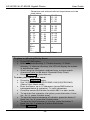
The following menu displays:
1. SEND MESSAGE
2. IN BOX(03)
BACK
OK
Press the Navigation up/down keys to highlight and then press
the OK Soft button to select,
OR
Dial the number associated to the selection (2); the messages
will display.
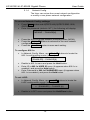
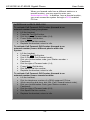
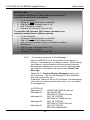
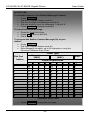
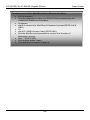
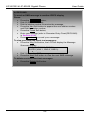
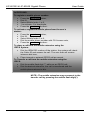
To send a SMS message:
•
•
•
•
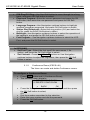
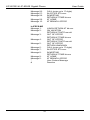
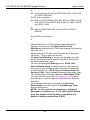
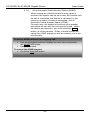
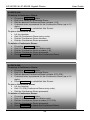
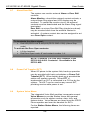
Select Mode - select 1 if resending a previous message, or
select 2 if sending a new message,
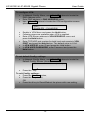
Enter the Station range (ex., 100-105=100105),
Enter message (if in mode 2),
Press the OK Soft button.
11