1
LIP-8012E & LIP-8024E Gigabit Phone
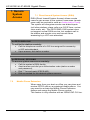
4.3
User Guide
Using Directory
4.3.1
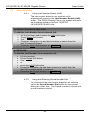
Using Last Number Redial (LNR)
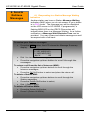
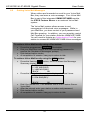
The last number dialed on an external call is
automatically saved in the Last Number Redial (LNR)
buffer. The iPECS Display Phone, the system will store
the numbers dialed on the last 15(iPECSLIK)/100(iPECS-MG) calls.
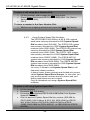
In iPECS-LIK & iPECS SBG-1000
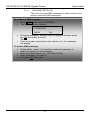
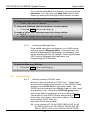
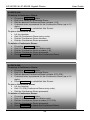
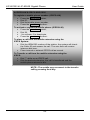
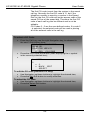
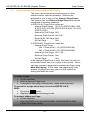
To dial the Last Number for an external call:
•
•
•
•
•
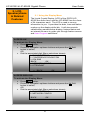
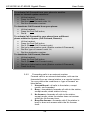
Lift the handset, and/or press the DIR Soft button,
Press Speed Soft button,
Dial *,
Press the Navigation up and down buttons to select from the
last 15 numbers dialed,
Press the Send Soft button or HOLD/SAVE .
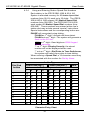
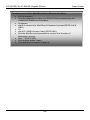
In iPECS-MG
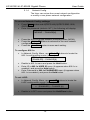
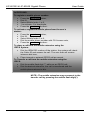
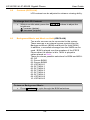
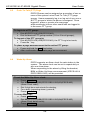
To dial the Last Number for an external call:
•
•
•
•
•
•
•
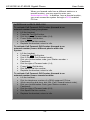
Lift the handset,
Press Speed Soft button,
Dial *,
or
press the LOG Soft button,
Press the Navigation up and down buttons to select from the
last 100 numbers dialed or received,
Press the Send Soft button or HOLD/SAVE .
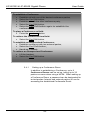
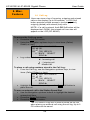
4.3.2
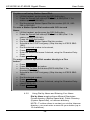
Using and Entering Saved Number Dial
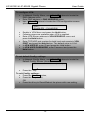
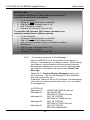
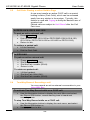
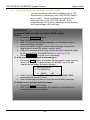
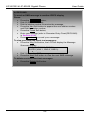
You may store the last number dialed on an external
call to the Saved Number Dial buffer for convenient
dialing at a later time. The Saved number is stored until
a new number is saved.
35