1
R
Installing Your Hardware Co-Simulation Board
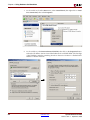
2.
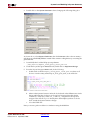
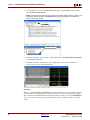
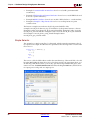
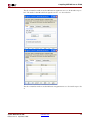
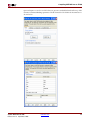
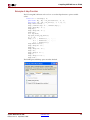
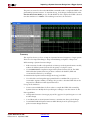
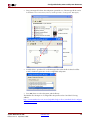
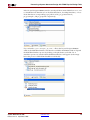
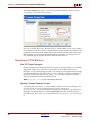
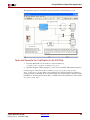
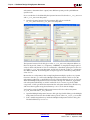
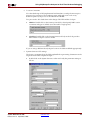
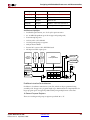
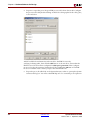
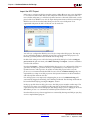
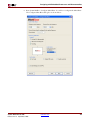
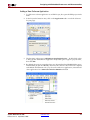
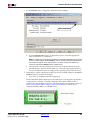
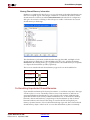
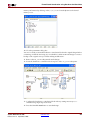
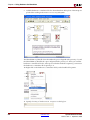
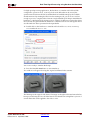
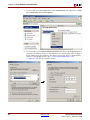
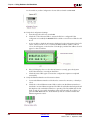
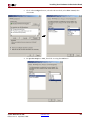
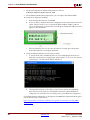
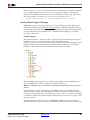
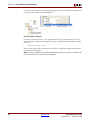
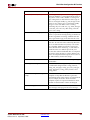
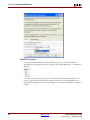
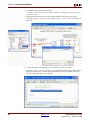
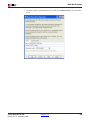
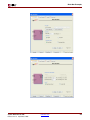
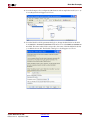
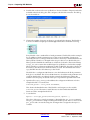
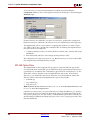
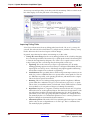
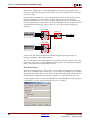
As shown below, select Internet Protocol (TCP/IP), then click on the Properties button
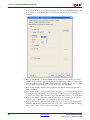
and set the IP address 192.168.8.2 and the Subnet mask to 255.255.255.0. (The last digit
of the IP Address must be something other than 1 because 192,168.8.1 is the default IP
address fo ML506. See Load the Sysgen ML506 HW Co-Sim Configuration Files for
further details.).
System Generator for DSP
Release 10.1.3 September, 2008
www.xilinx.com
233