1
R
Supporting New Platforms through JTAG Hardware Co-Simulation
Obtaining Platform Information
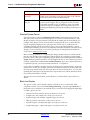
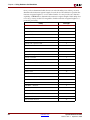
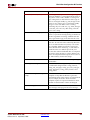
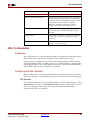
SBDBuilder (or alternatively, the board support package template files) require certain
information about your FPGA platform. The table below lists the information you need.
Information
Description
Clock pin location
Pin location constraint for the FPGA system clock source.
Clock period
Period constraint for the FPGA system clock source.
Device position in
the Boundary Scan
Chain
Tells the position of the target FPGA in the platform's Boundary
Scan Chain. Indexing begins at 1, with device 1 being the first
device in the chain.
Instruction register
lengths
Instruction register length of every device in the Boundary Scan
Chain.
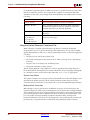
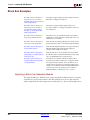
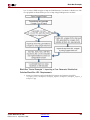
You may obtain the clock pin location and period from any number of possible sources,
including the vendor documentation, existing constraints files, or vendor online
documentation/support.
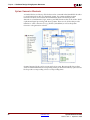
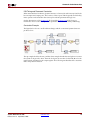
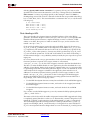
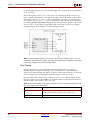
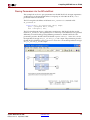
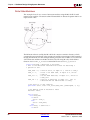
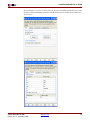
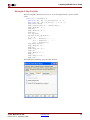
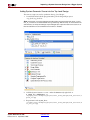
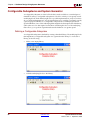
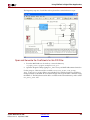
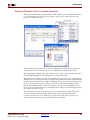
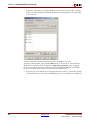
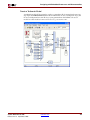
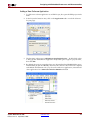
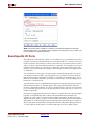
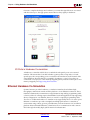
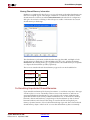
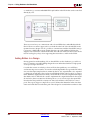
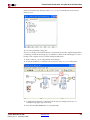
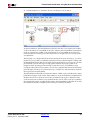
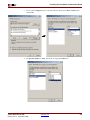
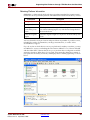
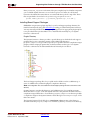
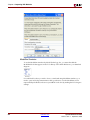
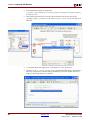
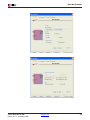
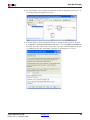
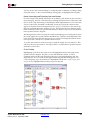
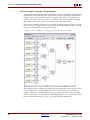
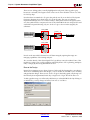
If you do not know which devices are in your platform's boundary scan chain, you may
use iMPACT to assist you in finding this information. iMPACT is a tool that is included
with the Xilinx ISE™ software that allows you to perform device configuration and file
generation functions. When the tool is invoked, it automatically detects the contents of
your platform's boundary scan chain, and displays these contents graphically, as shown
below.
System Generator for DSP
Release 10.1.3 September, 2008
www.xilinx.com
261