1
Plot Organizer Module
Page - 11
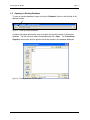
2.3.3 Loading the Database
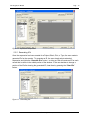
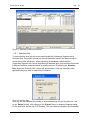
After all ID’s have been created for Project, Block, Plot, and Type, the records are ready to
be loaded into the database. To do this, the user simply presses the “Load Database”
button at the bottom right of the CCP Loader window.
Figure 14 - Loading Databases
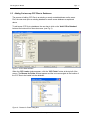
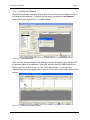
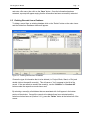
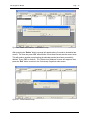
When the file(s) has been added to the database a prompt will appear saying that the CCP
file has been added to the database. Press “OK” and then press the “Exit” button at the
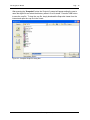
bottom right of the window to exit out of the CCP Loader window. The Cruisecomp
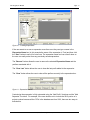
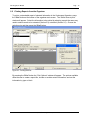
Organizer main screen will appear and the new file will be visible in the Project portion of the
window.
Figure 15 - Viewing New Database Entries
Industrial Forestry Service Ltd.