1
Plot Organizer Module
Page - 17
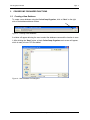
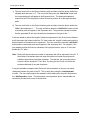
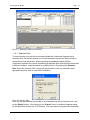
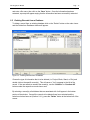
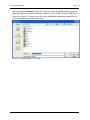
Figure 23 - Print Options
When the user has chosen the desired options for the reports, preview the report by pressing
the “Preview” button. This preview shows the user how the report will look when printed.
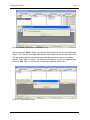
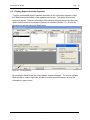
Figure 24 - Example of Printed Report
If the user decides to make a digital copy of the reports rather than a paper copy press the
“Snapshot” button to produce a digital file that can be viewed using the Snapshot viewer.
Industrial Forestry Service Ltd.