1
Chapter 14 Switch Screens
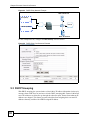
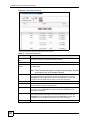
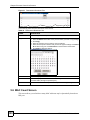
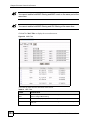
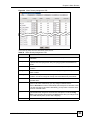
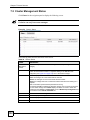
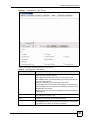
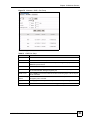
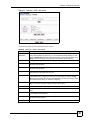
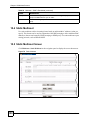
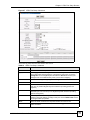
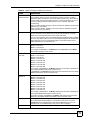
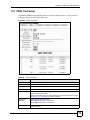
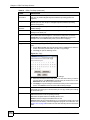
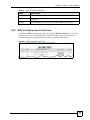
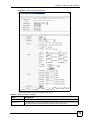
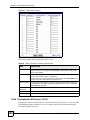
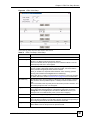
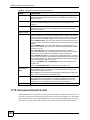
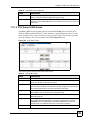
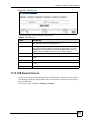
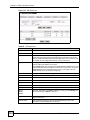
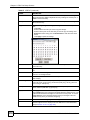
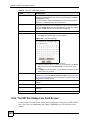
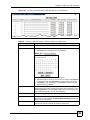
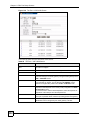
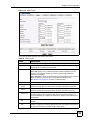
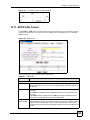
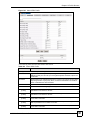
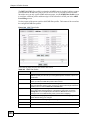
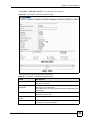
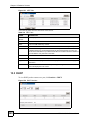
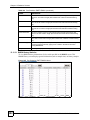
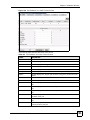
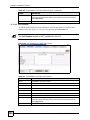
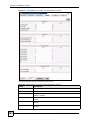
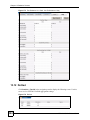
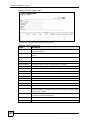
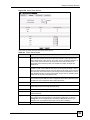
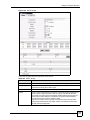
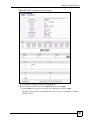
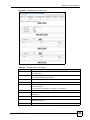
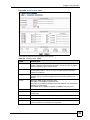
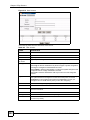
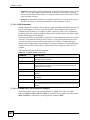
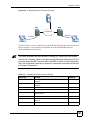
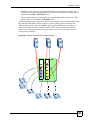
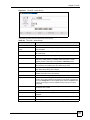
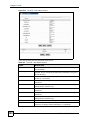
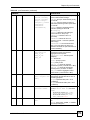
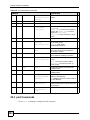
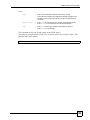
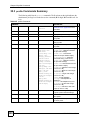
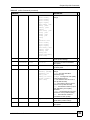
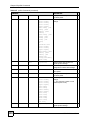
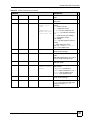
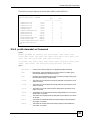
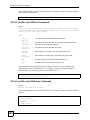
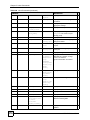
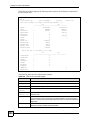
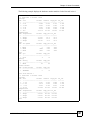
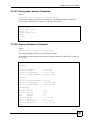
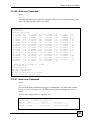
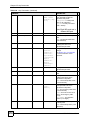
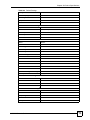
Figure 204 CFM Endpoint
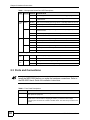
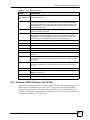
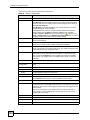
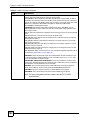
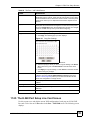
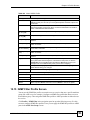
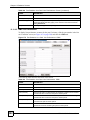
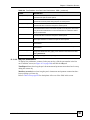
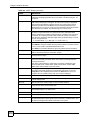
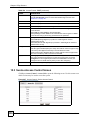
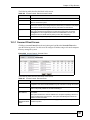
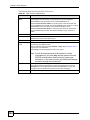
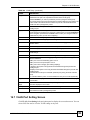
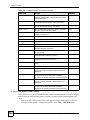
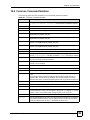
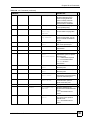
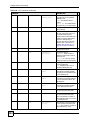
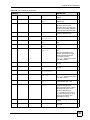
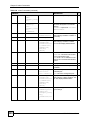
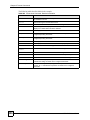
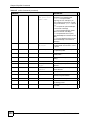
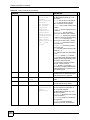
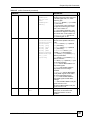
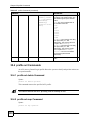
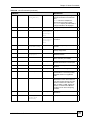
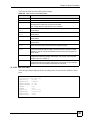
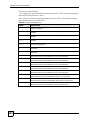
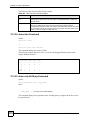
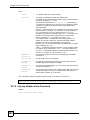
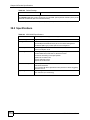
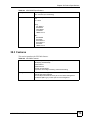
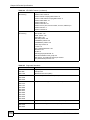
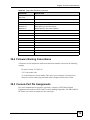
The following table describes the labels in this screen.
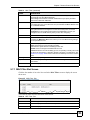
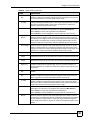
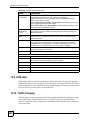
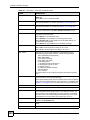
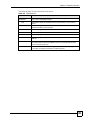
Table 157 CFM Endpoint
LABEL
DESCRIPTION
MD Name
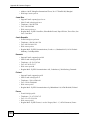
This displays the MD name which you want to configure end points in this screen
associated with.
MA Name
This displays the MA name which you want to configure end points in this screen
associated with.
Endpoint ID
Select a valid MEP ID which is defined in the CFM maintenance association
screen.
Port
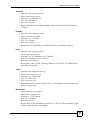
This binds the MEP ID to a physical port on the device. You can select an Ethernet
port (enet1 or enet2) or select a DSL port (by specifying a slot number and port
number of a line card).
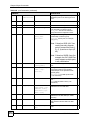
Direction
Select whether to send CCMs (Connectivity Check Messages) from the end point
you selected in this screen (when you select down) or from another active
Ethernet port (when you select up). Select up only when the link of the specified
end point is down.
Priority
Select the priority level for the CCMs configured in this screen. "0" is the lowest
priority level and "7" is the highest.
CCI-enabled
Select this to enable CCMs sending from the end point configured in this screen.
Deselect this to stop CCMs sending.
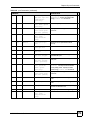
Alarm Time
This is the number of seconds the ZyXEL Device waits to send a local alarm after
three CFM_ERROR events have been detected.
Reset Time
This is the number of seconds the ZyXEL Device waits to cancel a local alarm
after a CFM_ERROR event has been resolved and no other alarms occurred.
MAC Address
Enter the CFM end point’s MAC address.
Apply
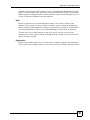
Click Apply to add the settings as a new entry in the summary table above.
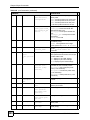
New
Click New to start configuring an MA setting.
Cancel
Click Cancel to reset the fields.
Index
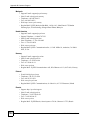
This field displays the index number of an end point.
MSC1024G/1224G User’s Guide
331