1
Chapter 17 VoIP
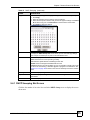
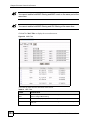
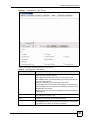
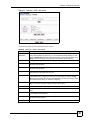
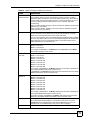
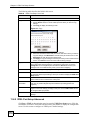
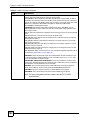
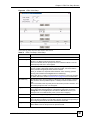
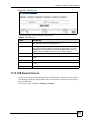
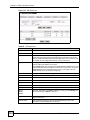
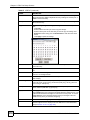
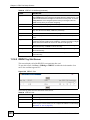
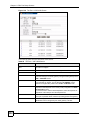
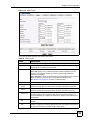
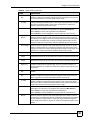
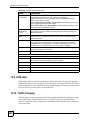
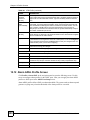
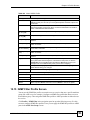
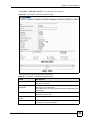
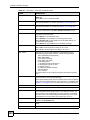
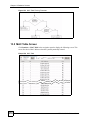
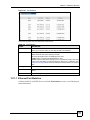
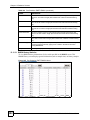
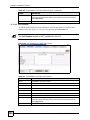
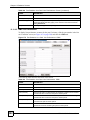
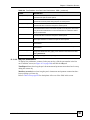
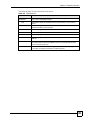
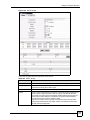
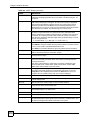
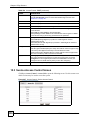
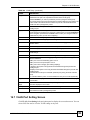
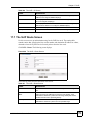
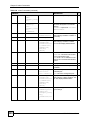
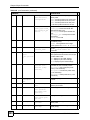
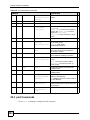
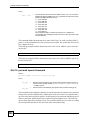
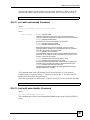
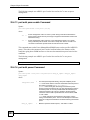
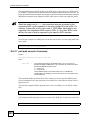
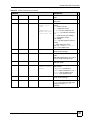
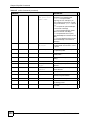
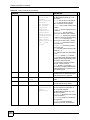
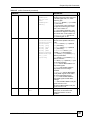
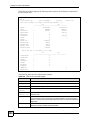
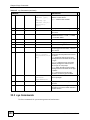
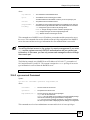
Table 181 The VoIP > Route Screen
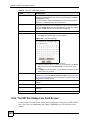
LABEL
DESCRIPTION
Metric
The metric represents the “cost” of transmission for routing purposes. IP
routing uses hop count as the measurement of cost, with a minimum of 1
for directly-connected networks. Select the number that approximates the
cost for this link The number need not be precise, but it must be between
1 and 15. In practice, 2 or 3 is usually a good number.
If two entries for the same line card have the same metric, the ZyXEL
Device uses the one with the lower IP address.
Apply
Click Apply to save the changes in this screen to the system’s volatile
memory. The system loses these changes if it is turned off or loses power,
so use the Config Save on the navigation panel and then the Save button
to save your changes to the non-volatile memory when you are done
configuring.
New
While you are modifying a profile, you can click New to start configuring a
fresh profile without saving your changes.
Cancel
Click Cancel to start configuring the screen again.
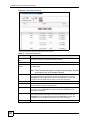
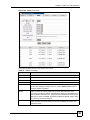
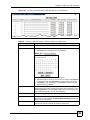
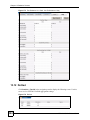
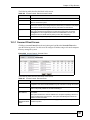
Slot
This displays an entry’s line card slot number.
IP/Mask
This displays an entry’s IP address and subnet mask, defining the range
of IP addresses to which this entry applies.
Gateway
This displays an entry’s gateway IP address, to which frames fitting the
Slot and IP/Mask parameters are forwarded.
Metric
This displays an entry’s metric value.
Select
Select the entry you wish to modify or delete.
Modify
Select an entry profile and click this in order to edit its configuration.
Delete
Select a H.248 profile and click this to delete the profile. Once deleted,
information cannot be retrieved.
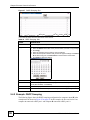
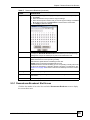
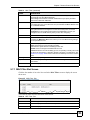
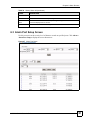
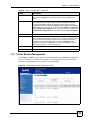
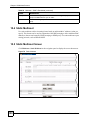
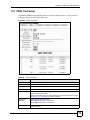
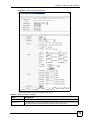
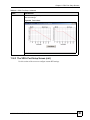
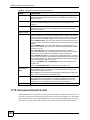
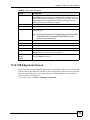
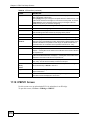
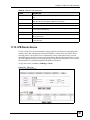
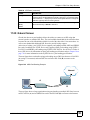
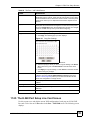
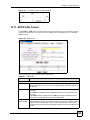
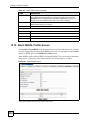
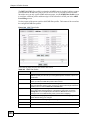
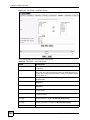
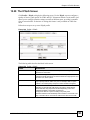
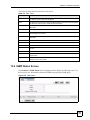
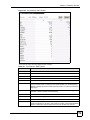
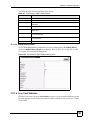
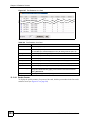
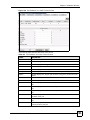
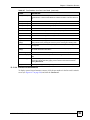
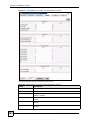
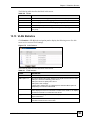
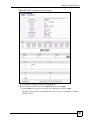
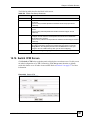
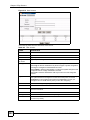
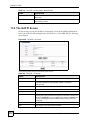
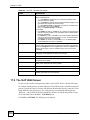
17.8 The Number Plan Screen
Number plans are used by the ZyXEL Device to identify specific types of phone numbers
dialed by a user, and to process the number before transmission by deleting, replacing or
adding digits according to the relevant rule. Click VoIP > Number Plan. The following screen
displays.
374
MSC1024G/1224G User’s Guide