1
Chapter 30 profile Commands
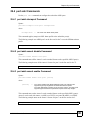
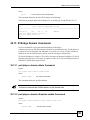
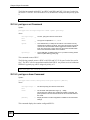
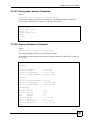
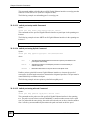
30.9.3 profile atm delete Command
Syntax:
profile atm delete <profile>
where
<profile>
=
The name of a profile.
This command allows you to delete an individual ATM profile by its name. You cannot delete
the DEFVAL profile.
You cannot delete an ATM profile that is assigned to any of the PVCs or PPVCs. Assign a
different profile to any PVCs or PPVCs that are using the profile that you want to delete, and
then you can delete the profile.
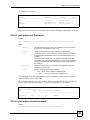
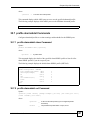
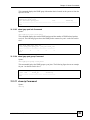
The following example deletes the silver ATM profile.
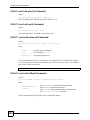
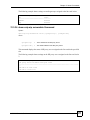
ras> profile atm delete silver
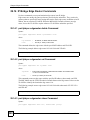
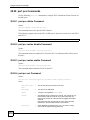
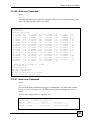
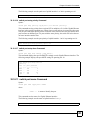
30.9.4 profile atm map Command
Syntax:
profile atm map <profile>
where
<profile>
=
The name of a profile.
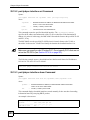
This command displays which PVCs or PPVCs are set to use the specified ATM profile.
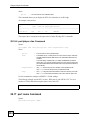
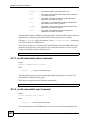
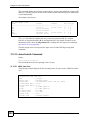
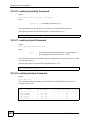
The following example displays which PVCs or PPVCs use the silver profile.
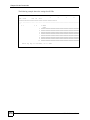
ras> profile atm map silver
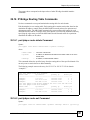
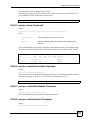
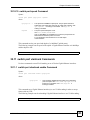
30.10 Profile Server
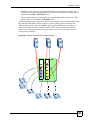
The profile server feature manages profiles on multiple IES’s. You can configure profiles on
one IES that you set to server mode. When you want to configure another IES, you can set it to
client mode to get the profile settings from (synchronize with) the IES in server mode. If you
change the profile settings on the IES in server mode, you can have it synchronize the profile
settings on the clients to match.
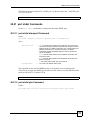
30.11 profile ipqos Commands
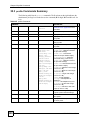
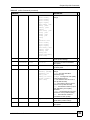
Use these commands to configure the profile server feature settings.
MSC1000G User’s Guide
553