1
About the XDMS Main Screen
In this topic:
What you will see
Fields and functions
What you will see
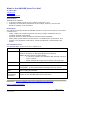
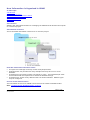
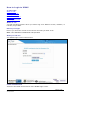
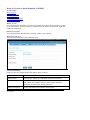
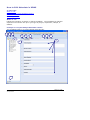
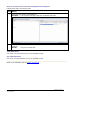
The first screen of XDMS looks like this.
1
2
4
3
Fields and functions
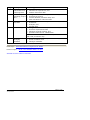
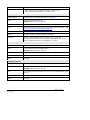
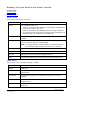
These are the fields and their functions on the first screen of XDMS.
No
Field
Function
1
ID and logout
Displays the :
• ID of the person logged in, and
• prompt for Logout – click on to log out.
2
Function
buttons
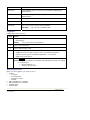
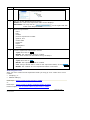
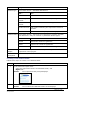
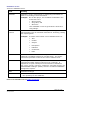
The function buttons are:
Button
Function
Home
Returns/displays the XDMS first page.
Search
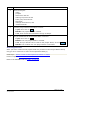
Allows search by:
• project and status
• experiment: name/type/number/
ARCHER Toolset End User Guide v1.0
30 Sept 2008
Page 11 of 36