1
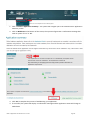
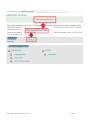
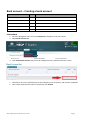
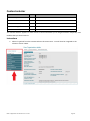
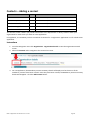
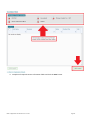
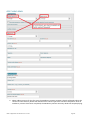
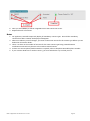
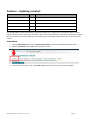
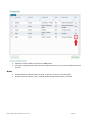
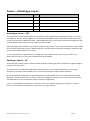
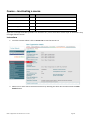
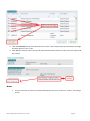
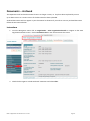
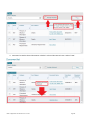
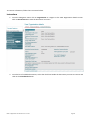
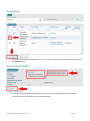
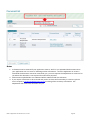
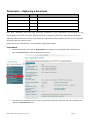
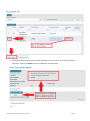
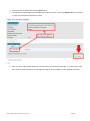
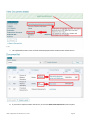
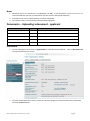
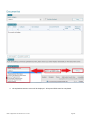
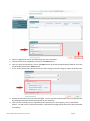
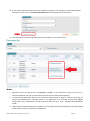
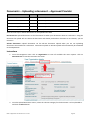
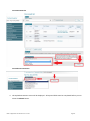
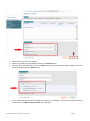
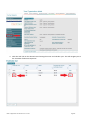
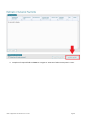
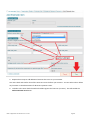
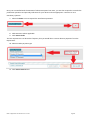
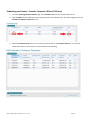
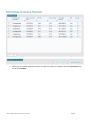
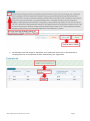
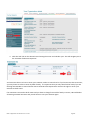
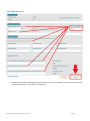
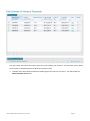
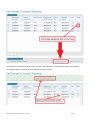
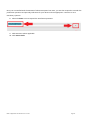
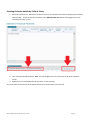
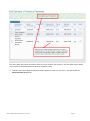
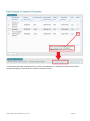
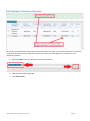
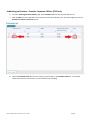
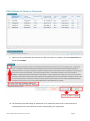
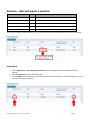
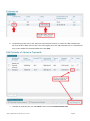
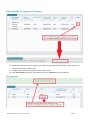
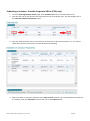
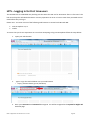
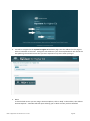
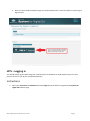
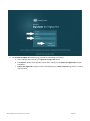
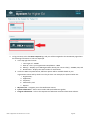
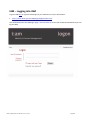
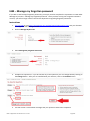
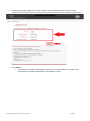
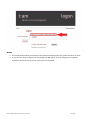
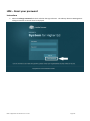
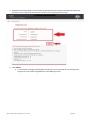
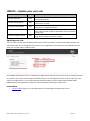
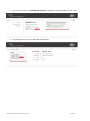
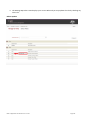
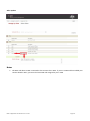
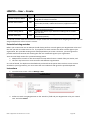
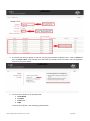
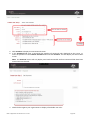
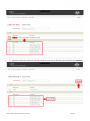
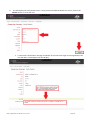
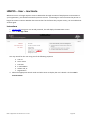
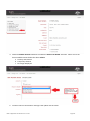
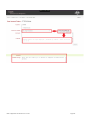
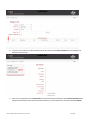
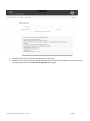
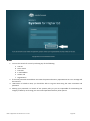
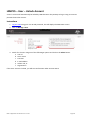
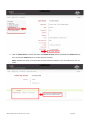
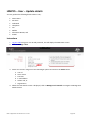
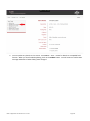
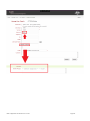
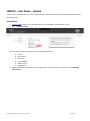
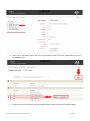
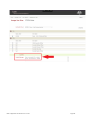
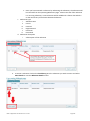
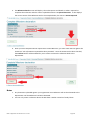
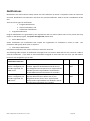
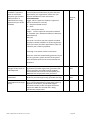
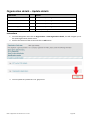
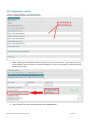
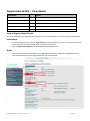
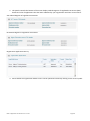
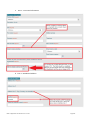
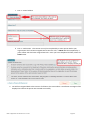
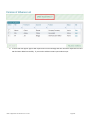
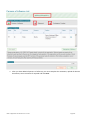
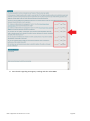
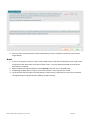
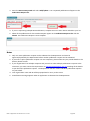
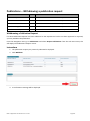
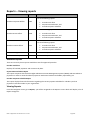
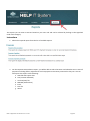
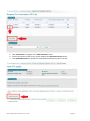
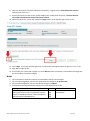
IAMPCS – User – Update details You may update the following details about a user; Given Name Surname Codeword Telephone Fax Mobile Alternative Names; and E-Mail Instructions 1. Log into IAM using your user ID and password, this will display the IAM Home screen. 2. Click on Manage a User 3. Search for the user using one of the following 6 options and click on the Select button. a. User id b. Given name c. Surname d. E-mail address e. Admin role; or f. Organisation 4. When the User Details screen is displayed, click on Manage User’s Details to navigate to Manage User Details Screen HELP IT Application User Guide V 4.0 – Current Page 133