1
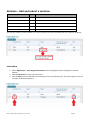
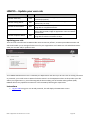
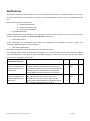
To remove a document, follow the instructions below.
Instructions
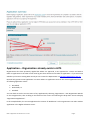
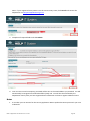
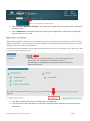
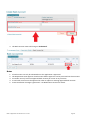
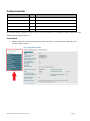
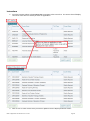
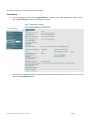
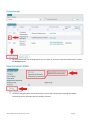
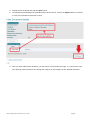
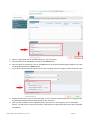
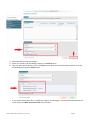
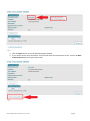
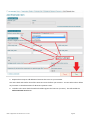
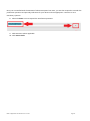
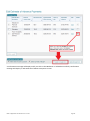
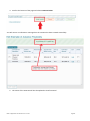
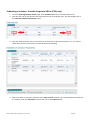
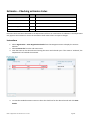
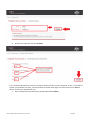
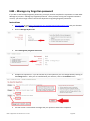
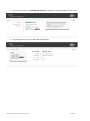
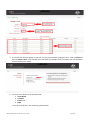
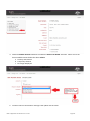
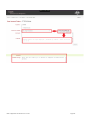
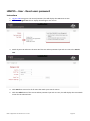
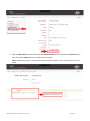
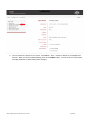
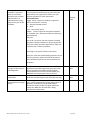
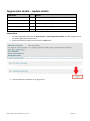
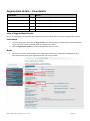
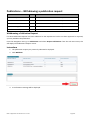
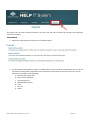
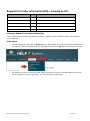
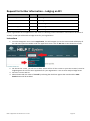
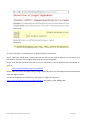
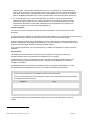
1. From the Navigation menu click on Organisation to navigate to the View Organisation details screen.
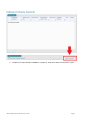
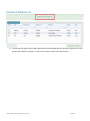
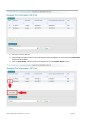
Click on Document List to view the Document list screen.
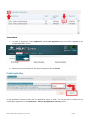
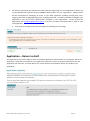
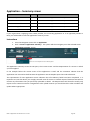
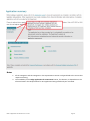
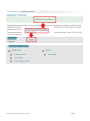
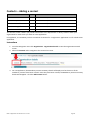
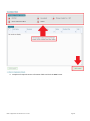
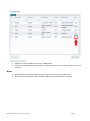
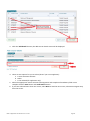
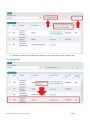
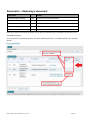
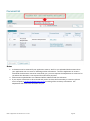
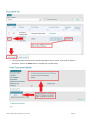
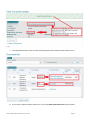
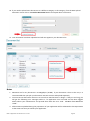
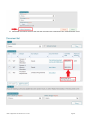
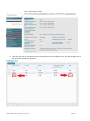
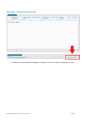
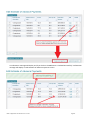
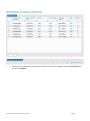
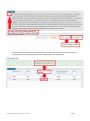
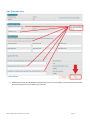
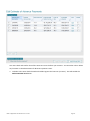
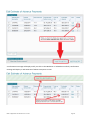
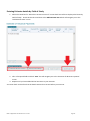
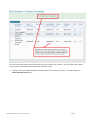
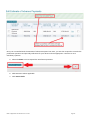
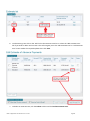
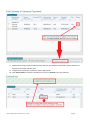
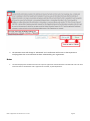
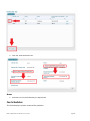
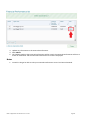
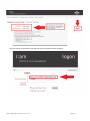
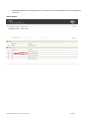
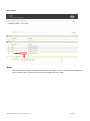
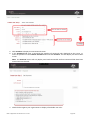
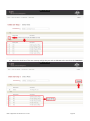
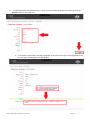
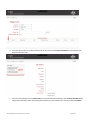
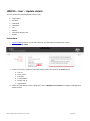
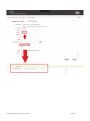
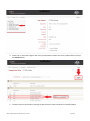
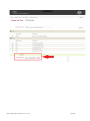
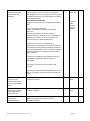
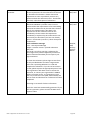
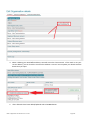
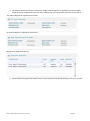
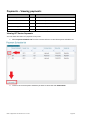
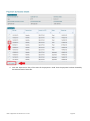
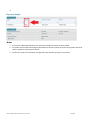
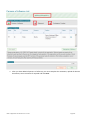
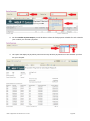
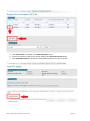
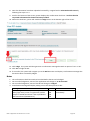
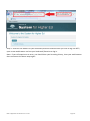
2. From the list of available documents, select the check box beside the document you want to remove and
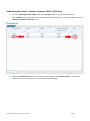
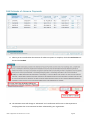
click on the View details button.
HELP IT Application User Guide V 4.0 – Current
Page 41