1
Application – Summary screen
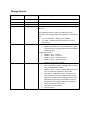
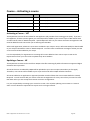
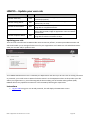
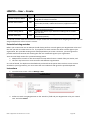
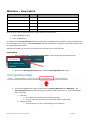
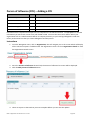
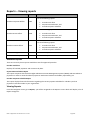
USER ROLES
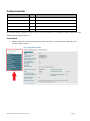
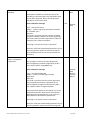
ACCESS
Provider Corporate Officer
CEO
Full access to view Application summary
Provider Senior Officer
SAO
Full access to view Application summary
Provider Finance Officer
PFO
Full access to view Application summary
Provider Editing Officer
PEO
Full access to view Application summary
Provider View Officer
PVO
Full access to view Application summary
If your organisation is applying to be a HELP provider, has an existing application or is an approved provider in
HITS, you will be able to view the Application summary screen.
Instructions
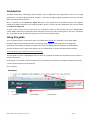
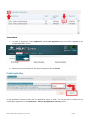
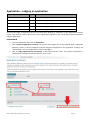
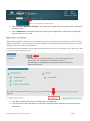
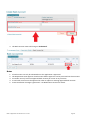
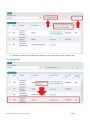
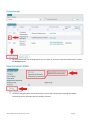
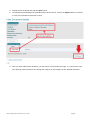
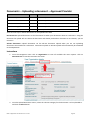
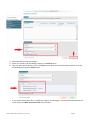
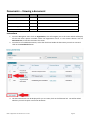
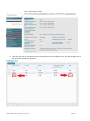
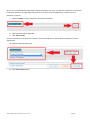
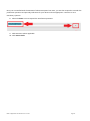
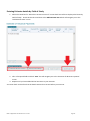
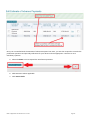
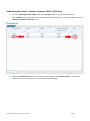
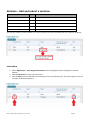
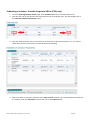
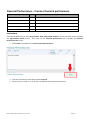
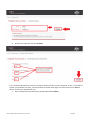
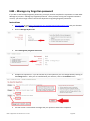
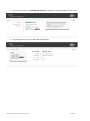
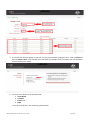
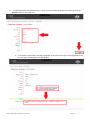
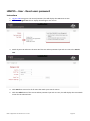
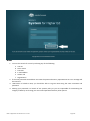
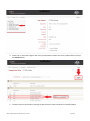
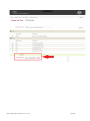
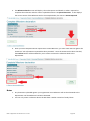
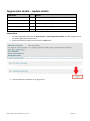
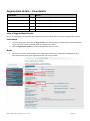
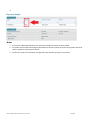
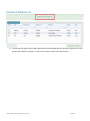
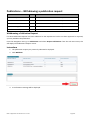
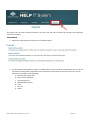
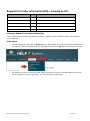
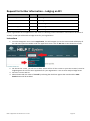
1. From the Navigation menu click on Application.
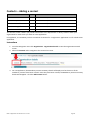
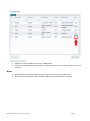
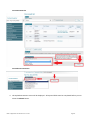
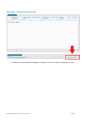
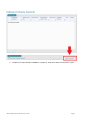
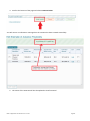
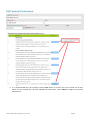
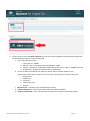
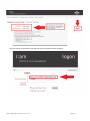
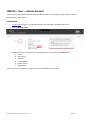
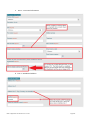
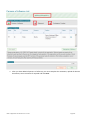
2. Click ‘<<sector>>Application Summary’. The system will then navigate you to the selected sector
‘Application summary’ screen.
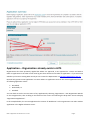
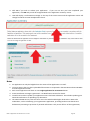
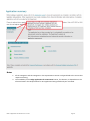
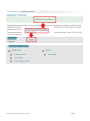
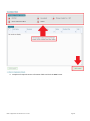
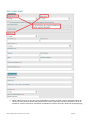
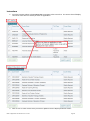
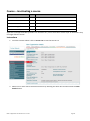
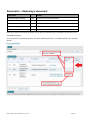
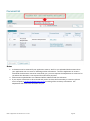
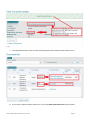
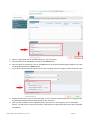
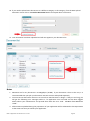
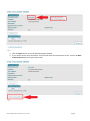
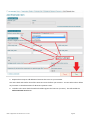
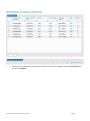
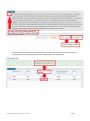
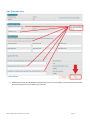
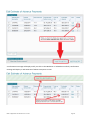
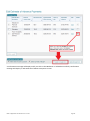
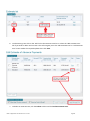
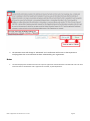
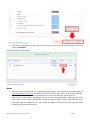
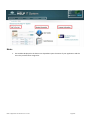
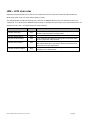
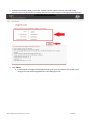
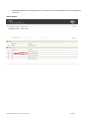
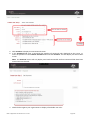
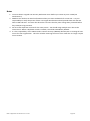
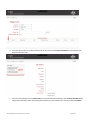
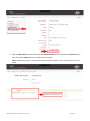
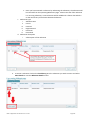
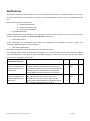
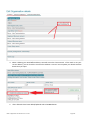
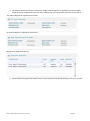
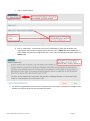
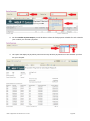
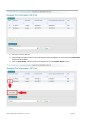
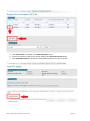
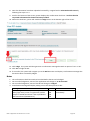
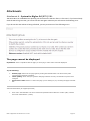
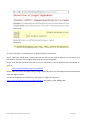
The Application summary screen has two parts, the ‘Current status’ and the Requirements for <sector> in which
you have applied.
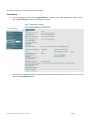
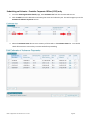
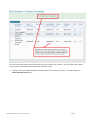
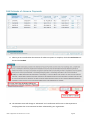
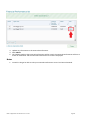
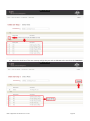
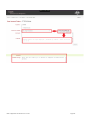
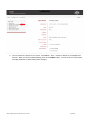
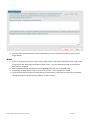
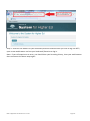
In the example below the current status of the application is Draft and the comments indicate that the
application was returned to draft because the application was incomplete upon the initail submission.
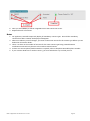
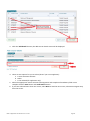
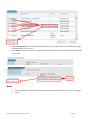
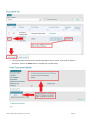
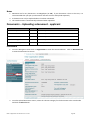
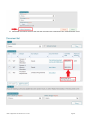
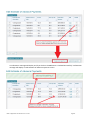
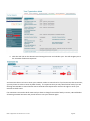
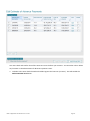
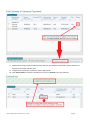
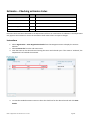
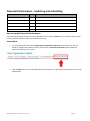
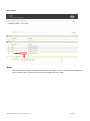
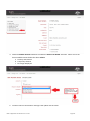
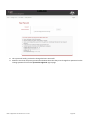
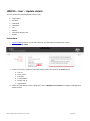
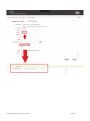
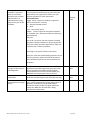
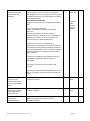
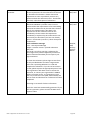
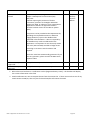
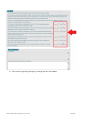
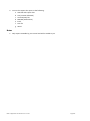
The requirements for VET application section indicates that all mandatory fields have been completed. It is
important to note that where you re-apply HITS will reset all courses to ‘Details required’ however HITS will not
remove any information that you previously uploaded or edited. The Requirements will therefore usually only
require course Tuition assurance arrangements to be upload however you should check the other modules and
update where appropriate.
HELP IT Application User Guide V 4.0 – Current
Page 16