1
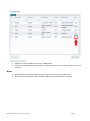
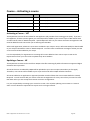
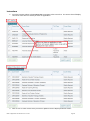
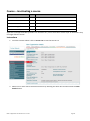
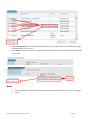
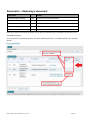
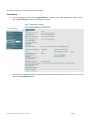
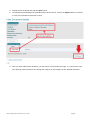
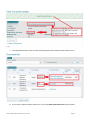
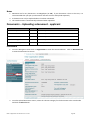
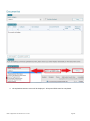
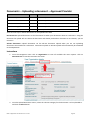
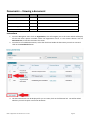
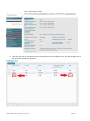
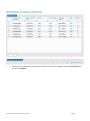
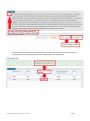
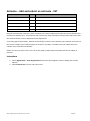
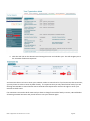
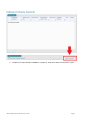
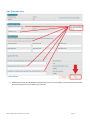
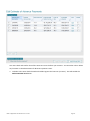
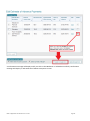
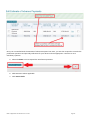
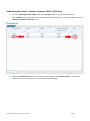
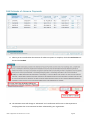
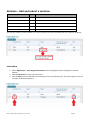
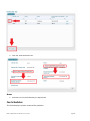
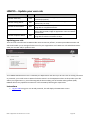
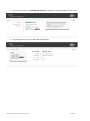
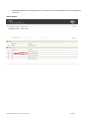
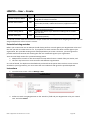
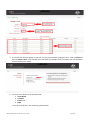
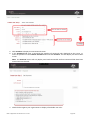
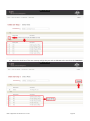
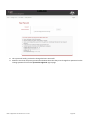
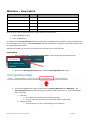
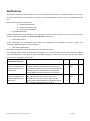
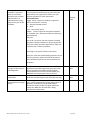
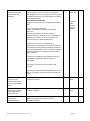
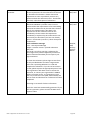
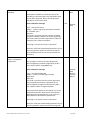
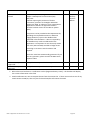
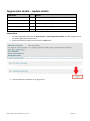
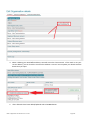
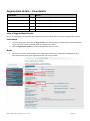
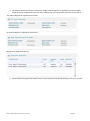
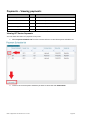
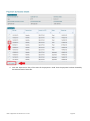
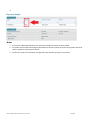
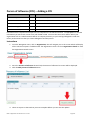
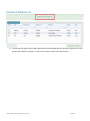
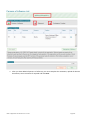
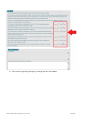
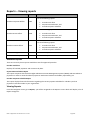
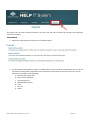
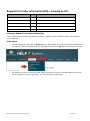
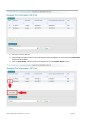
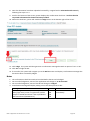
Reports – Viewing reports USER ROLES ACCESS Can view following reports Provider Corporate Officer CEO Provider Cash flow Payment Reconciliation; and Provider Payment Schedule Can view following reports Provider Senior Officer SAO Provider Cash flow Payment Reconciliation; and Provider Payment Schedule Can view following reports Provider Finance Officer PFO Provider Editing Officer PEO Cannot view Reports Provider View Only PVO Cannot view Reports Provider Cash flow Payment Reconciliation; and Provider Payment Schedule Available Reports There are currently three reports available in HITS for approved providers. Provider Cash flow Displays all finalised payments and recoveries by date. Payment Reconciliation Report This report compares data from the Higher Education Internet Management System (HEIMS) and HITS Advance payments in order to reconcile advance payments with actual student load liability reported by you. Provider Payment Schedule Report This report displays financial information regarding the current payment schedule for calendar year that payments have been made to your organisation. Viewing Reports From the Navigation menu go to Reports, you will be navigated to the Reports screen which will display a list of Report Categories. HELP IT Application User Guide V 4.0 – Current Page 166