1
Financial Performance – Updating and submitting
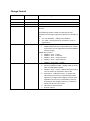
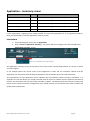
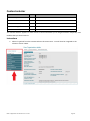
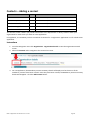
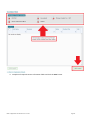
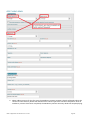
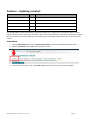
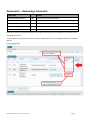
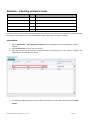
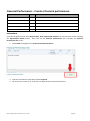
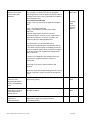
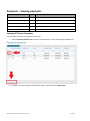
USER ROLES
ACCESS
Provider Corporate Officer
CEO
Can update and submit a Financial Performance
Provider Senior Officer
SAO
Can update and submit a Financial Performance
Provider Finance Officer
PFO
Can update and submit a Financial Performance
Provider Editing Officer
PEO
Not able to access this module
Provider View Only
PVO
Not able to access this module
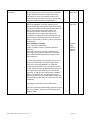
How to Update Financial Performance
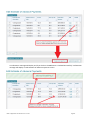
A Financial Performance record can only be updated if it has a status of Draft. You can view the status of your
Financial Performance from the Financial Performance list.
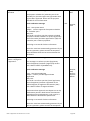
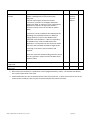
Instructions
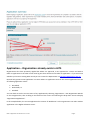
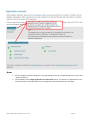
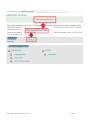
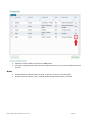
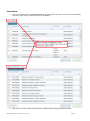
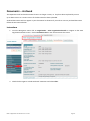
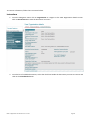
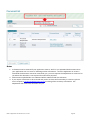
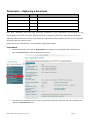
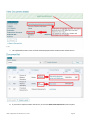
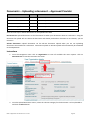
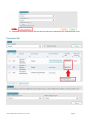
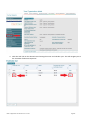
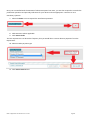
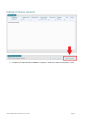
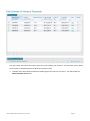
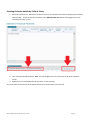
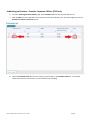
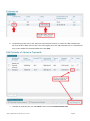
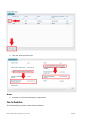
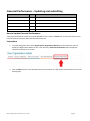
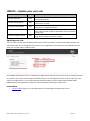
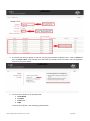
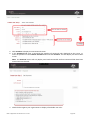
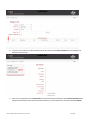
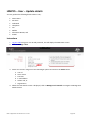
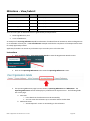
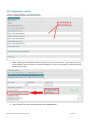
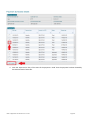
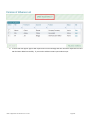
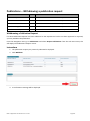
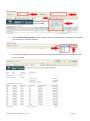
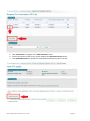
1. From the Navigation menu select Organisation, Organisation Details from the Sub menu items to
display the Organisation Details screen. Then select the Financial Performance tab to display the
Financial Performance list screen.
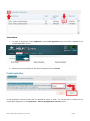
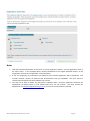
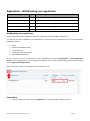
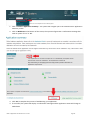
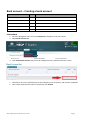
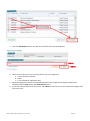
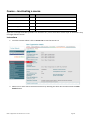
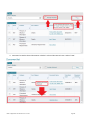
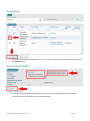
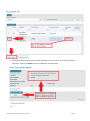
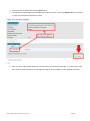
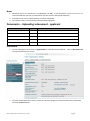
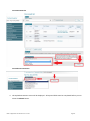
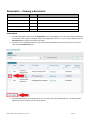
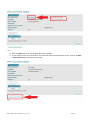
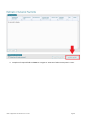
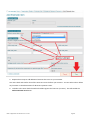
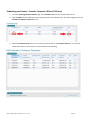
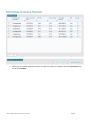
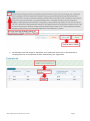
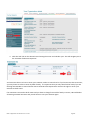
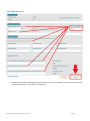
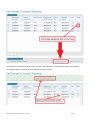
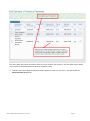
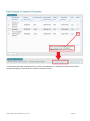
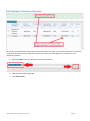
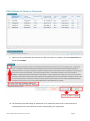
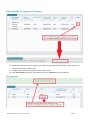
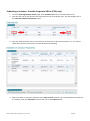
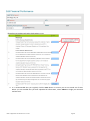
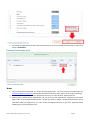
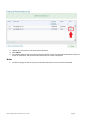
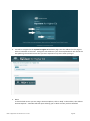
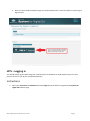
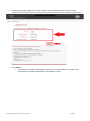
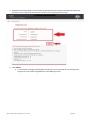
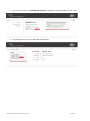
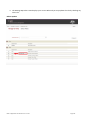
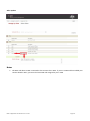
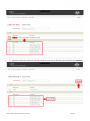
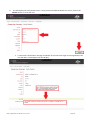
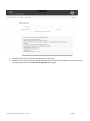
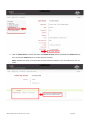
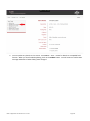
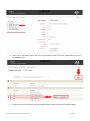
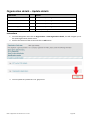
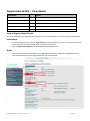
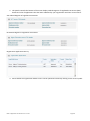
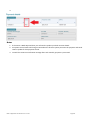
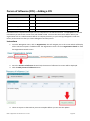
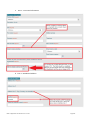
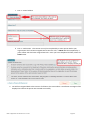
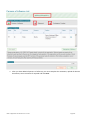
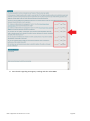
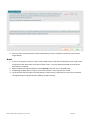
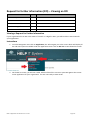
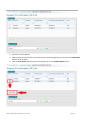
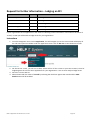
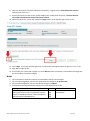
2. Click the Edit button for the selected Financial Performance, the Edit Financial Performance screen will
be displayed.
HELP IT Application User Guide V 4.0 – Current
Page 93