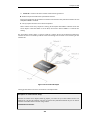
1
Chapter 3: Fundamentals
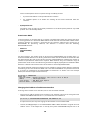
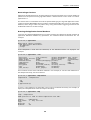
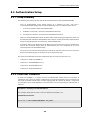
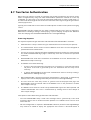
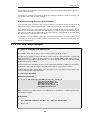
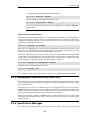
Once certificates are uploaded, they are stored in non-volatile NetDefendOS memory. To be used
they must be explicitly associated with a NetDefendOS object. For example, an IPsec tunnel
object that uses certificates must be assigned a Gateway and Root certificate.
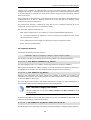
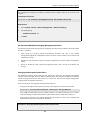
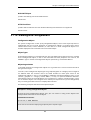
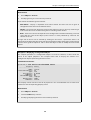
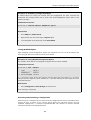
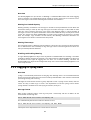
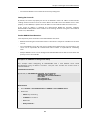
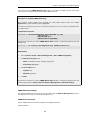
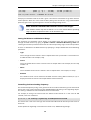
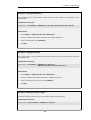
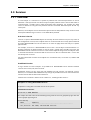
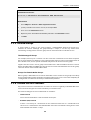
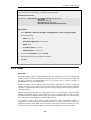
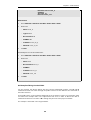
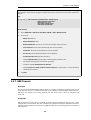
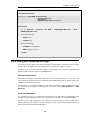
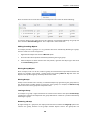
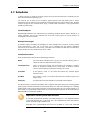
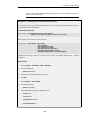
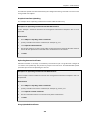
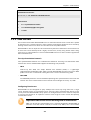
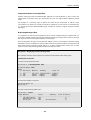
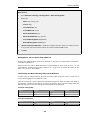
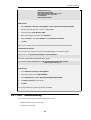
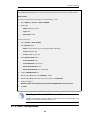
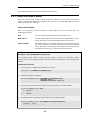
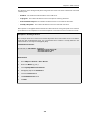
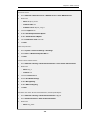
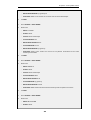
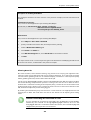
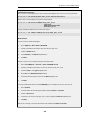
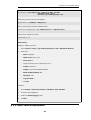
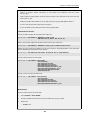
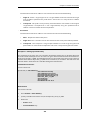
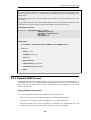
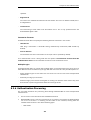
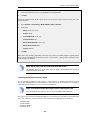
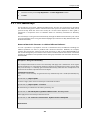
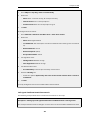
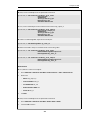
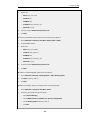
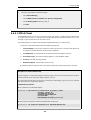
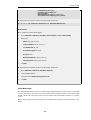
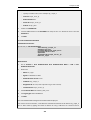
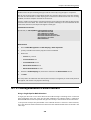
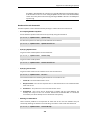
Example 3.34. Associating Certificates with IPsec Tunnels
To associate an imported certificate with an IPsec tunnel.
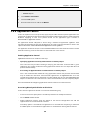
Web Interface
1.
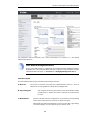
Go to: Network > Interfaces and VPN > IPsec
2.
Display the properties of the IPsec tunnel
3.
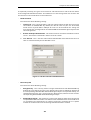
Select Authentication
4.
Select the X509 Certificate option
5.
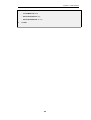
Select the correct Gateway and Root certificates
6.
Click OK
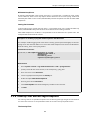
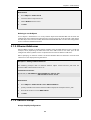
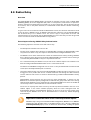
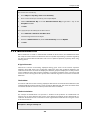
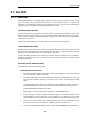
3.8.3. Creating Windows CA Server Requests
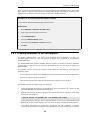
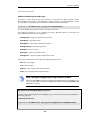
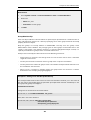
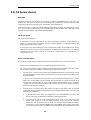
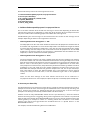
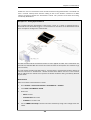
To request certificates from a CA server or CA company, the best method is to send a CA
Certificate Request which is a file that contains a request for a certificate in a well-known,
predefined format.
The NetDefendOS Web Interface (WebUI) does not include the ability to generate certificate
requests that can be sent to a CA server for generation of the .cer and .key files required by
NetDefendOS.
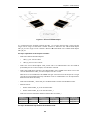
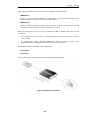
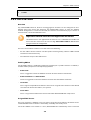
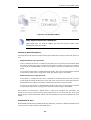
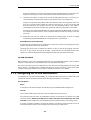
It is possible, however, to manually create the required files for a Windows CA server using the
following stages.
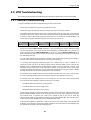
•
Create a gateway certificate on the Windows CA server and export it as a file in the .pfx format.
•
Convert the .pfx file into the .pem format.
•
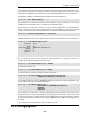
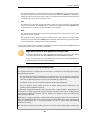
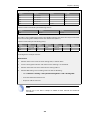
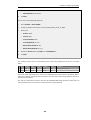
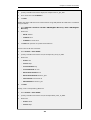
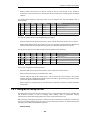
Take out the relevant parts of the .pem file to form the required .cer and .key files.
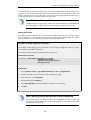
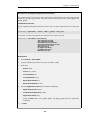
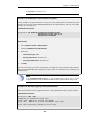
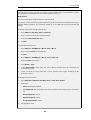
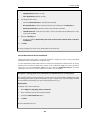
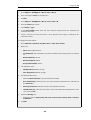
The detailed steps for the above stages are as follows:
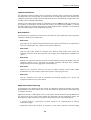
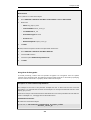
1.
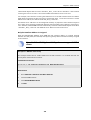
Create the gateway certificate on the Windows CA server and export it to a .pfx file on the
local NetDefendOS management workstation disk.
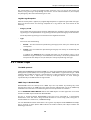
2.
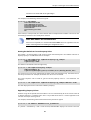
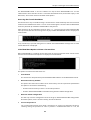
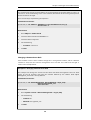
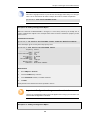
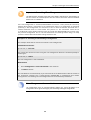
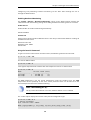
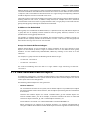
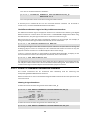
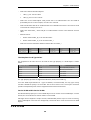
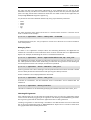
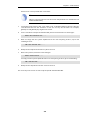
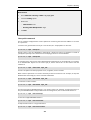
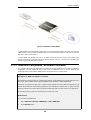
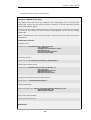
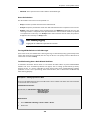
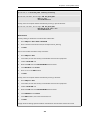
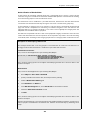
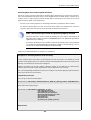
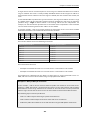
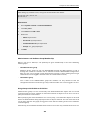
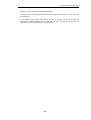
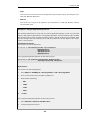
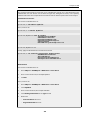
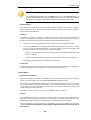
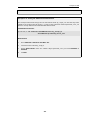
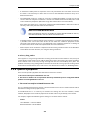
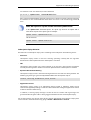
Now convert the local .pfx file to a .pem file. This can be done with the OpenSSL utility using
the console command line:
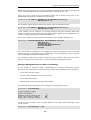
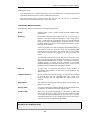
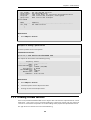
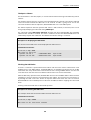
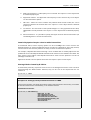
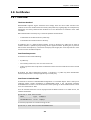
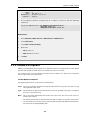
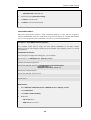
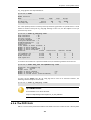
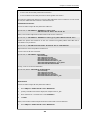
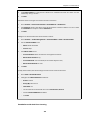
> openssl pkcs12 -in gateway.pfx -out gateway.pem -nodes
In this command line example, the file exported from the CA server is assumed to be called
gateway.pfx and it is assumed to be in the same local directory as the OpenSSL executable.
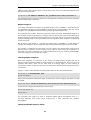
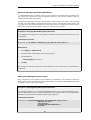
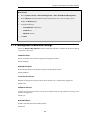
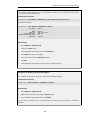
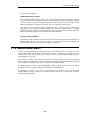
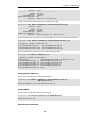
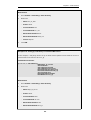
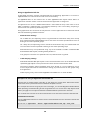
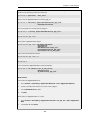
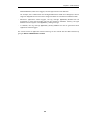
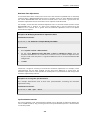
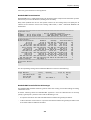
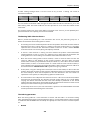
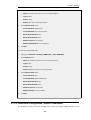
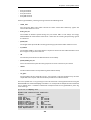
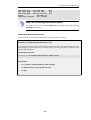
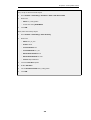
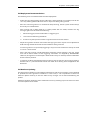
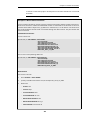
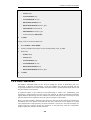
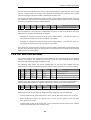
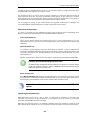
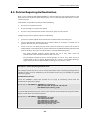
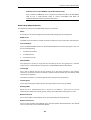
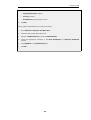
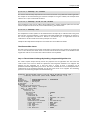
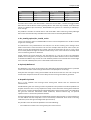
The original gateway.pfx file contained 3 certificates: CA root certificate, a personal
certificate and a private key certificate. The gateway.pem file now contains these in format
209