1
Appendix A: Subscribing to Updates
Overview
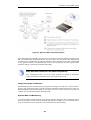
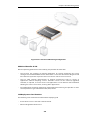
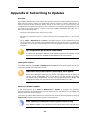
The NetDefendOS Anti-Virus (AV) module, the Intrusion Detection and Prevention (IDP) module,
Web Content Filtering module and Application Control module all require subscriptions to
function. External D-Link databases contain details of the latest viruses, security threats, URL
categorization and application signatures. These databases are constantly being updated and to
get access to the latest updates, a valid D-Link Security Update Subscription must exist. This is
done with the following steps:
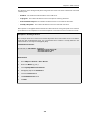
•
Purchase a subscription from a local D-Link reseller.
•
On purchase, customers receive a unique activation code to identify them as a user of the
service.
•
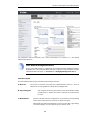
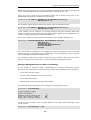
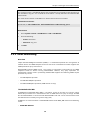
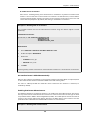
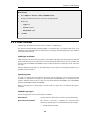
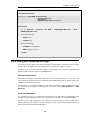
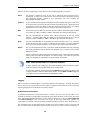
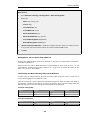
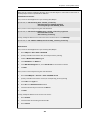
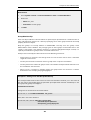
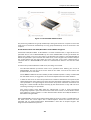
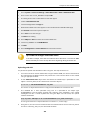
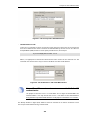
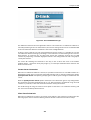
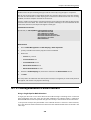
Go to: Status > Maintenance > License in the Web Interface of your NetDefend Firewall
system and enter this activation code. NetDefendOS will indicate the code is accepted and
the update service will be activated. Make sure access to the public Internet is possible when
doing this.
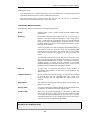
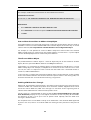
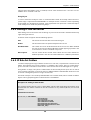
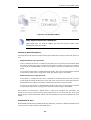
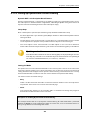
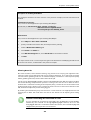
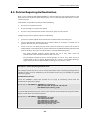
Tip: A registration guide can be downloaded
A step-by-step "Registration manual" which explains registration and update service
procedures in more detail is available for download from the D-Link website.
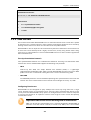
Subscription renewal
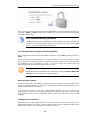
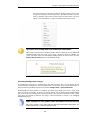
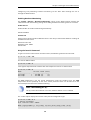
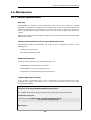
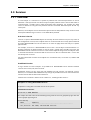
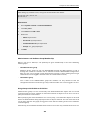
In the Web Interface, go to Status > Maintenance > License to check which update services are
activated and when your subscription is ends.
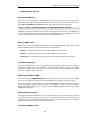
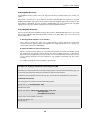
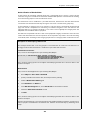
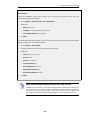
Important: Renew subscriptions when expiry alerts appear
Renew your subscription well before your current subscription ends! Do not leave it to
the last minute. NetDefendOS will issue an alert in the Web Interface that warns
subscription expiry is approaching. The alert will start appearing between 30 days and
23 days prior to expiry. The expiry check is done by NetDefendOS every 7 days.
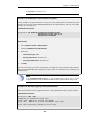
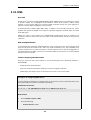
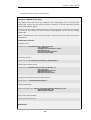
Monitoring database updates
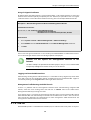
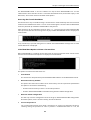
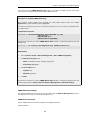
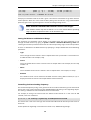
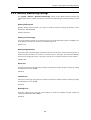
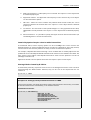
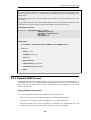
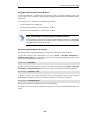
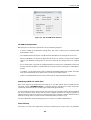
In the Web-interface go to Status > Maintenance > Update to configure the automatic
database updating. The administrator can also check when the last update was attempted and
what the status was for that attempt.
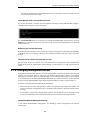
In the same area of the Web-interface it is also possible to manually initiate updating by selecting
Update now to download the latest signatures to the database.
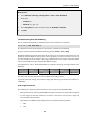
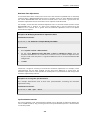
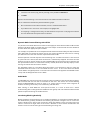
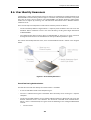
Note: Updating the database causes a pause in processing
Some database updates such as for anti-virus can require a brief processing delay once
734