1
Chapter 3: Fundamentals
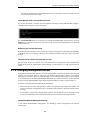
Command-Line Interface
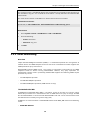
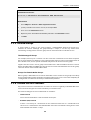
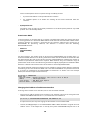
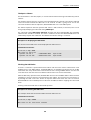
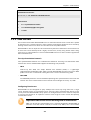
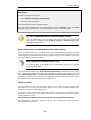
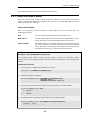
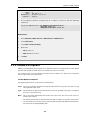
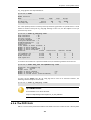
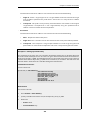
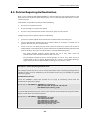
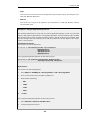
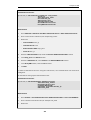
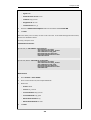
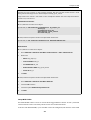
gw-world:/> set DateTime DSTEnabled=Yes
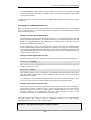
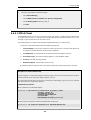
Web Interface
1.
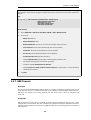
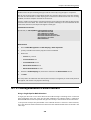
Go to: System/Date and Time
2.
Check Enable daylight saving time
3.
Click OK
3.9.3. Time Servers
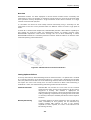
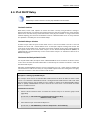
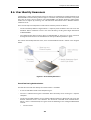
The hardware clock which NetDefendOS uses can sometimes become fast or slow after a period
of operation. This is normal behavior in most network and computer equipment and is solved by
utilizing external Time Servers which are accessible across the public Internet.
NetDefendOS is able to adjust the clock automatically based on information received from one
or more time servers which provide a highly accurate time, usually using atomic clocks. Using
time servers is recommended as it ensures NetDefendOS will have its date and time aligned with
other network devices.
Time Synchronization Protocols
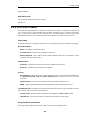
Time Synchronization Protocols are standardized methods for retrieving time information from
external time servers. NetDefendOS supports the following such protocols:
•
SNTP
Defined by RFC 2030, The Simple Network Time Protocol (SNTP) is a lightweight
implementation of NTP (RFC 1305). SNTP is used by NetDefendOS to query time servers. Most
public time servers are described as being NTP servers and are accessible using SNTP.
•
UDP/TIME
The UDP/TIME protocol is an older method of providing time synchronization service over the
Internet. The server sends back the time in seconds since midnight on January 1st, 1900.
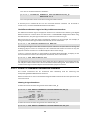
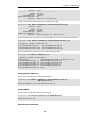
Configuring Time Servers
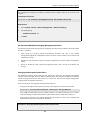
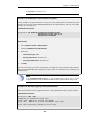
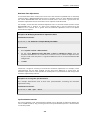
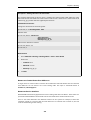
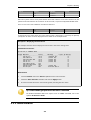
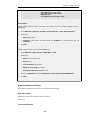
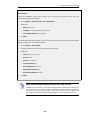
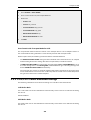
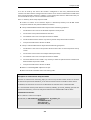
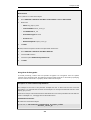
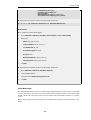
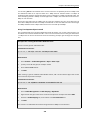
NetDefendOS can be configured to query multiple time servers. By using more than a single
server, situations where an unreachable server causes the time synchronization process to fail
can be prevented. NetDefendOS always queries all configured time servers and then computes
an average time based on all responses. Internet search engines can be used to find publicly
available time servers.
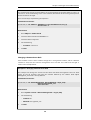
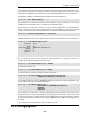
Important: DNS servers need to be configured in NetDefendOS
Make sure at least one external DNS server is correctly configured in NetDefendOS so
that time server URLs can be resolved (see Section 3.10, “DNS”). This is not needed if
213