1
Chapter 10: Traffic Management
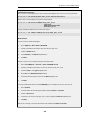
Rule
Name
Forward Return
Pipes
Pipes
Src
Int
in
in-pipe
wan all-nets
out-pipe
Source
Network
Dest Destination
Int
Network
Selected
Service
lan
all_services 0
lannet
Prece
dence
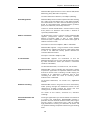
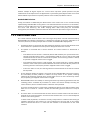
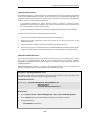
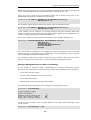
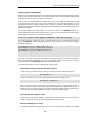
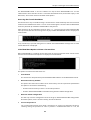
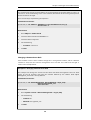
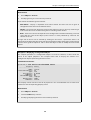
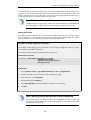
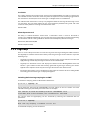
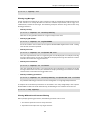
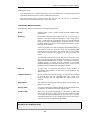
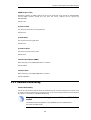
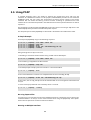
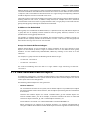
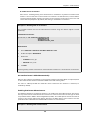
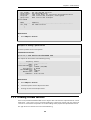
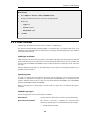
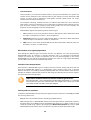
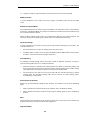
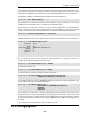
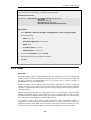
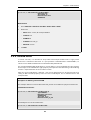
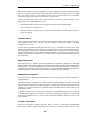
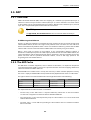
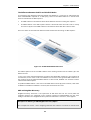
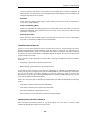
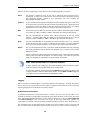
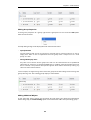
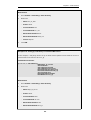
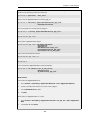
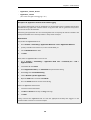
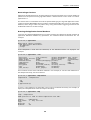
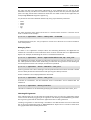
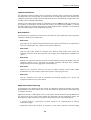
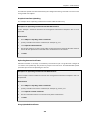
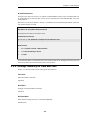
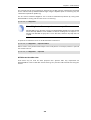
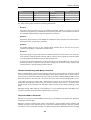
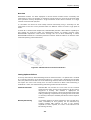
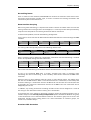
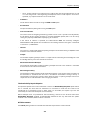
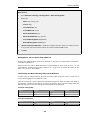
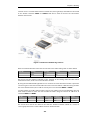
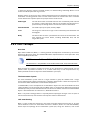
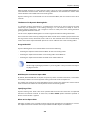
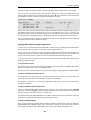
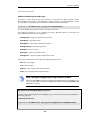
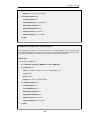
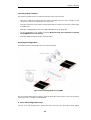
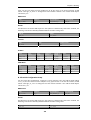
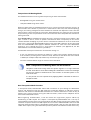
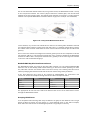
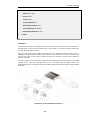
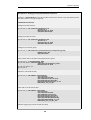
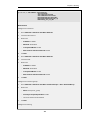
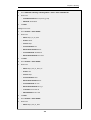
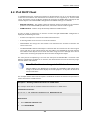
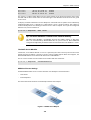
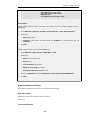
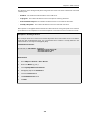
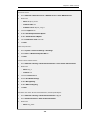
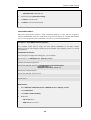
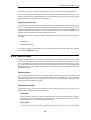
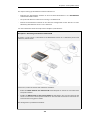
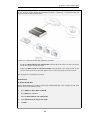
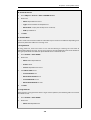
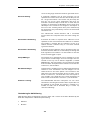
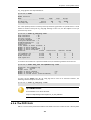
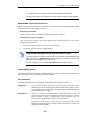
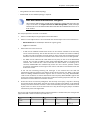
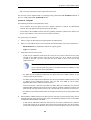
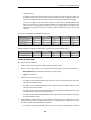
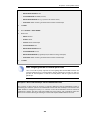
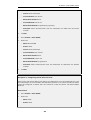
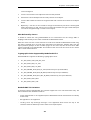
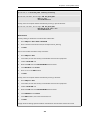
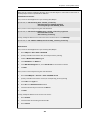
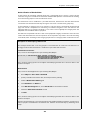
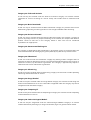
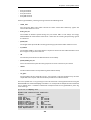
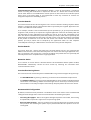
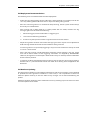
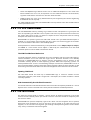
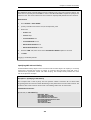
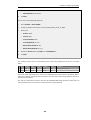
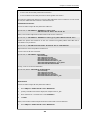
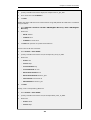
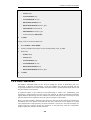
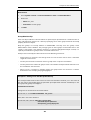
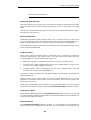
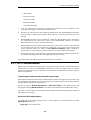
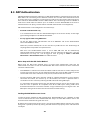
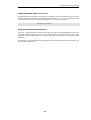
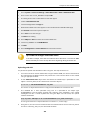
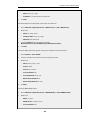
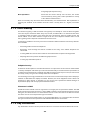
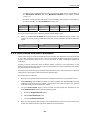
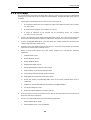
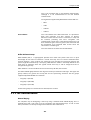
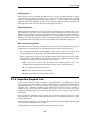
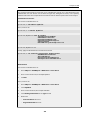
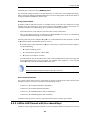
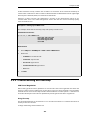
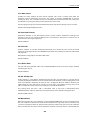
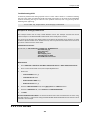
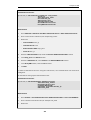
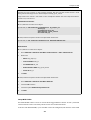
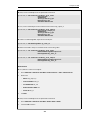
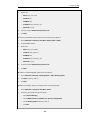
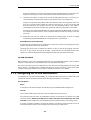
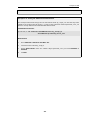
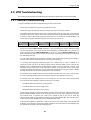
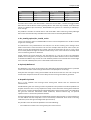
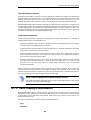
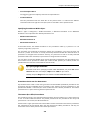
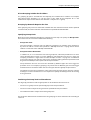
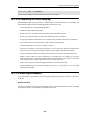
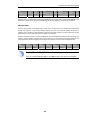
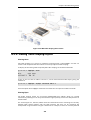
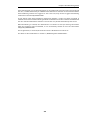
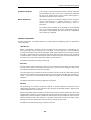
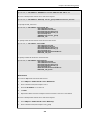
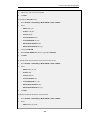
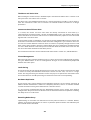
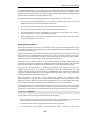
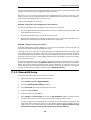
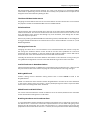
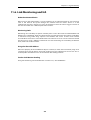
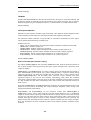
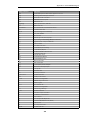
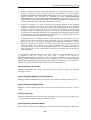
With this setup, all VPN traffic is limited to 1700 Kbps, the total traffic is limited to 2000 Kbps and
VoIP to the remote site is guaranteed 500 Kbps of capacity before it is forced to best effort.
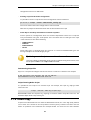
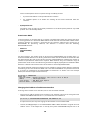
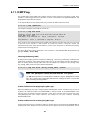
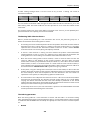
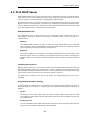
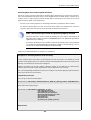
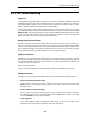
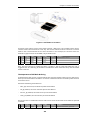
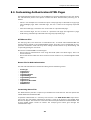
SAT with Pipes
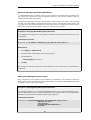
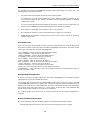
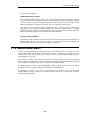
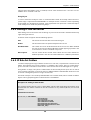
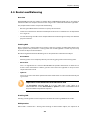
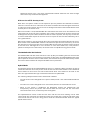
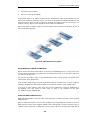
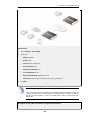
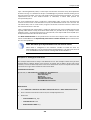
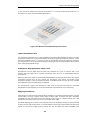
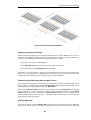
If SAT is being used, for example with a web server or ftp server, that traffic also needs to be
forced into pipes or it will escape traffic shaping and ruin the planned quality of service. In
addition, server traffic is initiated from the outside so the order of pipes needs to be reversed: the
forward pipe is the in-pipe and the return pipe is the out-pipe.
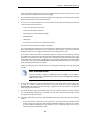
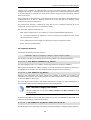
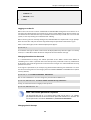
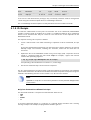
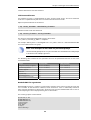
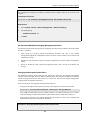
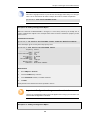
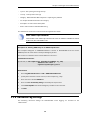
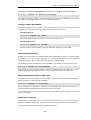
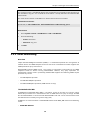
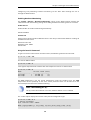
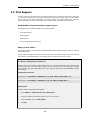
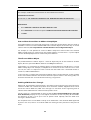
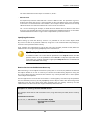
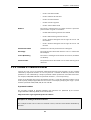
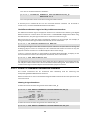
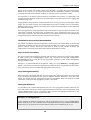
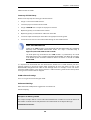
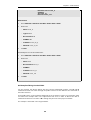
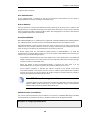
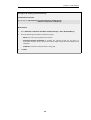
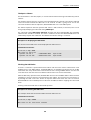
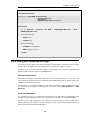
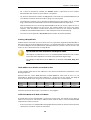
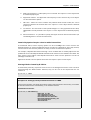
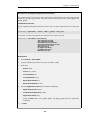
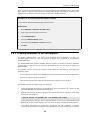
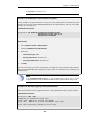
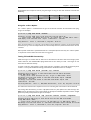
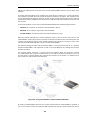
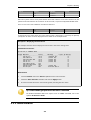
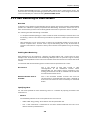
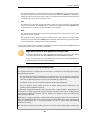
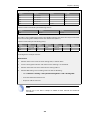
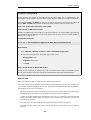
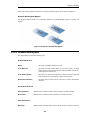
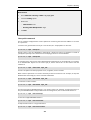
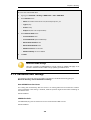
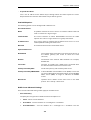
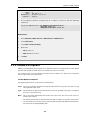
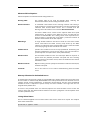
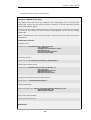
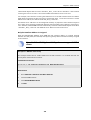
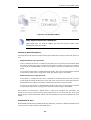
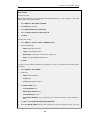
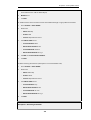
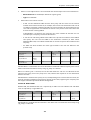
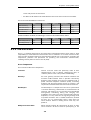
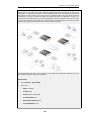
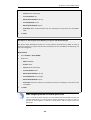
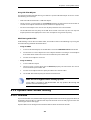
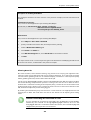
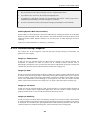
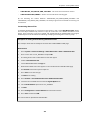
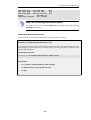
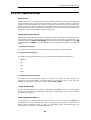
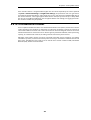
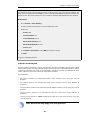
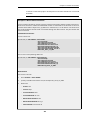
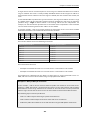
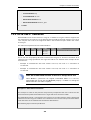
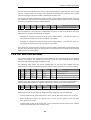
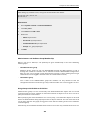
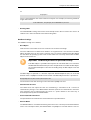
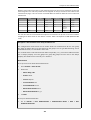
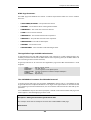
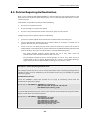
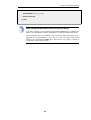
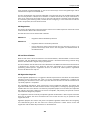
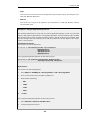
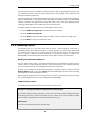
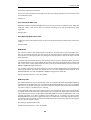
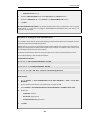
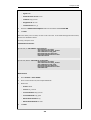
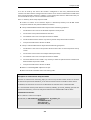
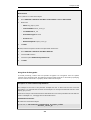
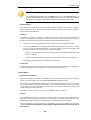
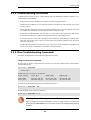
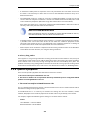
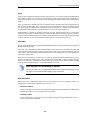
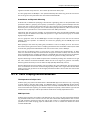
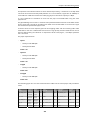
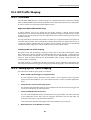
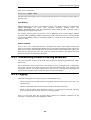
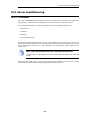
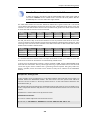
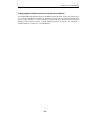
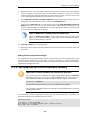
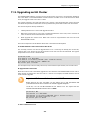
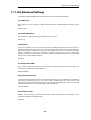
A simple solution is to put a "catch-all-inbound" rule at the bottom of the pipe rule. However, the
external interface (wan) should be the source interface to avoid putting into pipes traffic that is
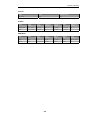
coming from the inside and going to the external IP address. This last rule will therefore be:
Rule
Name
Forward
Pipes
Return
Pipes
Source
Interface
Source
Network
Dest
Interface
Dest
Network
Selected
Service
Prece
dence
all-in
in-pipe
out-pipe
wan
all-nets
core
all-nets
all_services 0
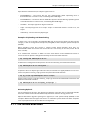
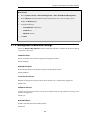
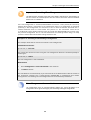
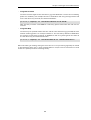
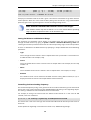
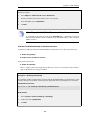
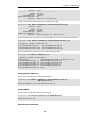
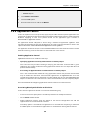
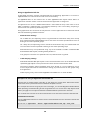
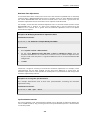
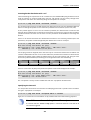
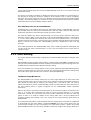
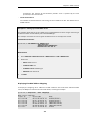
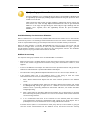
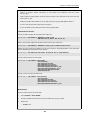
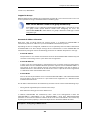
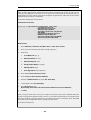
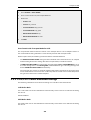
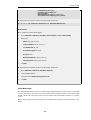
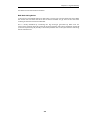
Note: SAT and ARPed IP Addresses
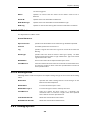
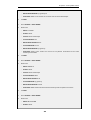
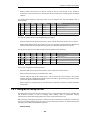
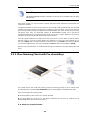
If the SAT is from an ARPed IP address, the wan interface needs to be the destination.
660