1
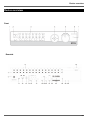
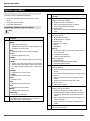
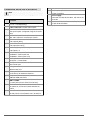
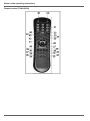
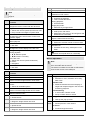
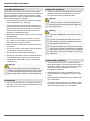
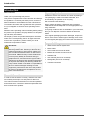
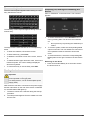
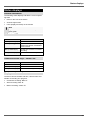
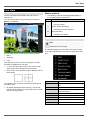
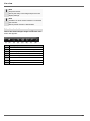
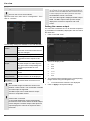
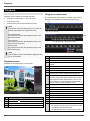
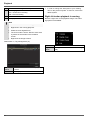
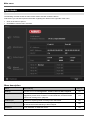
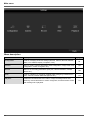
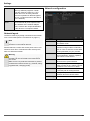
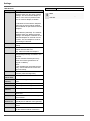
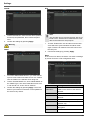
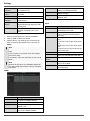
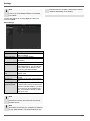
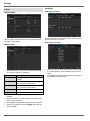
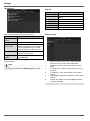
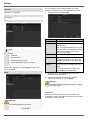
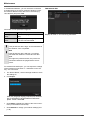
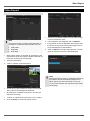
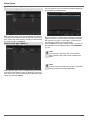
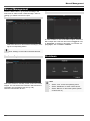
System operation System operation General information The device can be controlled as follows: Using the operating elements on the front of the device Using the remote control Using the USB mouse No. 3 Operating elements on the device Note Pay attention to the overview on page 69. No. 1 2 Name Function Recorder operating keys: MENU: Calls up the main menu Switches the key tones on and off (press and hold down for 5 seconds) REC: Calls up the menu for manual recording PLAY: Opens the playback menu ZOOM+: Zooms in on the image section in PTZ mode ZOOM-: Zooms out of the image section in PTZ mode Switches the video output in live mode: Monitor – Spot Monitor or Video Out – Video Spot Out FOCUS+: Sets the focus in PTZ mode FOCUS-: Sets the focus in PTZ mode IRIS+: Opens the iris IRIS-: Closes the iris in PTZ mode PTZ: Activates the PTZ control MODE: Switches the screen view KEYLOCK: Locks the control keys USB ports: For external USB 2.0 devices (e.g. mouse, external disk drive or DVR burner) 4 5 6 7 70 Name Function Camera selection keys (1, 2, 3...): Displays the camera status: White: Camera is connected Blue: Connected camera is recording Not lit: No camera connected In the live view: Selects the camera and displays the full-screen view Directional keypad: During playback: , Sets the speed , Previous / next day In the live view: Selects the channel In menus: Navigation OK key: Press and hold for 5 seconds to switch the device on and off Confirms the selection Ticks / unticks the boxes During playback: PLAY/PAUSE Increased/ decreased playback speed: Normal playback speed Jog Shuttle: During playback: Outer ring (shuttle ring) change playback speed Inner ring to play single frames in single mode In menus: Inner ring moves the cursor upwards / downwards Outer ring moves the cursor left / right In the live view: Selects the channel DVR status LED: Displays the device status: White (constantly lit): System status is OK White (flashing): System status is OK, recording settings are stored, surveillance mode is active Blue (constantly lit): At least one camera is currently recording Red (constantly lit): System maintenance required IR receiver: For the remote control