1
AVC, Application View Controller
User Manual
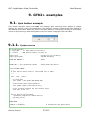
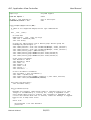
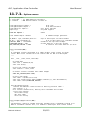
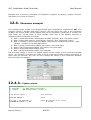
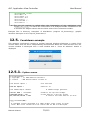
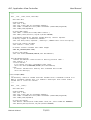
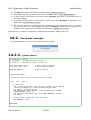
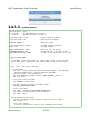
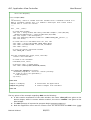
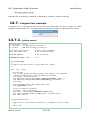
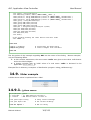
Example files in directory 'examples' of distribution: program 'tk_label.py', graphic interface
descriptor as tcl script 'tk_label.tcl'.
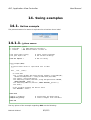
12.4.
Showcase example
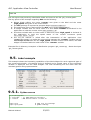
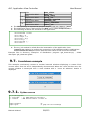
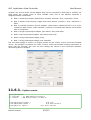
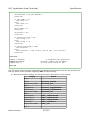
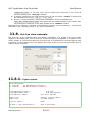
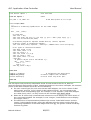
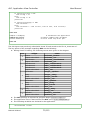
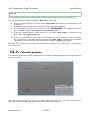
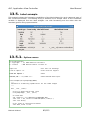
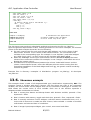
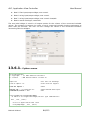
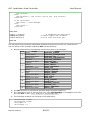
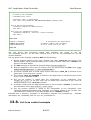
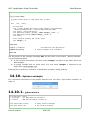
This example shows a table of all widget/variable type combinations supported by AVC. The
program creates a window with three columns: the first shows the type of the connected
variable, the second shows all the widgets that can be connected to that type of variable, the
third shows the current value of each variable. Each row of the window represent a
widgets/variable combination as follows.
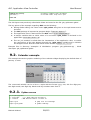
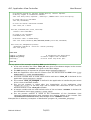
Row 1: memoryless button with boolean variable, pressed = True, unpressed = False.
Row 2: button with memory, check button, pressed = True, unpressed = False.
Row 3: mutually exclusive choices widgets, radio buttons numbered from 0 to 2, index
variable = number of checked radio button.
● Row 4: integer input/output widgets, spin button, entry and slider.
● Row 5: float input/output widgets, spin button, entry and slider.
● Row 6: string input/output widget, entry.
● Row 7: string input/output widget, text view/edit.
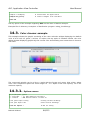
The text label widget is used in all output modes for the column of the connected variable
values. The program increment the value of each connected variable looping top-bottom at
three rows per seconds. The user can also change the values of the connected variables
interacting with the widgets.
●
●
●
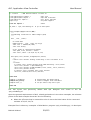
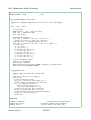
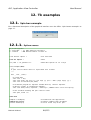
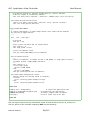
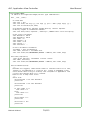
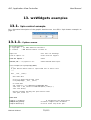
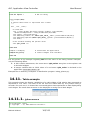
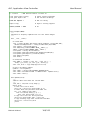
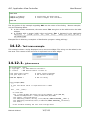
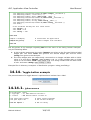
12.4.1.
Python source
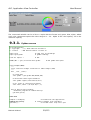
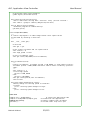
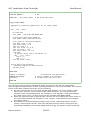
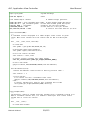
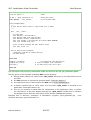
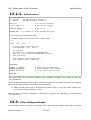
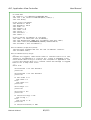
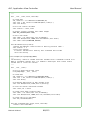
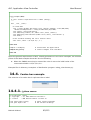
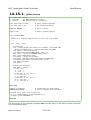
#!/usr/bin/python
# .copyright : (c) 2007 Fabrizio Pollastri
# .license
: GNU General Public License v3
from Tkinter import *
# Tk interface
from avc import *
# AVC
TCL_FILE = 'tk_showcase.tcl'
INCREMENTER_PERIOD = 0.333
# GUI description as tcl script
# seconds
Fabrizio Pollastri
69/115