1
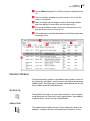
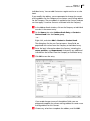
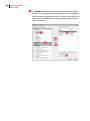
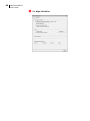
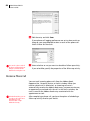
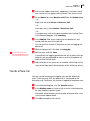
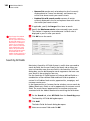
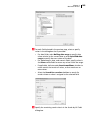
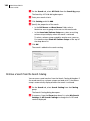
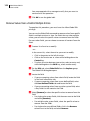
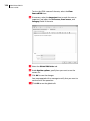
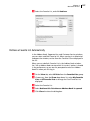
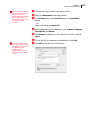
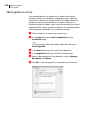
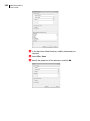
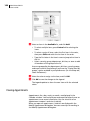
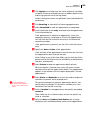
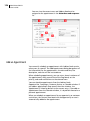
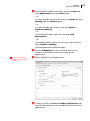
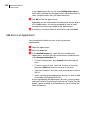
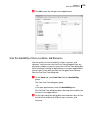
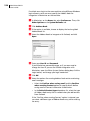
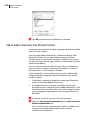
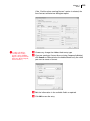
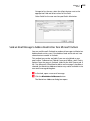
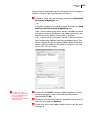
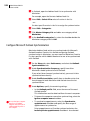
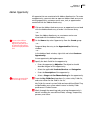
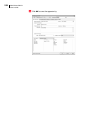
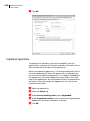
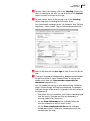
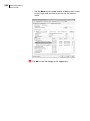
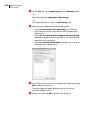
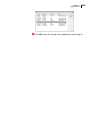
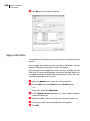
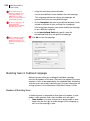
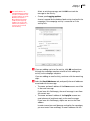
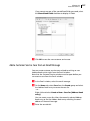
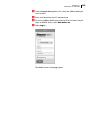
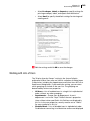
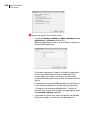
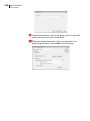
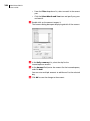
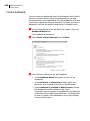
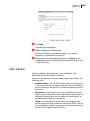
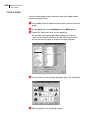
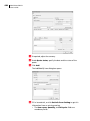
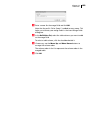
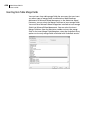
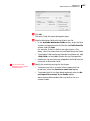
234 Maximizer CRM 12 User’s Guide Assign a Campaign to an Opportunity To complete this procedure, you must have Read permission for campaigns and Modify permission for opportunities. You can associate existing automated campaigns with opportunities. Open the opportunity. If necessary, from the Key Fields for drop-down list, select a Key Fields list that contains the Campaign field. By default, the Campaign field is included in the <Default Key Fields> list. Select the Campaign field, and click the ellipsis button to the right of the field. The Assign Campaign to Opportunity dialog box opens. Enter the search criteria for the campaign. • In the Campaign Name field, specify the name of the campaign. • In the Products/Services and Categories fields, specify the products, services and categories associated with the campaign. By default, the Products/Services and Categories values from the opportunity are selected. • Under Start date range, specify the date range for the campaign start date, or select Search all dates. • Under Find matching, select the status values of the campaigns. • Select Opportunity’s Address Book entry is subscribed to campaign to return only the campaigns to which the Address Book entry associated with the opportunity is subscribed. Click Search. The automated campaigns matching the search criteria are displayed. Select the campaign and click OK.