1
Chapter 15
Administration for Maximizer
429
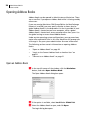
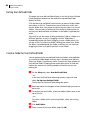
Importing Address Book Data
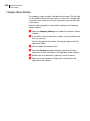
Use Administrator or Maximizer to import Address Book information
from other sources. Some import methods are available only through
Administrator.
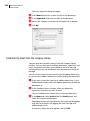
After importing Address Book entries into Maximizer, a list of
imported Address Book entries is stored in a Favorite List named
according to the file format and import date and time.
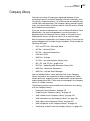
Maximizer provides the following methods of importing data. The
best import method depends on the type of data you are importing.
•
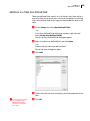
MXI or XML Files – This method imports Address Book entries,
customer service cases, knowledge base articles, and other data
from MXI (Maximizer XML Interface) or XML Files. These MXI
and XML files may have been created by exporting from
Maximizer or by exporting the information from another source
and converting it to XML using the Maximizer XML schema. For
more information about the Maximizer XML Schema, refer to
the Maximizer CRM Administrator’s Guide.
•
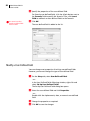
Address Book Entries – This method imports entries from a
text file that is created when you export from another
application. Outlook, for example, can export its address book to
a text file. When you import from a text file, you must choose to
import all the entries as Companies/Individuals or as Contacts, or
you can do a two-tier import to import Companies/Individuals
first and then import the associated Contacts.
•
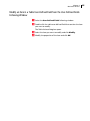
ACT! or GoldMine Database – Importing an ACT! or GoldMine
database is straightforward as Maximizer can detect the ACT! or
GoldMine database version and map the fields automatically. In
Maximizer CRM Enterprise Edition, this import method is
available through Administrator only. In Maximizer CRM Group
Edition, this import method is available through Administrator
or Maximizer if you are logged in as the MASTER user. For
information about importing from ACT! or GoldMine, refer to
the Maximizer CRM Administrator’s Guide.
•
Other Contact Manager Database – This option enables you
to import a variety of data file formats, including Organizer,
Clipper, dBASE, FoxBase, and FoxPro, among others. or
GoldMine database version and map the fields automatically. In
Maximizer CRM Enterprise Edition, this import method is
available through Administrator only. In Maximizer CRM Group
Edition, this import method is available through Administrator
or Maximizer if you are logged in as the MASTER user. For
information about importing from other contact manager
databases, refer to the Maximizer CRM Administrator’s Guide.