1
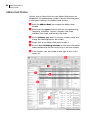
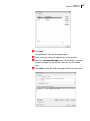
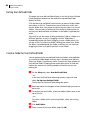
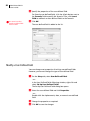
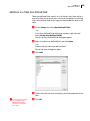
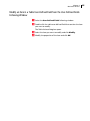
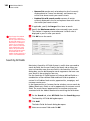
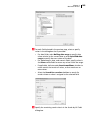
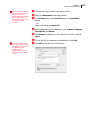
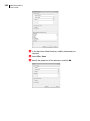
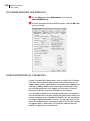
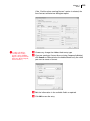
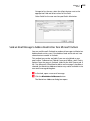
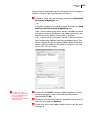
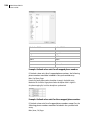
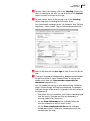
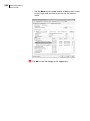
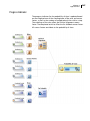
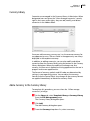
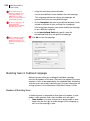
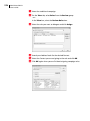
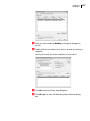
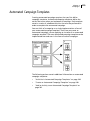
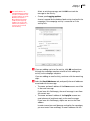
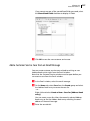
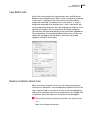
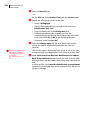
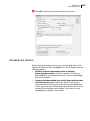
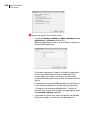
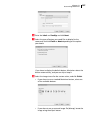
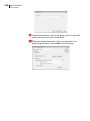
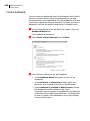
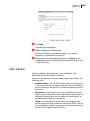
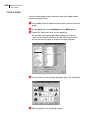
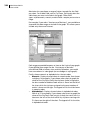
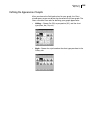
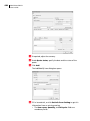
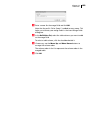
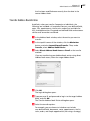
280 Maximizer CRM 12 User’s Guide Activities in Automated Campaign Templates An automated campaign template determines the actions that occur during a campaign. The campaign template sets out in precise terms which activities to use and when to send the campaign media (email messages, faxes, or printed documents). You can schedule as many activities in a campaign template as you need. When adding activities to a campaign template, you will need to plan some details ahead of time, including the following: • How many email messages, faxes, or printed documents you want to send. • Which file types to use for the campaign activity. • How many days after the campaign is launched that the campaign message is sent. Create an Automated Campaign Template Once you have a plan worked out, you can create an automated campaign template. The Automated Campaign Templates dialog box opens. Click Add to add a new template. Choose whether you are creating an entirely new campaign template or one that is based on an existing campaign template. If you choose to base the new campaign template on an existing campaign template, Maximizer copies the content of the existing campaign template into your new campaign template.