1
Part Seven
Replays
Data Import
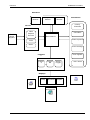
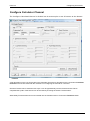
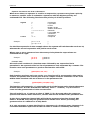
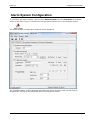
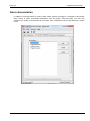
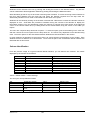
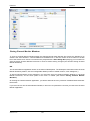
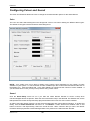
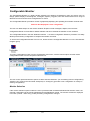
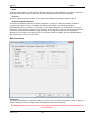
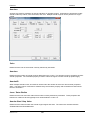
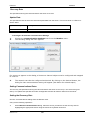
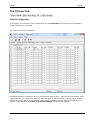
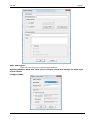
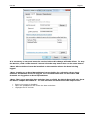
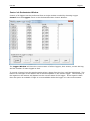
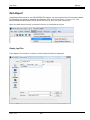
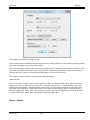
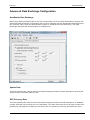
The Data Import application will Import an ACSII text file with columns of data and create a System
Data Log (.ODL) file from the data. Prior to import, the ASCII file must be described by the user.
This description can then be saved as an Import Configuration File (ORI) which can be reused. A text
header can be also imported.
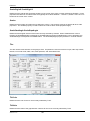
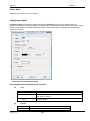
Importing An ASCII File
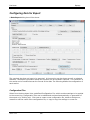
It is important to give a good description of the ASCII file to be imported so that the data is
interpreted correctly. The user must also describe how the data should be formatted in the output
log file
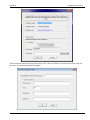
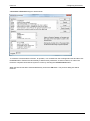
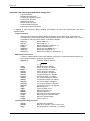
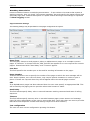
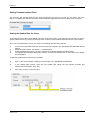
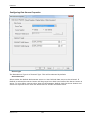
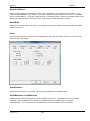
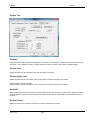
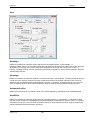
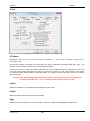
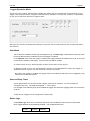
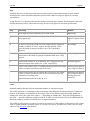
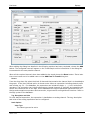
The following information is required :
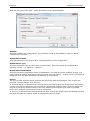
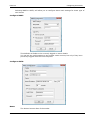
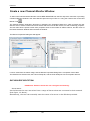
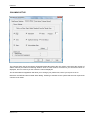
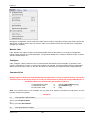
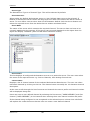
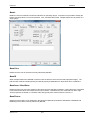
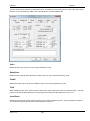
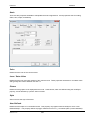
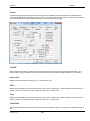
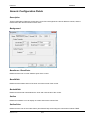
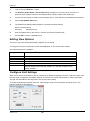
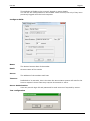
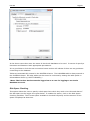
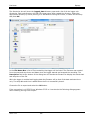
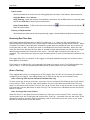
Source Information
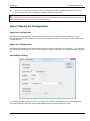
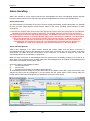
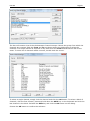
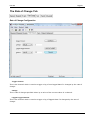
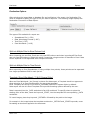
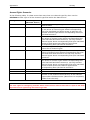
A unique channel number is used to identify individual columns of data. Each channel may
represent a data point from a device or processor. A prefix and source name is used to identify the
processor or device.
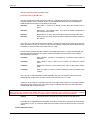
Prefix
Enter up to two alphabetical characters for the source prefix of the data to be imported.
Start Chan No
Data is stored in ranges in a data log file. Enter a channel number between 1 and 10,000 for the
start of the range.
Source Name
Enter up to 25 characters for a name to describe the data being imported.
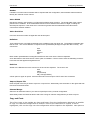
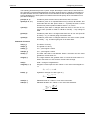
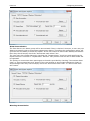
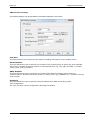
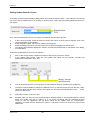
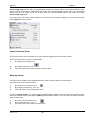
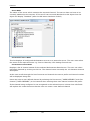
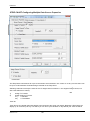
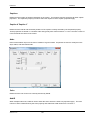
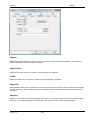
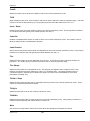
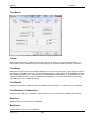
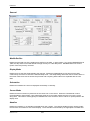
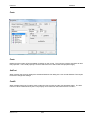
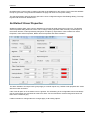
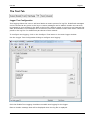
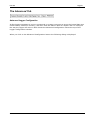
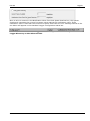
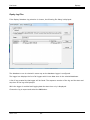
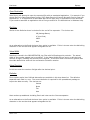
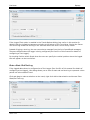
Header Information
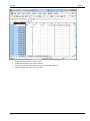
There may be lines of text at the start of the ASCII file to import which could be used to describe the
data. This header information can be imported into a text file with the correct System format. This
header information can also be ignored.
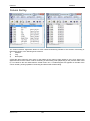
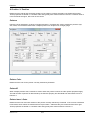
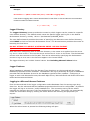
Import Header
Click this check box on if you require header information to be imported.
No. Header Lines
Enter the number of header lines at the start of the ASCII file.
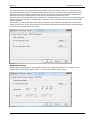
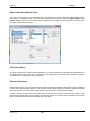
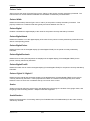
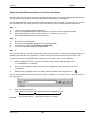
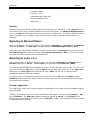
*Note:
It is important to fill in the No. Header Lines field even if you do not require header information to be
imported. It informs the application which line the data starts at.
Version: 4.0.0
369