1
Part Five
Monitors
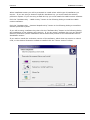
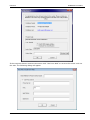
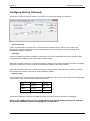
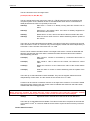
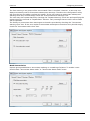
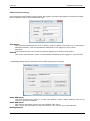
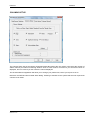
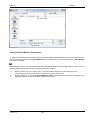
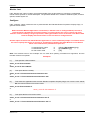
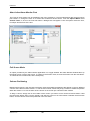
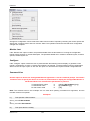
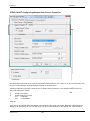
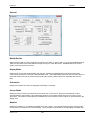
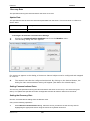
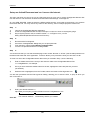
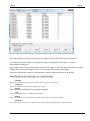
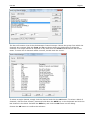
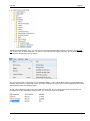
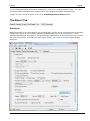
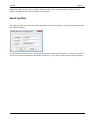
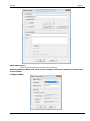
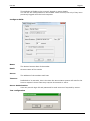
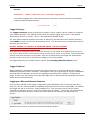
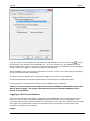
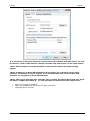
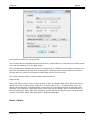
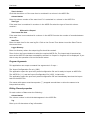
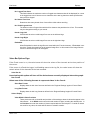
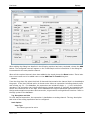
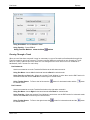
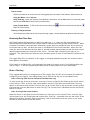
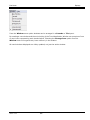
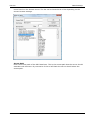
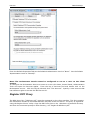
You are then presented with the Edit HyperLink Dialog, allowing you to enter the URL, to jump to when you
click on the link i.e.
4)
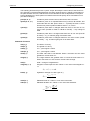
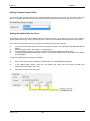
Enter your domain address i.e.
http://www.yourcompany.com/msactivedocuments/useranalogs.mcm
Your Internet Address
The directory and file you created
Click OK.
Step 4
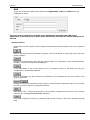
1)
2)
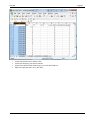
Save your work.
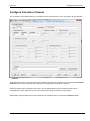
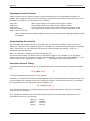
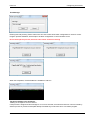
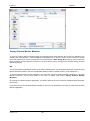
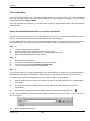
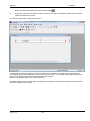
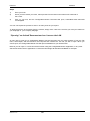
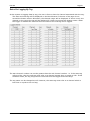
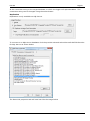
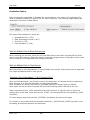
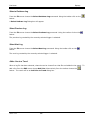
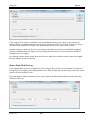
When you have saved your work, select preview from the tabs on the bottom left hand side of
the screen.
3)
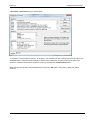
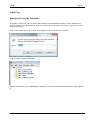
Click on your link, and the Channel Monitor Document will open, embedded within Microsoft FrontPage
98.
You can now repeat the process to enter in as many Links as you require.
To allow the page to be accessed from the Internet, simply enter a link to the .htm file you have just created on
your webpage i.e. your company webpage.
“Opening” an ActiveX Document and run it across the LAN.
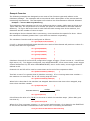
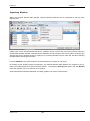
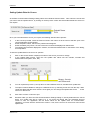
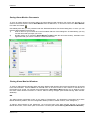
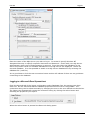
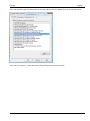
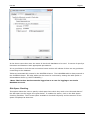
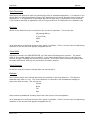
An easy way to open the a Channel Monitor ActiveX Document via your web browser is from the File menu,
select Open, and the browse to the Computer that contains the .mcm file you wish to open. When you choose
open, the Channel Monitor File will open embedded into your web browser.
Not that you can open a .mcm file across the network using the Channel Monitor Application, or any other
ActiveX Document Server Applications i.e. Microsoft FrontPage 98 and Microsoft Binder for example.
Version: 4.0.0
145