1
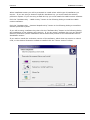
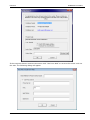
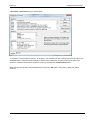
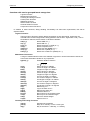
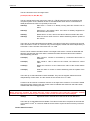
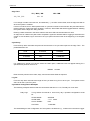
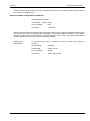
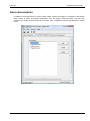
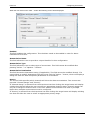
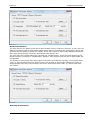
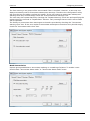
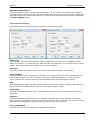
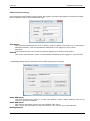
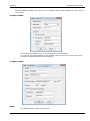
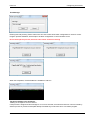
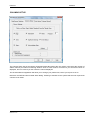
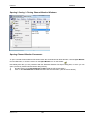
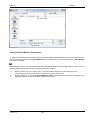
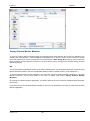
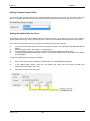
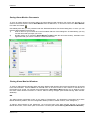
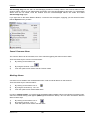
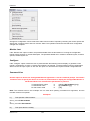
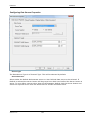
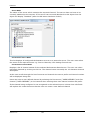
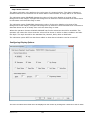
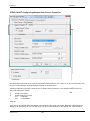
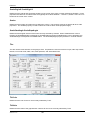
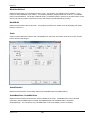
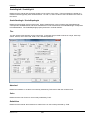
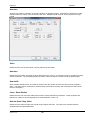
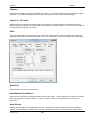
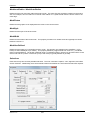
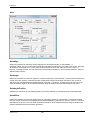
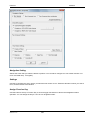
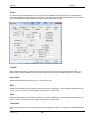
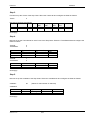
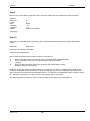
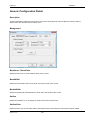
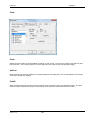
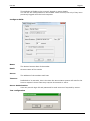
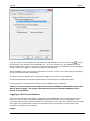
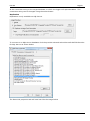
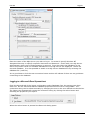
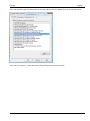
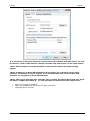
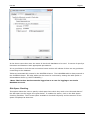
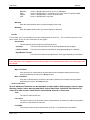
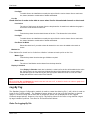
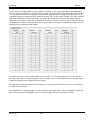
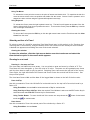
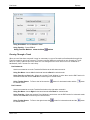
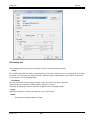
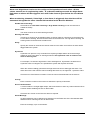
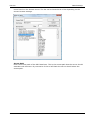
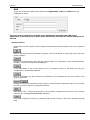
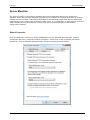
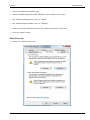
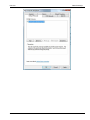
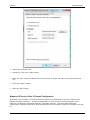
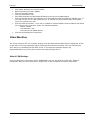
Part Ten Data Exchange Select the “Identity” tab Select the “This user” radio button. Enter the user name and password of the account in which the OPC server process should run. Click the “Apply” button. Click the “OK” button. Windows XP Service Pack 2 Firewall Configuration By default your Firewall is turned on and this setting recommended to give the machine the highest possible protection. It may be appropriate to turn of the Firewall completely if the machine is sufficiently protected behind a corporate Firewall. The steps below describe configuration changes required to allow Remote OPC Communication when the Firewall is turned on. Version: 4.0.0 439