1
Workflows For Accessing Data
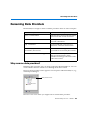
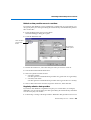
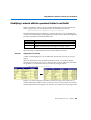
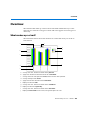
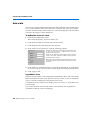
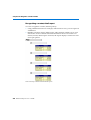
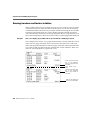
Building a query in an existing document
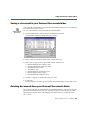
You don’t have to create a new document every time you want to see new data in
BUSINESSOBJECTS. You can build data providers inside existing documents. This
feature enables you not only to see more data that comes from the same source as
the document’s initial query, but also to combine data from different sources in
the same report. Here’s an example.
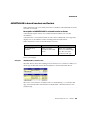
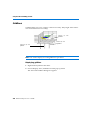
Example
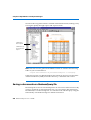
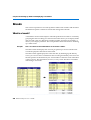
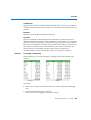
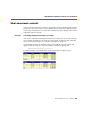
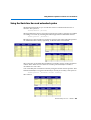
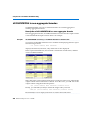
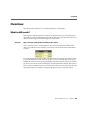
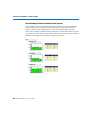
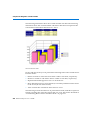
How do the official figures compare with my personal targets?
............................................................
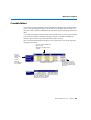
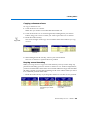
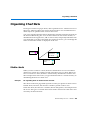
Your company’s sales information is stored in your corporate database, which
you access by running a query on a universe in BUSINESSOBJECTS. You already
have a BUSINESSOBJECTS document containing this information.
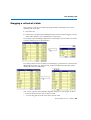
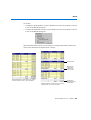
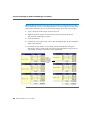
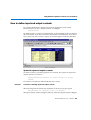
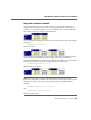
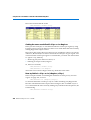
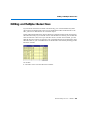
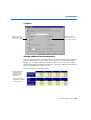
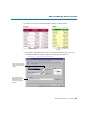
You keep your quarterly targets in a Microsoft Excel spreadsheet, and want to
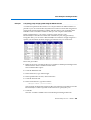
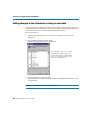
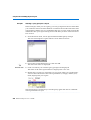
compare the corporate figures with your personal data. To do this, you:
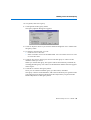
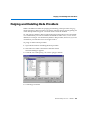
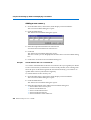
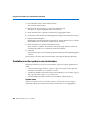
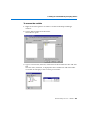
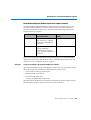
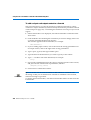
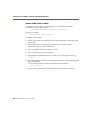
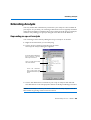
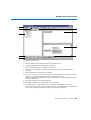
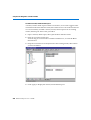
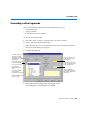
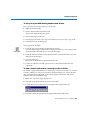
1. Open the document containing the corporate data.
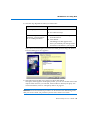
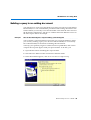
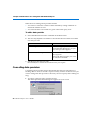
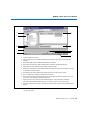
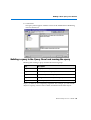
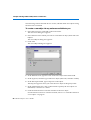
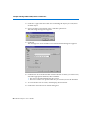
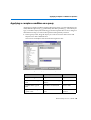
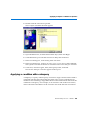
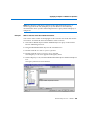
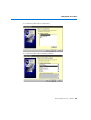
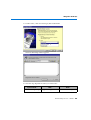
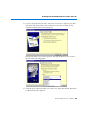
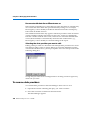
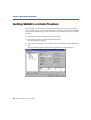
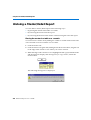
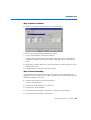
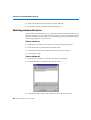
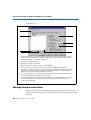
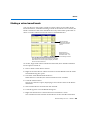
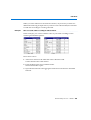
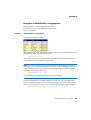
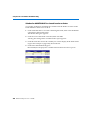
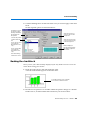
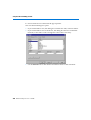
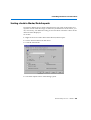
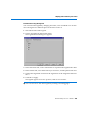
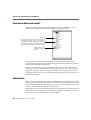
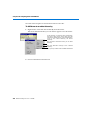
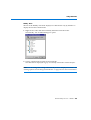
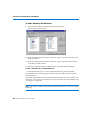
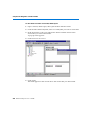
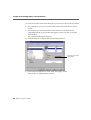
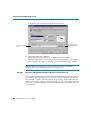
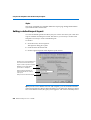
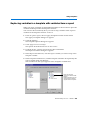
2. Select the New Data Provider command on the Data menu.
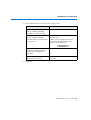
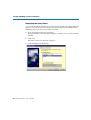
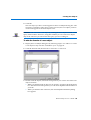
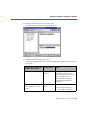
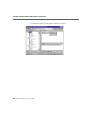
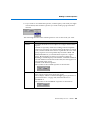
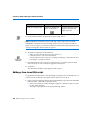
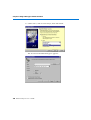
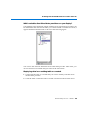
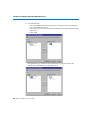
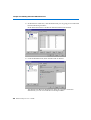
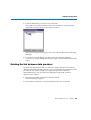
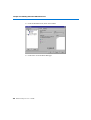
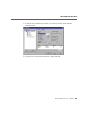
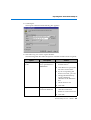
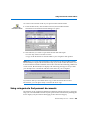
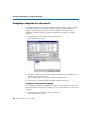
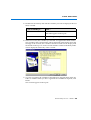
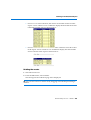
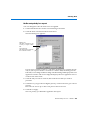
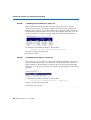
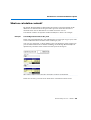
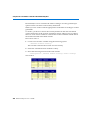
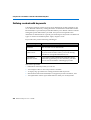
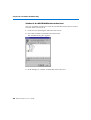
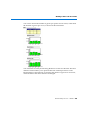
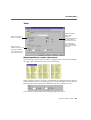
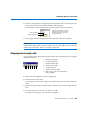
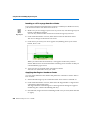
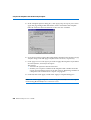
3. In the Wizard that appears, click Access new data in a different way:
BusinessObjects User’s Guide 49