1
Chapter 11 Master/Detail Reports
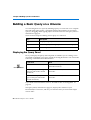
Re-organizing a Master/Detail Report
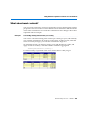
You can re-organize the section levels in a master/detail report or change the
master to get a different view of your data.
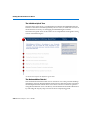
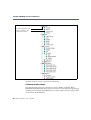
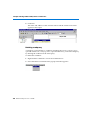
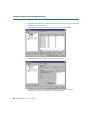
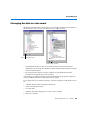
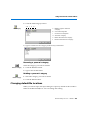
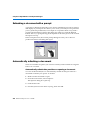
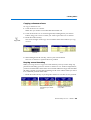
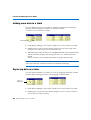
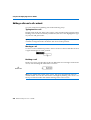
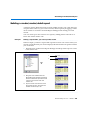
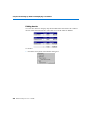
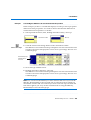
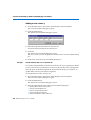
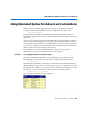
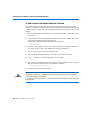
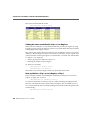
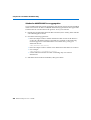
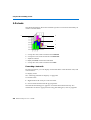
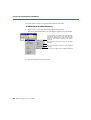
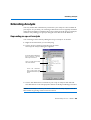
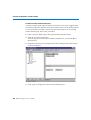
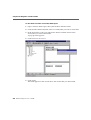
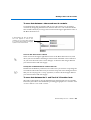
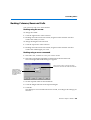
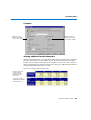
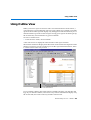
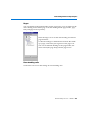
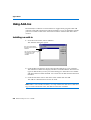
Replace a master with a new variable
• Drag a new variable from the table or crosstab or from the Report Manager
window and drop it into the master cell.
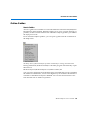
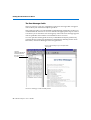
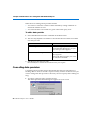
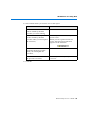
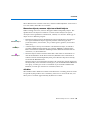
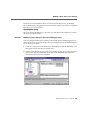
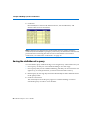
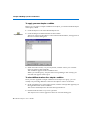
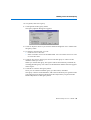
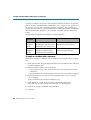
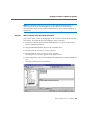
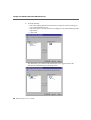
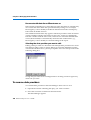
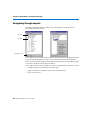
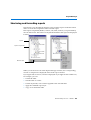
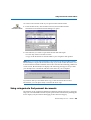
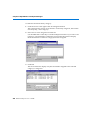
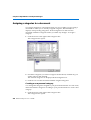
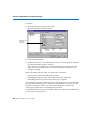
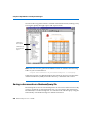
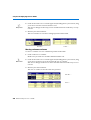
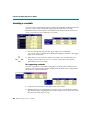
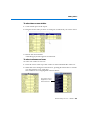
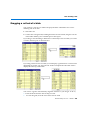
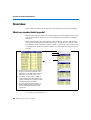
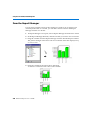
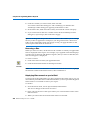
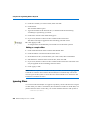
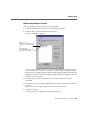
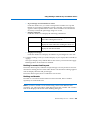
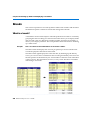
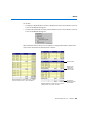
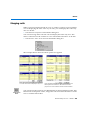
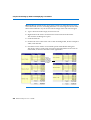
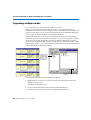
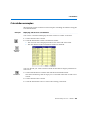
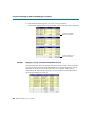
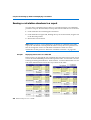
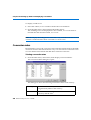
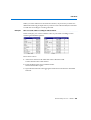
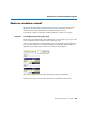
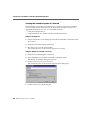
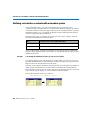
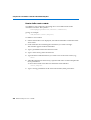
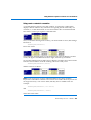
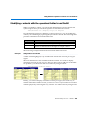
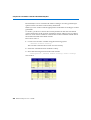
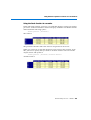
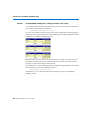
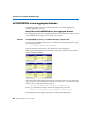
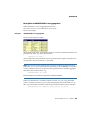
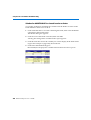
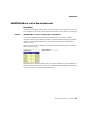
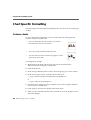
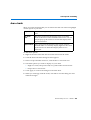
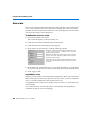
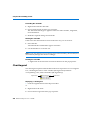
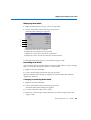
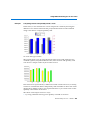
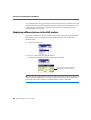
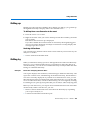
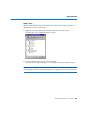
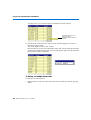
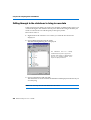
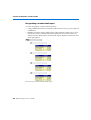
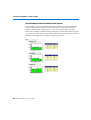
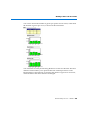
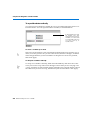
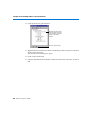
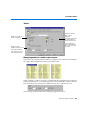
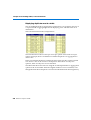
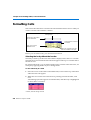
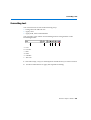
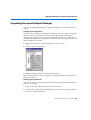
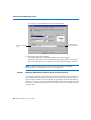
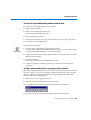
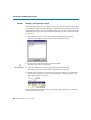
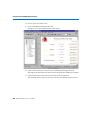
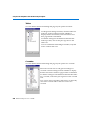
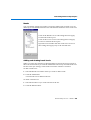
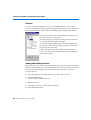
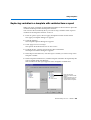
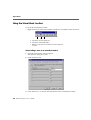
Change the order in a master/master/detail
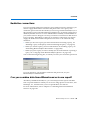
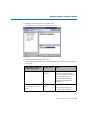
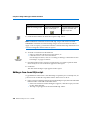
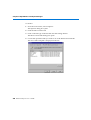
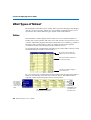
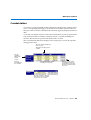
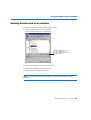
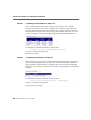
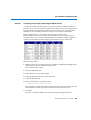
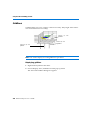
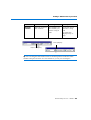
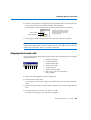
1. Click on one of the master cells.
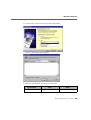
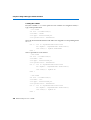
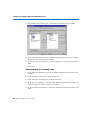
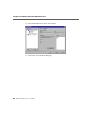
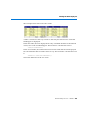
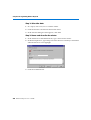
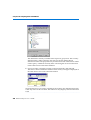
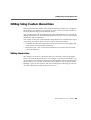
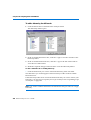
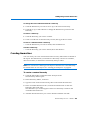
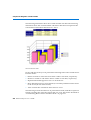
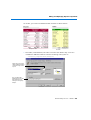
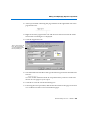
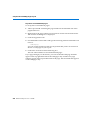
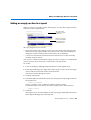
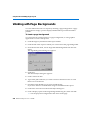
From this......
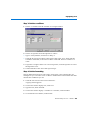
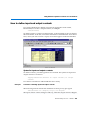
....to this
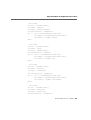
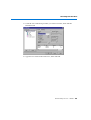
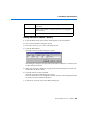
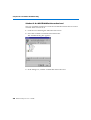
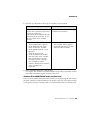
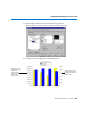
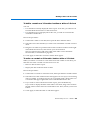
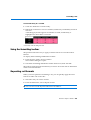
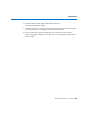
2. Drag the cell and drop it on the other cell.
The contents are swapped and the section levels are changed.
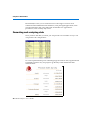
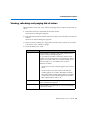
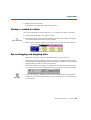
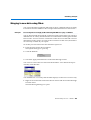
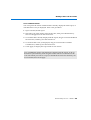
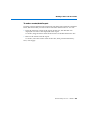
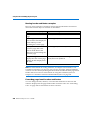
Sorting, ranking and filters
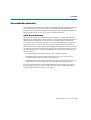
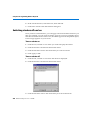
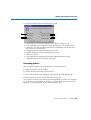
You can sort, filter and rank data in master/detail reports. You can sort, filter and
rank the values in the master cells and/or the data in the tables and crosstabs in
the sections. For more information on sorting, ranking and filtering data, see
Chapter 12 "Organizing Data in Reports" on page 255.
250 BusinessObjects User’s Guide