1
Chapter 9 Report Basics and Report Manager
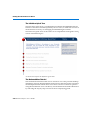
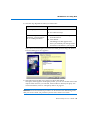
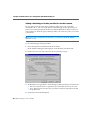
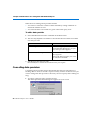
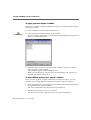
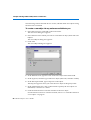
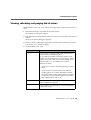
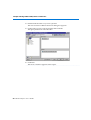
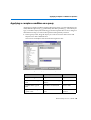
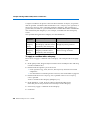
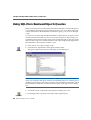
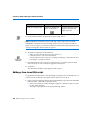
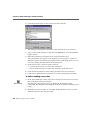
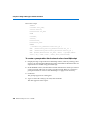
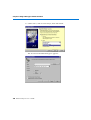
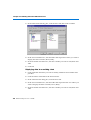
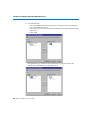
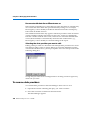
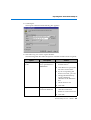
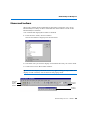
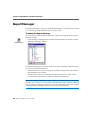
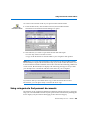
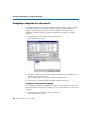
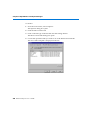
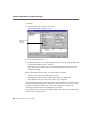
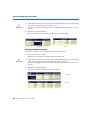
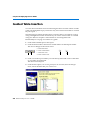
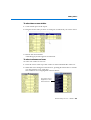
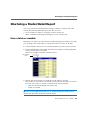
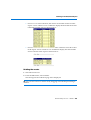
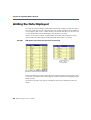
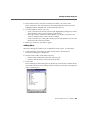
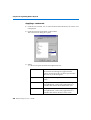
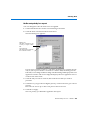
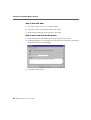
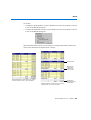
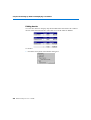
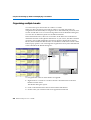
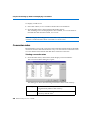
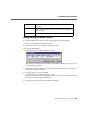
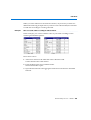
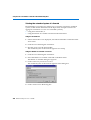
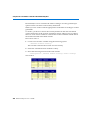
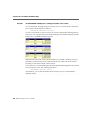
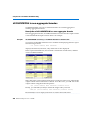
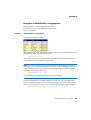
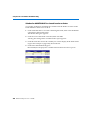
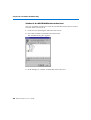
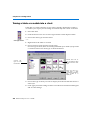
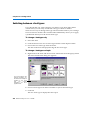
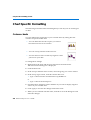
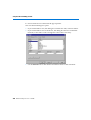
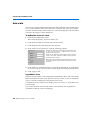
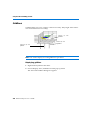
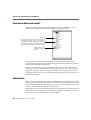
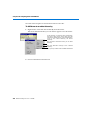
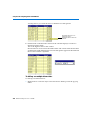
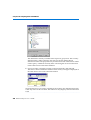
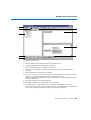
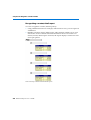
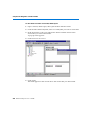
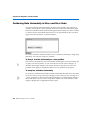
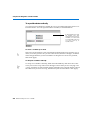
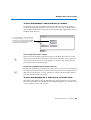
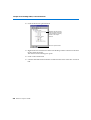
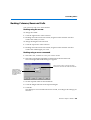
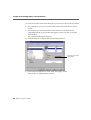
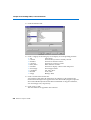
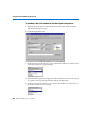
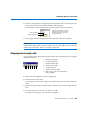
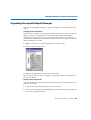
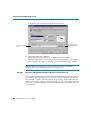
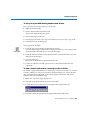
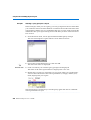
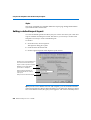
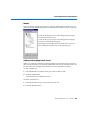
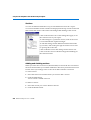
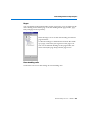
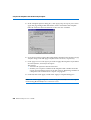
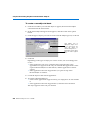
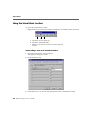
To filter the document list by category:
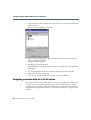
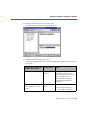
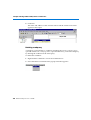
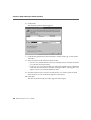
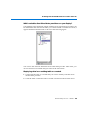
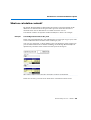
1. Click the arrow to the right of the All Categories button.
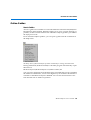
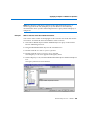
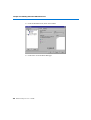
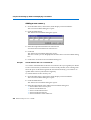
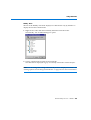
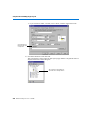
The Categories box opens. If you haven’t created any categories, this list has
one entry only, <No Category>.
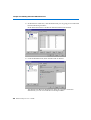
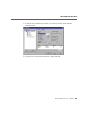
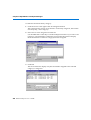
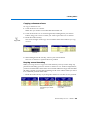
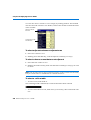
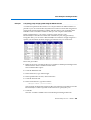
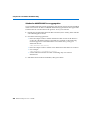
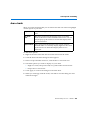
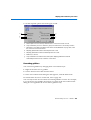
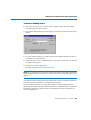
2. Select one or more categories from the list.
Use the Shift and Control keys to make multiple selections. If you select <No
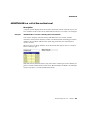
Category>, BUSINESSOBJECTS filters the personal document list to display
those documents to which no category has been assigned.
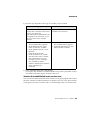
3. Click OK.
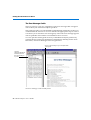
The list is filtered to display only the documents assigned to the selected
category or categories.
204 BusinessObjects User’s Guide