1
Using Macros
Using Macros
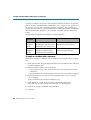
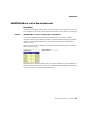
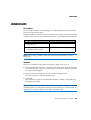
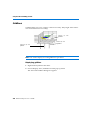
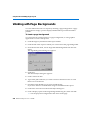
Macros are created and stored inside BUSINESSOBJECTS documents (.rep files) or
BUSINESSOBJECTS add-ins (.rea files). You can run macros either from the Macros
dialog box or from the Visual Basic toolbar if macros have been assigned to the
macro buttons.
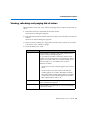
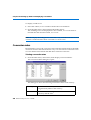
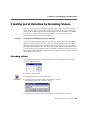
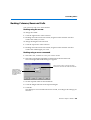
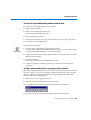
Running a macro
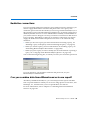
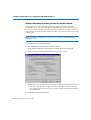
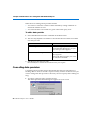
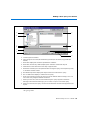
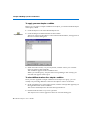
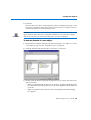
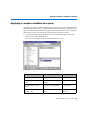
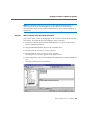
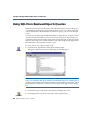
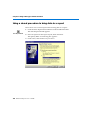
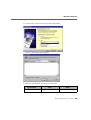
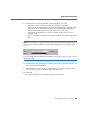
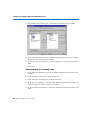
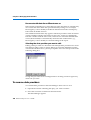
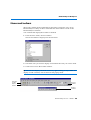
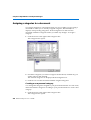
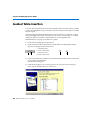
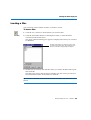
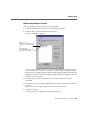
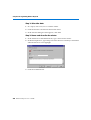
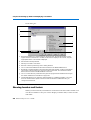
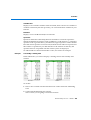
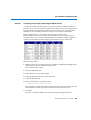
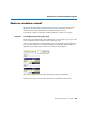
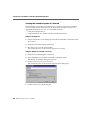
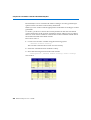
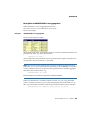
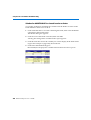
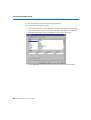
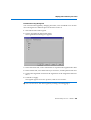
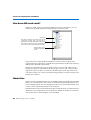
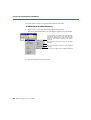
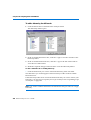
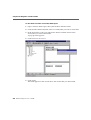
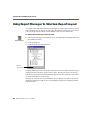
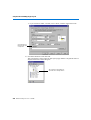
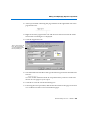
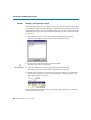
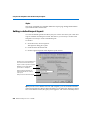
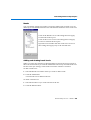
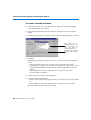
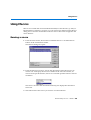
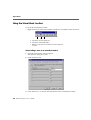
1. From the Tools menu, choose Macro and then Macros or click the Macros
button on the Visual Basic toolbar.
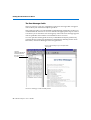
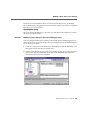
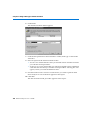
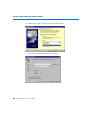
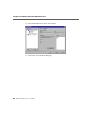
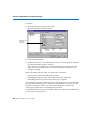
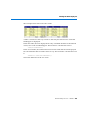
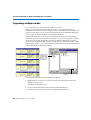
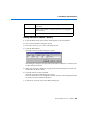
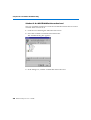
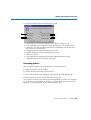
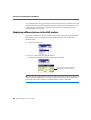
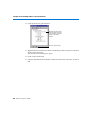
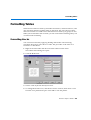
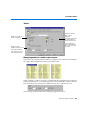
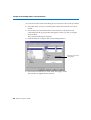
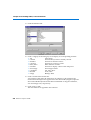
The Macros dialog box opens.
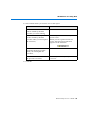
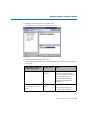
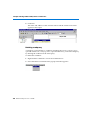
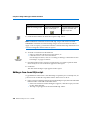
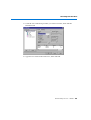
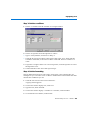
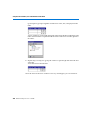
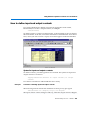
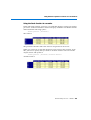
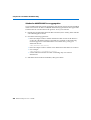
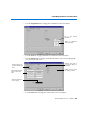
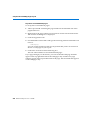
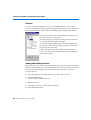
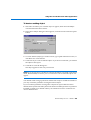
2. From the Macros in: list box, choose the documents where the macros are
stored. You can display the macros available in the active document, all
macros in all open documents, macros in a selected open document or macros
in add-ins.
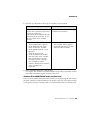
The macros stored in the selected document(s) are displayed in the Macro
Name list.
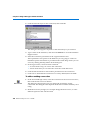
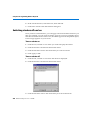
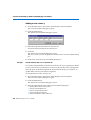
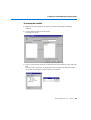
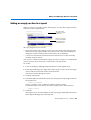
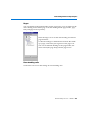
3. Select the name of the macro you want to use and click Run.
BusinessObjects User’s Guide 639