1
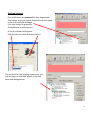
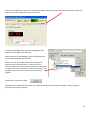
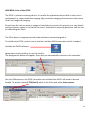
1) To switch on the microscope. Note the objective needs to be in the focus feedback device
older to be high enough to focus
Switching on
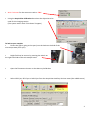
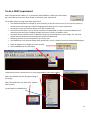
Select the IQ2 icon on the computer to initialise IQ2
Once the software is open
• The stage may initialise
• Put your sample on the microscope only when the
stage has finished initialising
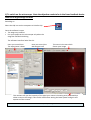
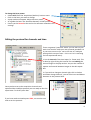
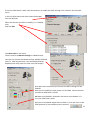
The software interface looks like this
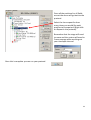
Here you control how
The experiment is done
Here you control the
Microscope itself
This menu is the one which
Shows your image
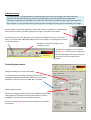
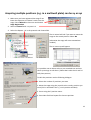
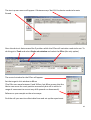
This number tells you the intensity of the pixel your mouse is hovering over (indicated by a
white arrow on the image). This can be useful when setting the lawer power and gain and
exposure of the camera .
If you want to use the focus feedback controller (PiFoc) see Appendix A at the back of the manual
2