1
•
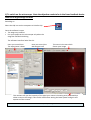
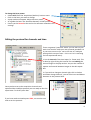
Wait 5 minutes for the camera to cool to -70oC
•
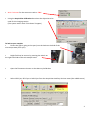
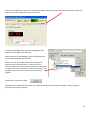
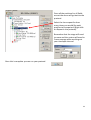
Using the Acquisition Calibration box select the objective to be
used for this imaging session
(The system won’t work if this doesn’t happen)
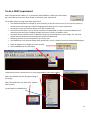
To look at your samples
•
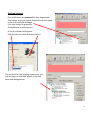
Ensure the light is going to the eyes (turn the knob on the RHS of the
microscope away from you).
•
Bright field can be turn on by pressing the switch on
the right hand side of the microscope stand.
•
Open the fluorescent shutter on the Mercury halide box
•
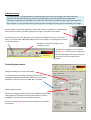
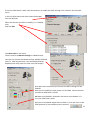
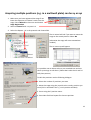
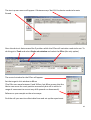
Select GFP-Eyes, RFP-Eyes or DAPI-Eyes from the Acquisition Auxillary Devices menu (the middle menu)
3