1
Digital Projection Lightning
Series PROJECTOR OVERVIEW
Installation and Quick-Start Guide
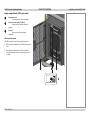
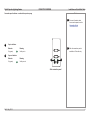
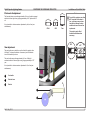
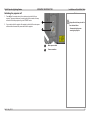
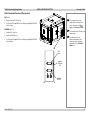
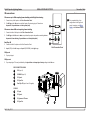
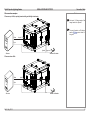
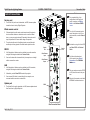
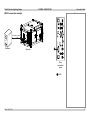
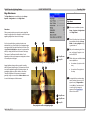
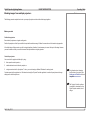
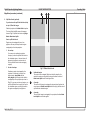
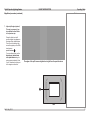
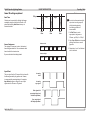
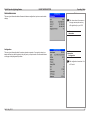
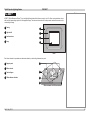
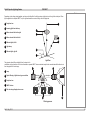
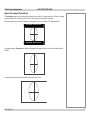
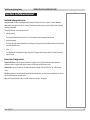
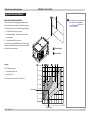
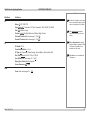
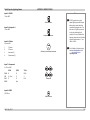
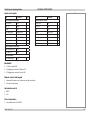
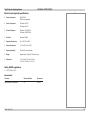
Lamp compartment with hours meter
1
Compartment door
Open to access the lamp compartment.
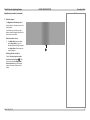
2
Lamp-hours meter with LCD display
Shows how long the lamp has been in
operation.
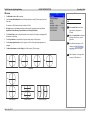
3
Air outlet
Blows hot air out to prevent lamp
overheating.
Notes
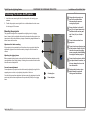
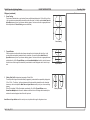
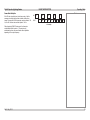
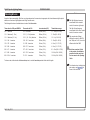
LCD lamp-hours meter
The LCD lamp-hours meter has two modes of operation:
•
When the lamp is switched on, the LCD will show lamp run
hours.
•
When the lamp is switched off, the LCD will be blank.
Press the button and hold for 5 seconds to display lamp
run hours.
1
Rev D July 2014
2
3
5