1
Digital Projection Lightning
Series APPENDIX D: MENU MAP
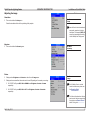
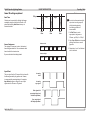
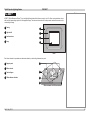
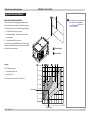
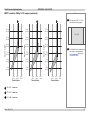
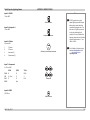
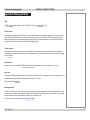
Notes
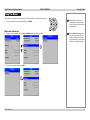
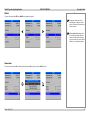
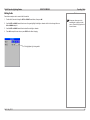
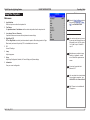
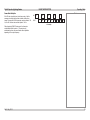
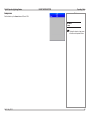
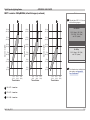
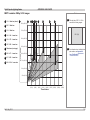
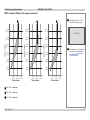
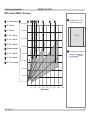
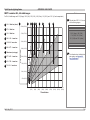
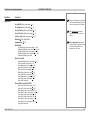
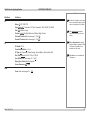
Main Menu
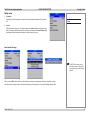
Sub Menus
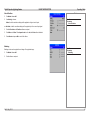
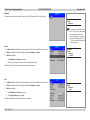
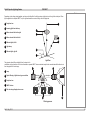
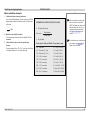
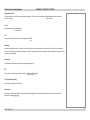
Setup
Orientation Desktop Front, Desktop Rear, Ceiling Front, Ceiling Rear
Latency Lowest, Best Video
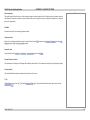
Input Configuration
DVI Boost EQ Off, On
DVI / HDMI Color Space RGB, YPbPr, Auto
DVI / HDMI Range Full, Limited, Auto
DVI-I Port Digital, Analog
Main / DVI Operation Single Link A, Single Link B, Auto
Main / DVI Range Full, Limited
Component Color Space RGB, YPbPr
Component Sync Type 3 Wire, 4 Wire, Auto
3G-SDI Level B Stream Stream 1, Stream 2
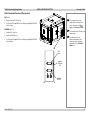
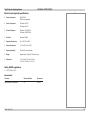
Some of the information in this menu
map is summarised. See the actual
menu on the projector for full detail.
The underlined text represents
the factory default value for each
setting.
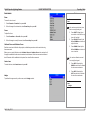
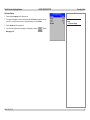
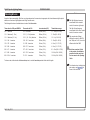
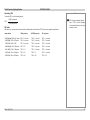
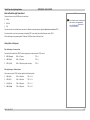
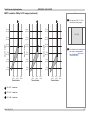
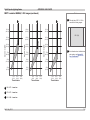
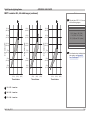
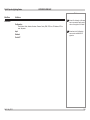
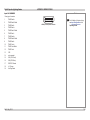
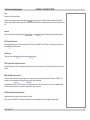
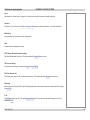
Network
Control
DHCP Off, On
IP Address (numeric input)
Subnet (numeric input)
Information: MAC Address
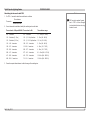
LAN
DHCP Off, On
IP Address (numeric input)
Subnet (numeric input)
Apply Settings (command)
Information: DHCP Status, IP Address, Subnet, MAC Address
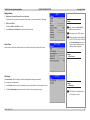
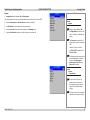
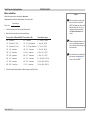
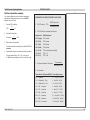
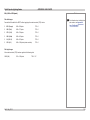
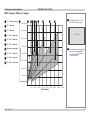
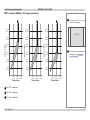
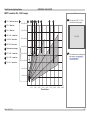
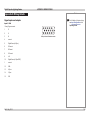
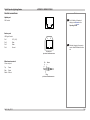
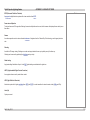
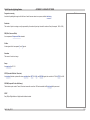
On Screen Display
Language US English, UK English
Timeout 5 sec, 10 Sec, 15 sec, 20 sec, 25 sec, 30 sec, infinite
Position Center, Top Left, Top Right, Bottom Left, Bottom Right
Messaging Off, On
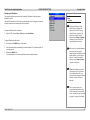
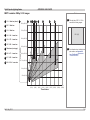
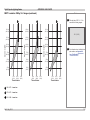
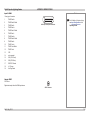
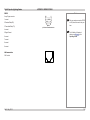
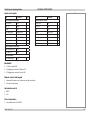
System
Configuration PIP, Edge Blend
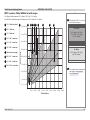
Shutter Open (command)
Shutter Close (command)
Power On (command)
Power Off (command)
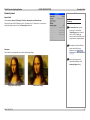
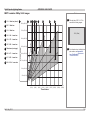
Do NOT reset the settings unless
you are sure that you want to restore
ALL the current settings to their
factory defaults.
Reset Default Settings (command)
Rev D July 2014
158