1
Digital Projection Lightning
Series USING THE PROJECTOR
Operating Guide
Network
Notes
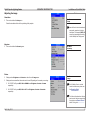
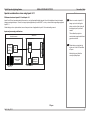
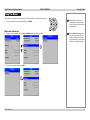
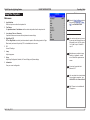
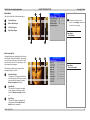
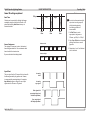
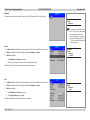
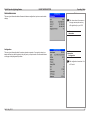
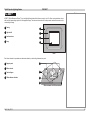
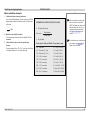
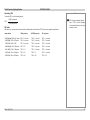
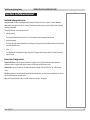
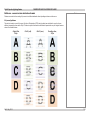
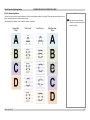
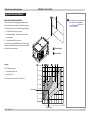
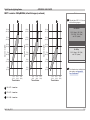
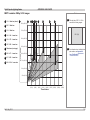
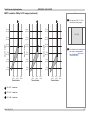
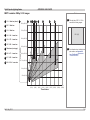
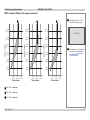
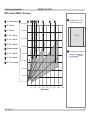
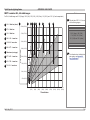
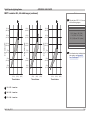
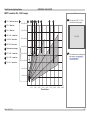
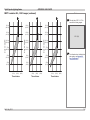
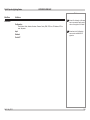
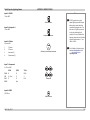
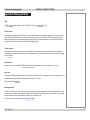
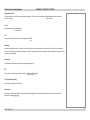
This menu allows setup of two networks, Control (via the RS232 port) and LAN (via the LAN port).
Main Menu
Setup
Network
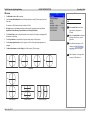
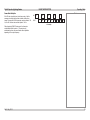
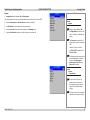
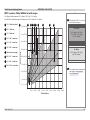
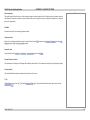
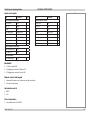
If the first digit of an address octet is
set to “2”, then it will not be possible
to enter values above 5 for the
second or third digits. To overcome
this, set the first digit to either “0” or
“1”. You can set the first digit back to
“2” later if necessary.
Control
•
•
•
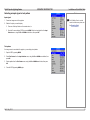
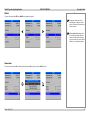
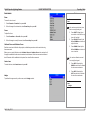
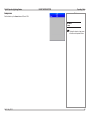
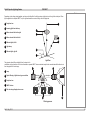
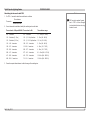
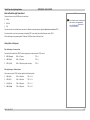
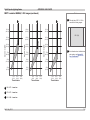
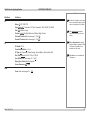
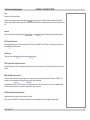
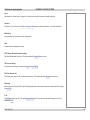
Set DHCP to On if the IP Address is to be assigned by a DHCP server, or Off if it is to be set here.
If DHCP is set to On, it will not be possible to edit either IP Address or Subnet.
If DHCP is set to Off:
Main Menu
Setup
Network
Control
1. Edit IP Address and Subnet as required.
2. Power cycle the projector in order for the new settings to take effect.
The MAC Address of the projector is shown at the bottom of the screen.
LAN
•
•
•
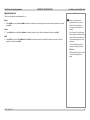
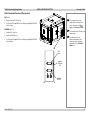
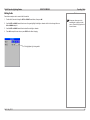
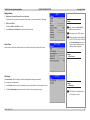
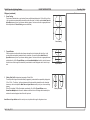
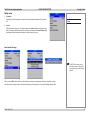
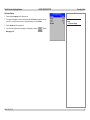
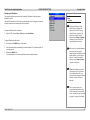
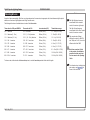
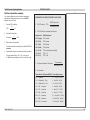
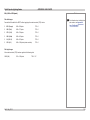
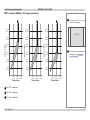
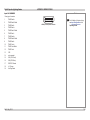
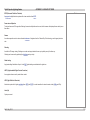
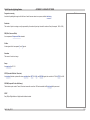
Set DHCP to On if the IP Address is to be assigned by a DHCP server, or Off if it is to be set here.
If DHCP is set to On, it will not be possible to edit either IP Address or Subnet.
If DHCP is set to Off:
Main Menu
Setup
Network
LAN
1. Edit IP Address and Subnet as required.
2. Select Apply Settings and press OK.
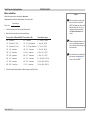
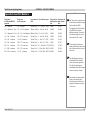
The fields at the bottom of the menu show the current settings.
Rev D July 2014
83