1
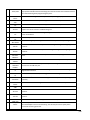
Contents
Contents
1
Safety Instructions
2
Introduction
3
Welcome
Terminology used in this guide
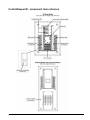
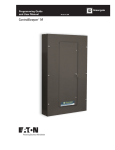
ControlKeeper M - component item reference
Basic Display Menu Navigation
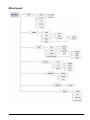
Menu navigation
Menu layout
Commissioning an Installation
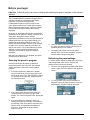
Before you begin
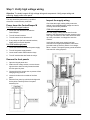
Step 1: Verify high voltage wiring
Step 2: Locate and map all relays
Step 3: Configure the panel network settings
Step 4: Reset factory defaults
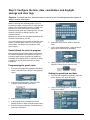
Step 5: Configure the time, date, coordinates, and daylight savings and clear logs
Step 6: Initial relay and power fail settings
Step 7: Connecting and configuring contact inputs
Step 8: Connecting and configuring Greengate Digital Switches
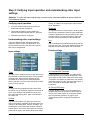
Step 9: Verifying input operation and understanding other input settings
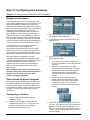
Step 10: Configuring time schedules
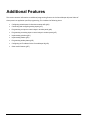
Additional Features
Configuring switch timers for after-hours
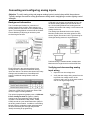
Connecting and configuring analog inputs
Broadcasting commands on the network
Programming priorities
Programming masks
Programming holiday dates
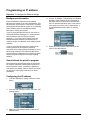
Programming an IP address
Other Useful Features
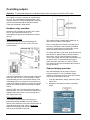
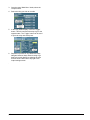
Overriding outputs
Viewing live status
Viewing log data
Viewing power data and relay run time
Changing GDS faceplate configuration
Maintenance, memory, and power information
Indicator LEDs
Appendix A:
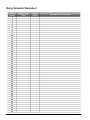
Relay Schedule Worksheet
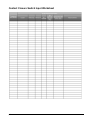
Contact Closure Switch Input Worksheet
Greengate Digital Switch Worksheet
Analog Input Worksheet
p1
3
4
5
6
6
7
8
9
10
13
14
16
17
21
24
29
35
36
38
39
41
46
51
53
55
56
57
58
60
61
63
65
66
67
69
70
71
72
73