1
Digital Projection E-Vision
USING THE MENUS
6000 Series
Navigating the menus
Notes
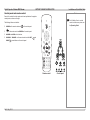
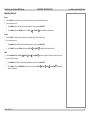
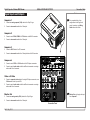
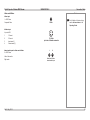
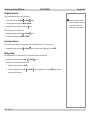
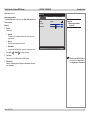
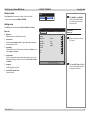
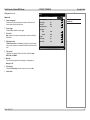
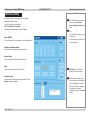
When you open a page with tabs, you can do the following:
•
•
•
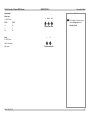
move from tab to tab using the LEFT
and RIGHT
arrows.
Some menu options and controls
may not be available due to settings
in other menus. These will be
shaded gray on the actual menu.
return to the previous level by pressing MENU or RETURN.
navigate from the tabs to the page using the down
Operating Guide
arrow.
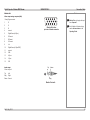
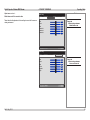
Within a menu page you can do the following:
•
•
navigate within the page using the UP
and DOWN
arrows.
move back to the tabs by pressing MENU or RETURN.
Accessing sub-menus
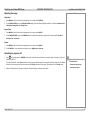
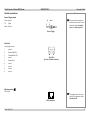
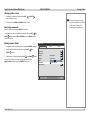
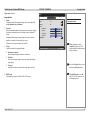
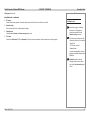
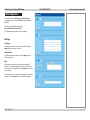
Some menu items are sub-menus. They open new pages which in turn contain menu items. To access a sub-menu,
•
navigate within the page using the UP
and DOWN
arrows until the sub-menu is highlighted, and press ENTER.
Editing settings
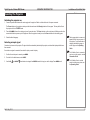
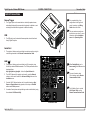
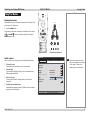
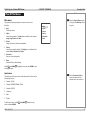
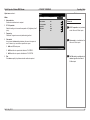
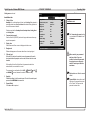
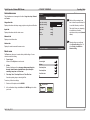
Each setting contains a list of values to choose from. You can change the value in two different ways.
•
•
Navigate to the menu item and press the LEFT
or RIGHT
arrow.
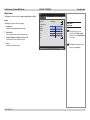
Alternatively, you can view the list and choose a value:
1. Navigate to the menu item and press ENTER.
2. In the pop-up list that opens, use the UP
change and close the pop-up list.
Rev D July 2014
and DOWN
arrows to highlight an item, and press ENTER again to apply the
33