1
Digital Projection E-Vision
6000 Series
IN THIS GUIDE
IN THIS GUIDE
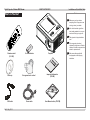
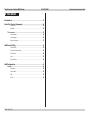
What’s In The Box?.............................................................................................. 3
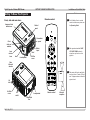
Getting To Know The Projector...................................................................... 4
Front, side and rear views........................................................................................... 4
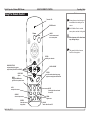
Remote control............................................................................................................. 4
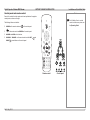
Control panel and remote control.............................................................................. 5
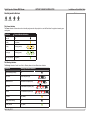
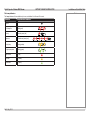
Control panel indicators.............................................................................................. 6
The Power indicator........................................................................................................... 6
The Warning indicator........................................................................................................ 6
The Lamp indicators.......................................................................................................... 7
Changing The Lens, Lamps And Color Wheel............................................. 8
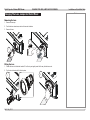
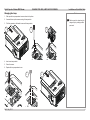
Removing the lens....................................................................................................... 8
Fitting the lens.............................................................................................................. 8
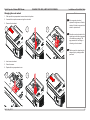
Changing the lamp....................................................................................................... 9
Changing the color wheel.........................................................................................10
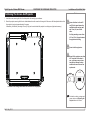
Positioning The Screen And Projector........................................................ 11
Operating The Projector.................................................................................. 12
Switching the projector on........................................................................................12
Selecting an input signal...........................................................................................12
Adjusting the lens......................................................................................................13
Zoom................................................................................................................................13
Focus...............................................................................................................................13
Shift..................................................................................................................................13
Adjusting the image...................................................................................................14
Orientation.......................................................................................................................14
Aspect Ratio.....................................................................................................................14
Picture..............................................................................................................................14
Switching the projector off........................................................................................14
Rev D July 2014
Installation and Quick-Start Guide