1
Digital Projection E-Vision
6000 Series
A TOUR OF THE MENUS
Adjust menu continued...
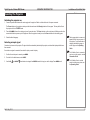
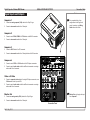
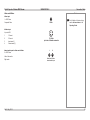
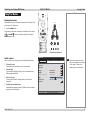
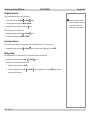
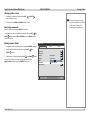
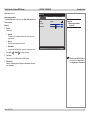
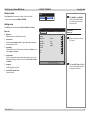
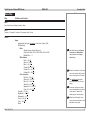
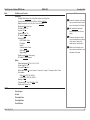
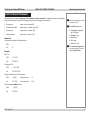
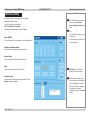
Detail setting
Detail setting sub-menu
Image
Basic
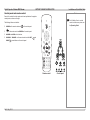
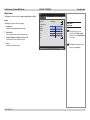
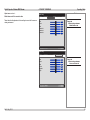
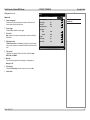
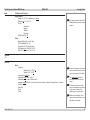
The Detail setting menu contains three tabs: Basic, White balance, and
Color correction.
Basic tab
•
Gamma
Color temp.
BrilliantColor
Operating Guide
Notes
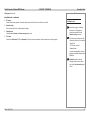
White balance
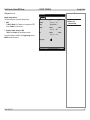
Color correction
Dynamic
6500
4
Adjust menu
Image tab
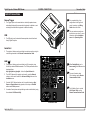
Detail setting sub-menu
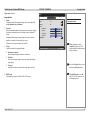
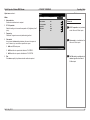
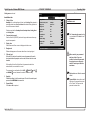
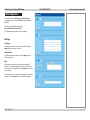
Basic tab
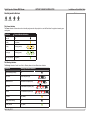
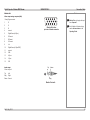
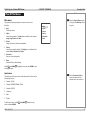
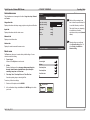
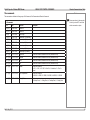
Gamma
Choose from:
•
Dynamic
•
Natural
•
The gamma curve is adjusted automatically, depending on the
image content.
Balanced shadow detail and black level.
Black detail
Increased shadow detail at the expense of elevated black levels.
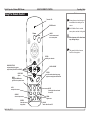
Press LEFT
or RIGHT
to change the setting.
•
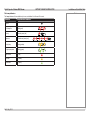
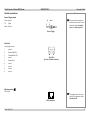
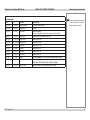
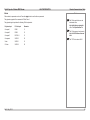
Color temp.
Choose a value from 5000 (warmer) to 10500 (cooler).
•
BrilliantColor
Allows for increased projector brightness at the expense of accurate
color reproduction.
Rev D July 2014
Color temp. and BrilliantColor are
not available when Image Select is
set to High-bright or Presentation.
37