1
Process .
Math .
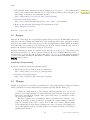
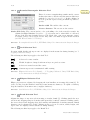
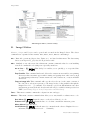
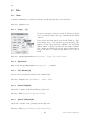
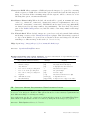
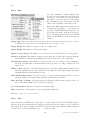
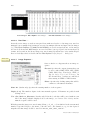
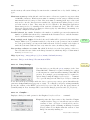
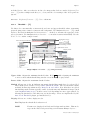
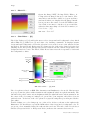
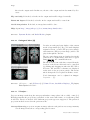
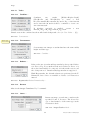
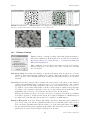
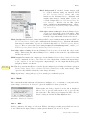
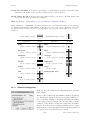
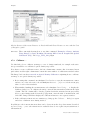
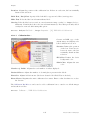
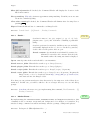
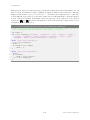
Black background If checked, binary images will
be created without using an inverted LUT
(cf. XX Creating Binary Masks) and commands in the Process . Binary . submenu will
assume that images contain white objects on
a black background (see XXI Interpreting Binary Images).
Macros can set this option
using setOption("BlackBackground", true);
(see XXI Interpreting Binary Images and Settings
and Preferences).
Pad edges when eroding If checked, Binary . Erode
does not erode from the edges of the image. This
setting also affects Binary . Close–, which erodes
from the edges unless this checkbox is selected.
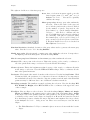
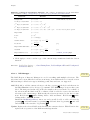
Black background If checked, binary images will be created without using an inverted LUT (cf.
XX Creating Binary Masks) and commands in the Process . Binary . submenu will assume
that images contain white objects on a black background (see XXI Interpreting Binary
Images). Macros can set this option using setOption("BlackBackground", true); (see
XXI Interpreting Binary Images and Settings and Preferences).
Pad edges when eroding If checked, Binary . Erode does not erode from the edges of the
image. This setting also affects Binary . Close–, which erodes from the edges unless this
checkbox is selected.
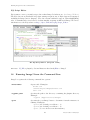
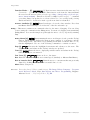
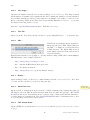
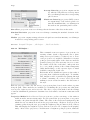
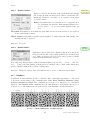
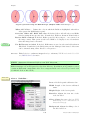
EDM output Determines the output type for the Binary . Distance Map, Ultimate Points and
Voronoi commands. Set it to ‘Overwrite’ for 8–bit output that overwrites the input image;
‘8–bit’, ‘16–bit’ or ‘32–bit’ for separate output images. 32–bit output has floating point
(subpixel) distance resolution.
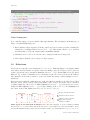
Improved
in IJ 1.45m
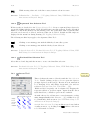
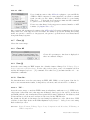
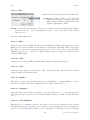
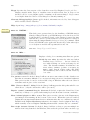
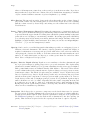
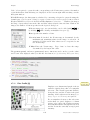
Do This drop-down menu allows to test the chosen settings by previewing each binary operation
(Erode, Dilate, Open, Close–, Outline, Fill Holes, Skeletonize) on the active image. This
option is only available when the active image is binary.
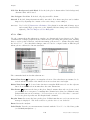
Help Opens http://imagej.nih.gov/ij/docs/menus/process.html#options.
26.9
Math .
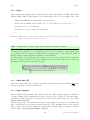
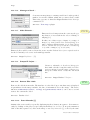
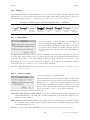
The commands in this submenu add (subtract, multiply, etc.) a constant to each pixel in the
active image or selection. A ‘Preview ’ option is available for most operations.
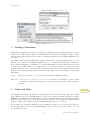
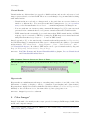
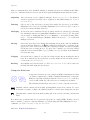
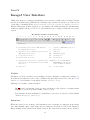
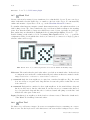
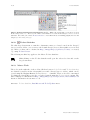
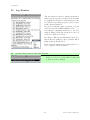
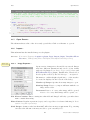
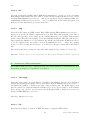
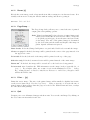
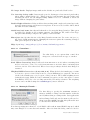
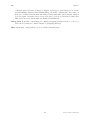
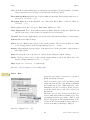
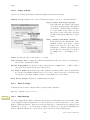
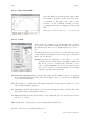
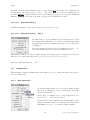
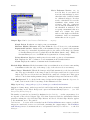
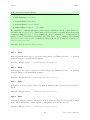
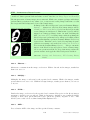
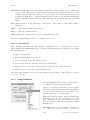
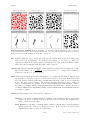
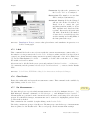
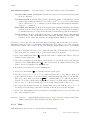
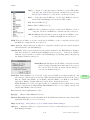
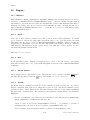
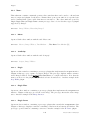
With stacks, the dialog depicted on the left is displayed.
Choose ‘Yes’ to process entire stack or ‘No’ to process only
the active slice. The dialog is not displayed if Hide "Process
Stack?" dialog is checked in Edit . Options . Misc. . .
See also: Memory & Threads. . .
26.9.1
Add. . .
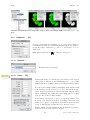
Adds a constant to the image or selection. With 8–bit images, results greater than 255 are set
to 255. With 16–bit signed images, results greater than 65,535 are set to 65,535.
102
Latest revision: 2011/08/06