1
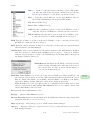
Edit .
Options .
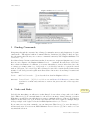
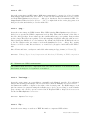
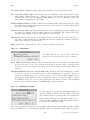
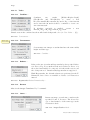
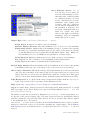
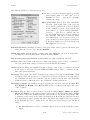
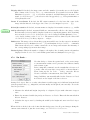
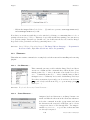
Use JFileChooser to open/save Enables versions of File . Open and File . Save As that use
the Java JFileChooser instead of the native OS file open and save dialogs. The main
advantage of JFileChooser is the ability to open multiple files by shift-clicking to select
multiple contiguous files and control-clicking to select more than one individual file. On
the other hand, it is slower, uses more memory, and does not behave like the file open and
save dialogs used in other applications.
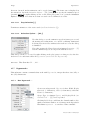
Save TIFF and raw in intel byte order Specifies the byte order used when saving 16–bit
and 32–bit images using File . Save As . Raw Data. . . , or File . Save As . Image Sequence. . .
when Raw is chosen as the format. Check this option to export images using the order used
by Intel ×86 based processors (little-endian). This Wikipedia article has more information.
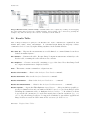
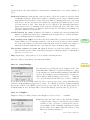
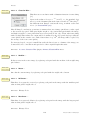
Results Table Options Specifies if column headers and row numbers should be saved or
copied from ImageJ tables such as the Results and Summarize windows (see Results
Table).
24.13.3
Fonts. . .
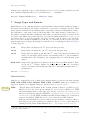
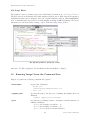
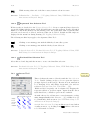
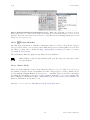
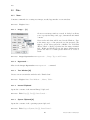
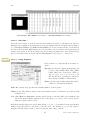
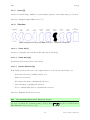
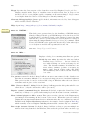
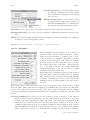
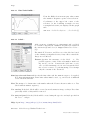
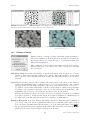
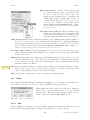
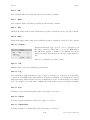
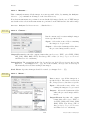
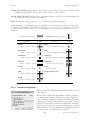
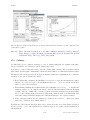
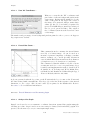
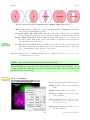
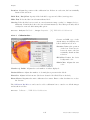
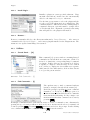
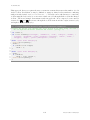
Opens a small widget with three pop-up menus for specifying the type face, size, style and
antialiasing (Smooth checkbox) of the font used by the Text Tool and Image . Stacks . Label. . .
It is also possible to adjust the horizontal text alignment using the style drop-down menu: Left
(the default), Right, or Centered. The widget is more easily opened by double clicking on the
Text Tool.
24.13.4
Profile Plot Options. . .
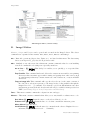
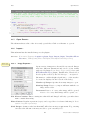
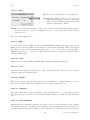
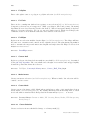
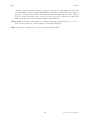
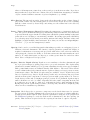
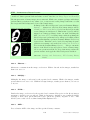
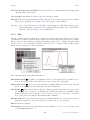
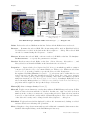
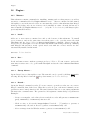
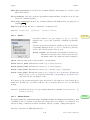
Use this dialog to control how plots generated by ImageJ are displayed (Image . Stacks . Plot
Z-axis Profile. . . , Analyze . Plot Profile [k], Analyze . Calibrate. . . , Analyze . Tools . Curve Fitting. . . ,
Multi Plot [Analyze . Tools . ROI Manager. . . ], etc.).
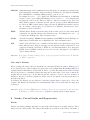
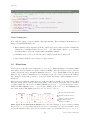
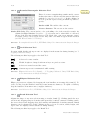
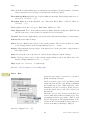
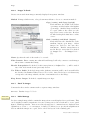
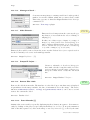
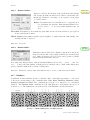
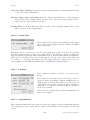
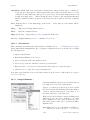
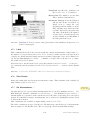
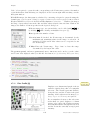
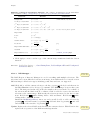
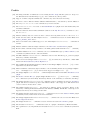
Plot Width and Plot Height Specify the length (in pixels)
of the X-axis (Plot Width) and Y-axis (Plot Height).
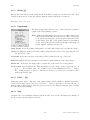
Fixed y-axis Scale If checked, the Y-axis range is fixed and
the specified Minimum Y and Maximum Y values are
used, otherwise, plots are scaled based on the minimum
and maximum gray values.
Do not Save x–values If checked, ‘List’, ‘Save. . . ’ and
‘Copy. . . ’ buttons will appear in profile plot windows.
Auto–close If checked, profile plot windows will be automatically closed when ‘List’, ‘Save’ and ‘Copy’ are clicked
on.
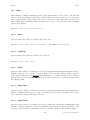
Vertical Profile If checked, row average plots of rectangular areas (or line selections wider
than 1 pixel) will be generated instead of the default column average plots. Note that
evoking Plot Profile [k] with Alt B will generate vertical profiles.
58
Latest revision: 2011/08/06