1
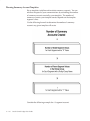
Generating Recurring Journal Batches
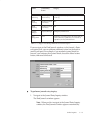
You must generate recurring journals to create unposted journal entries
from the recurring journal formulas you defined. After generating the
formulas, you can review or edit the recurring journal batches before
posting them.
Prerequisite
❑ Define your recurring journal entry formulas.
"
1 – 70
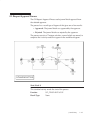
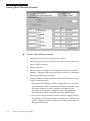
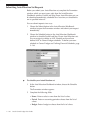
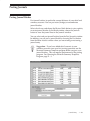
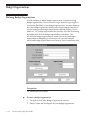
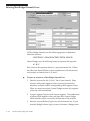
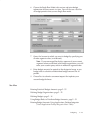
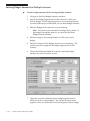
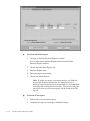
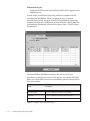
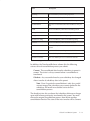
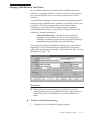
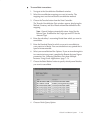
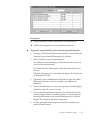
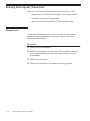
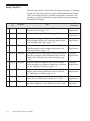
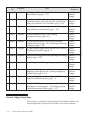
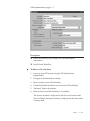
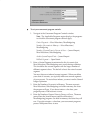
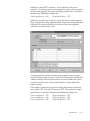
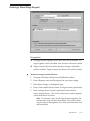
To generate unposted batches from recurring journal formulas:
1.
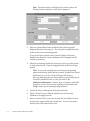
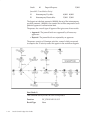
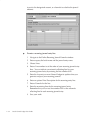
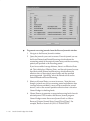
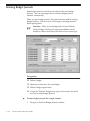
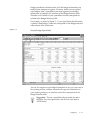
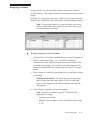
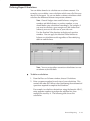
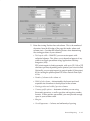
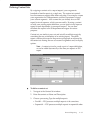
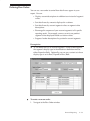
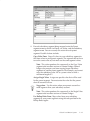
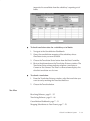
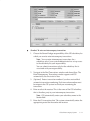
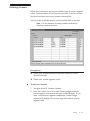
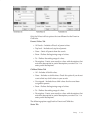
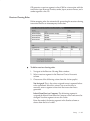
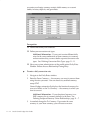
Navigate to the Generate Recurring Journals window.
2.
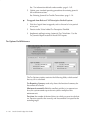
(Optional) If you have average balance processing enabled and
your set of books is a consolidation set of books, select a Usage.
Select Standard Balances to create recurring journals that update
standard balances only. Select Average Balances to create recurring
journals that update average balances only.
3.
(Optional) If you have average balance processing enabled, choose
Submission Details from the poplist to enter values for the
recurring journals you want to generate. Choose Last Run Details
to see the values that you used the last time you generated the
recurring journals.
4.
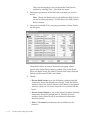
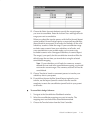
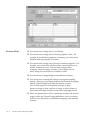
Select the Recurring Batches you want to generate.
5.
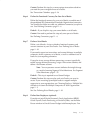
Enter the accounting Period for which you want to create an
unposted journal batch. The default is the first open accounting
Oracle General Ledger User Guide