1
4.
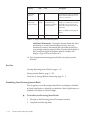
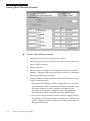
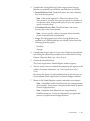
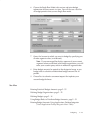
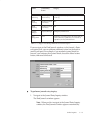
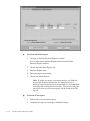
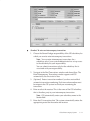
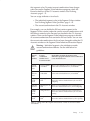
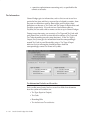
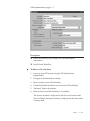
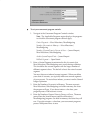
In the Amount Type field, enter the balance type to derive the
eliminations from. Possible values include PTD, QTD, YTD, and
PJTD.
Note: Average balances cannot be used.
5.
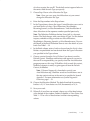
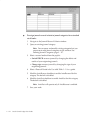
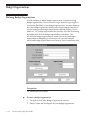
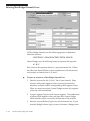
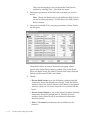
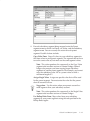
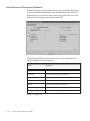
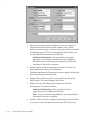
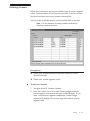
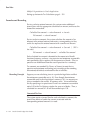
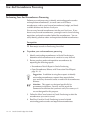
In the Elimination Accounts window, specify the Source. The
source account balance will be fully eliminated into the target
account. For each account segment, choose a detail account value, a
parent account value, or leave the segment blank.
Note: Use parent values to reduce maintenance because the
elimination set automatically accommodates changes in the
children values associated with a particular parent value.
Parent values save you time in defining elimination sets
because you can specify one elimination line which includes the
parent value, instead of multiple lines for each child value. If
you use parent values, the elimination functionality
automatically loops through each of the child values for those
segments and creates its offset in your elimination journal.
6.
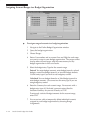
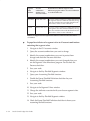
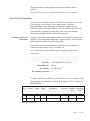
Specify a target account for your elimination entry. For each
account segment, choose a detail account value or leave the
segment blank.
Note: If you specify an elimination company in the Elimination
Sets form, the balancing segment value is set for you. You
cannot override this default.
However, if you do not specify an elimination company in the
Elimination Set form, the source account balancing segment
value will default as the target balancing segment value. You
can override this default.
7.
Save your work.
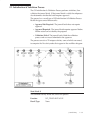
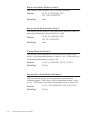
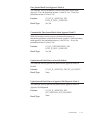
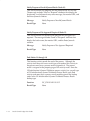
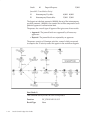
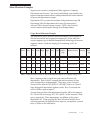
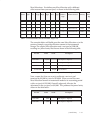
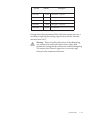
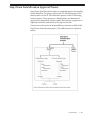
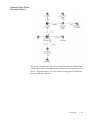
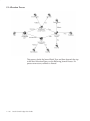
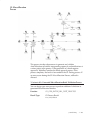
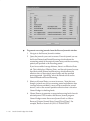
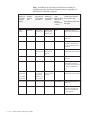
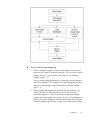
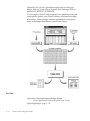
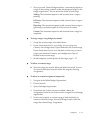
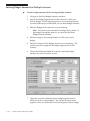
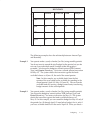
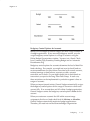
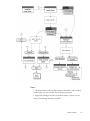
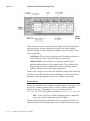
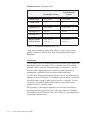
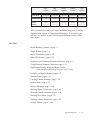
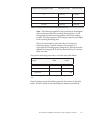
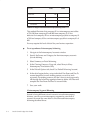
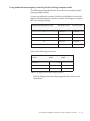
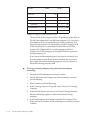
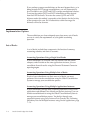
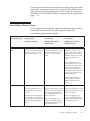
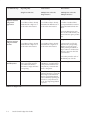
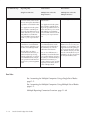
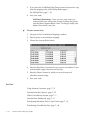
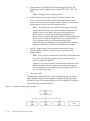
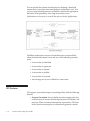
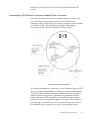
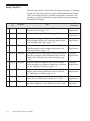
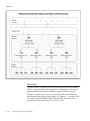
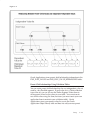
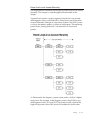
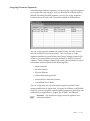
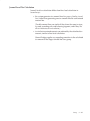
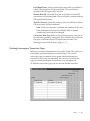
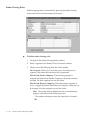
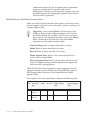
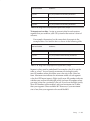
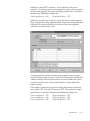
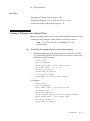
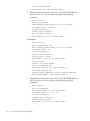
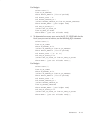
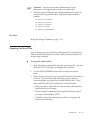
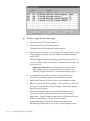
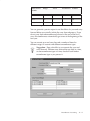
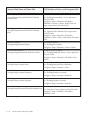
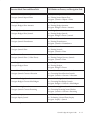
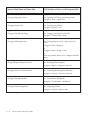
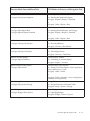
The following example illustrates how the mapping rules work for a
single segment, the cost center segment. In this example, the parent
cost center value 999 has three children, 100, 200, and 300. The 400 cost
center value does not have a parent.
Figure 7 – 2 Eliminations Segment Value Diagram
7 – 54
Oracle General Ledger User Guide