1
Chapter 13 Sending & Storing Completed Sequences
Sending Sequences to Another NewsEdit or a
Playback Server
Sending your completed sequences to a playback server is the most common
way to use NewsEdit. You can also send your sequences to another NewsEdit
workstation or to a network server.
NOTE: When using NewsEdit in a shared environment, you won’t
need to send files often since the Bin is common among all editors.
If you have a Profile Video Server, K2 Server, or M-Series iVDR, you can send
your sequences to the server for almost instant playback to air. Once you
establish a network between the media server and other NewsEdit workstations,
you can send clips and sequences to other NewsEdit workstations as well as the
media server.
You follow the same steps to send a story to any NewsEdit workstation or
compatible playback server.
To send a completed sequence:
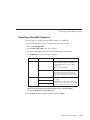
1. Go to the Bin and highlight the sequence you wish to send by clicking on the
sequence title.
If the sequence is open on the Timeline, you don’t need to go to the Bin.
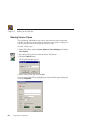
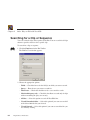
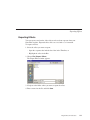
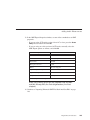
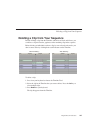
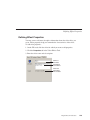
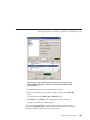
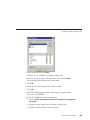
2. Press F2 on the keyboard or click the Send to File button in the toolbar.
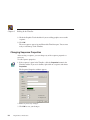
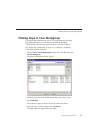
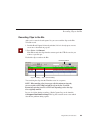
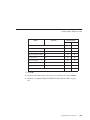
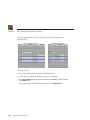
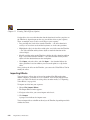
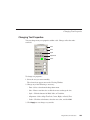
The Select Destination window appears, showing all available locations:
244
Digital News Production