1
Control level 2 – Contractor
Pasteurisation function
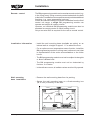
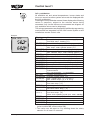
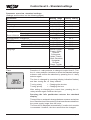
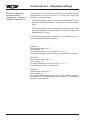
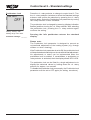
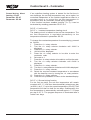
Parameter A07
A07
0
Factory setting: 0
Setting range: 1 to 8
Individual settings: _______
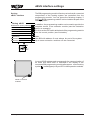
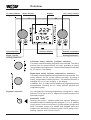
With the r.h. rotary selector, choose the Pasteurisation function
system parameter A07 from the Contractor menu level (after
entering the correct code).
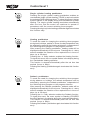
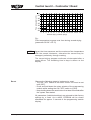
The Pasteurisation function parameter is changed by pressing
(display indication flashes) and then turning the r.h. rotary
selector. After setting the Pasteurisation function parameter,
pressing the r.h. rotary selector again confirms the setting.
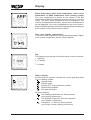
Pressing the Info pushbutton returns the standard
display.
Please note:
• Systems without solar module:
If pasteurisation has been enabled, the DHW cylinder will be
heated to 65 °C during the first cylinder heating of the selected
day. This set temperature will be maintained for one hour.
• Systems with solar module:
The pasteurisation function will be safeguarded by the boiler
or the solar heating system, if pasteurisation has been enabled.
a. Pasteurisation by the solar heating system
The pasteurisation function via the boiler will be blocked if the
solar yield has achieved a cylinder temperature in excess of
65 °C for at least one hour. Blocking the pasteurisation by
the boiler is indicated at the info level STATUS SOL.
b. Pasteurisation by the boiler
If the solar yield is insufficient for a pasteurisation, the set
DHW temperature is set to 65 °C for one hour at 18:00 h on
the selected day.
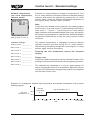
The settings have the following meaning:
0 ! Pasteurisation disabled
1 to 7 ! Pasteurisation once a week (1 = Mon; 7 = Sun)
8 ! Daily pasteurisation
30 61 872_0407
43